
Tools for YouTube bundles helpful utilities that improve day-to-day viewing on youtube.com. Rather than one visual theme, it focuses on practical browser-side tools that make watching and navigating videos smoother.
Browser Extension
Tools for YouTube
Utility tools to enhance YouTube
Tools for YouTube adds helpful utilities for the YouTube experience. Access browser-side tools that enhance how you watch and interact with videos, with preferences stored locally.
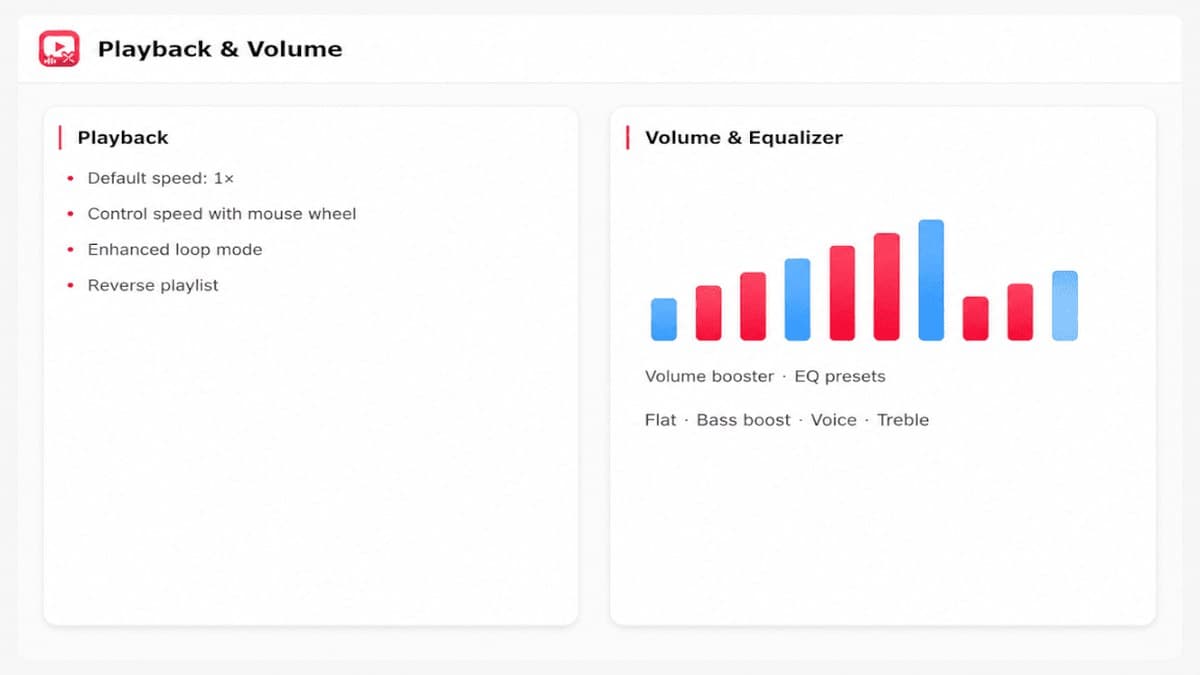
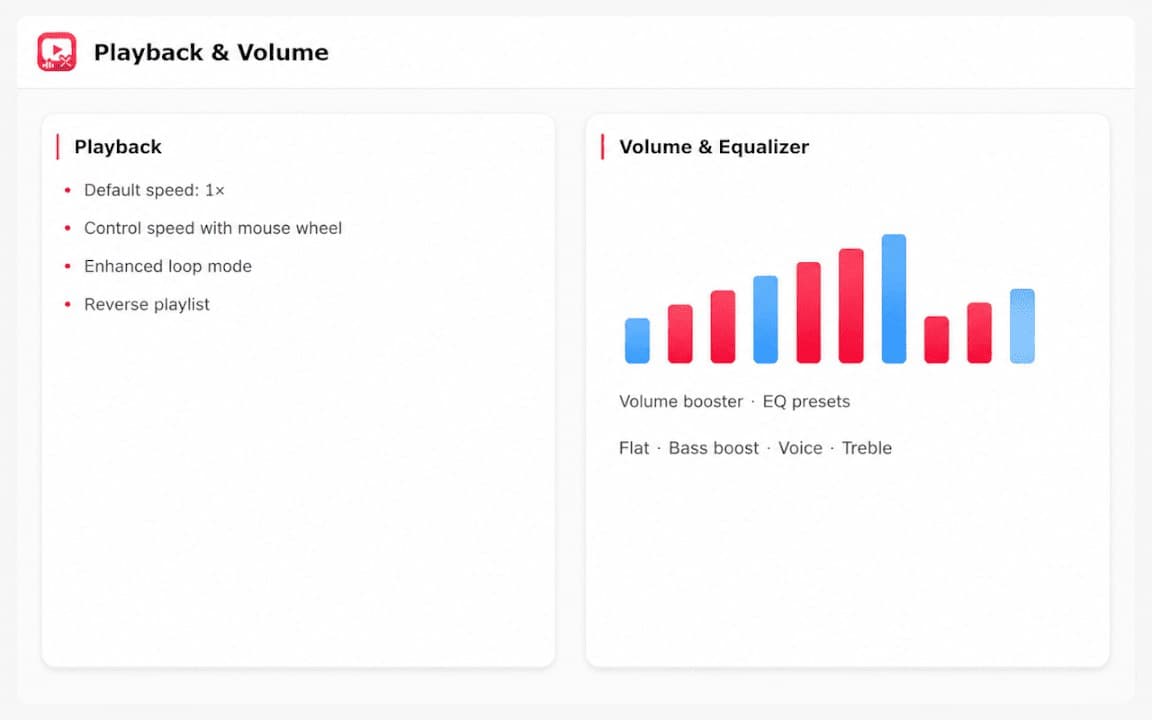
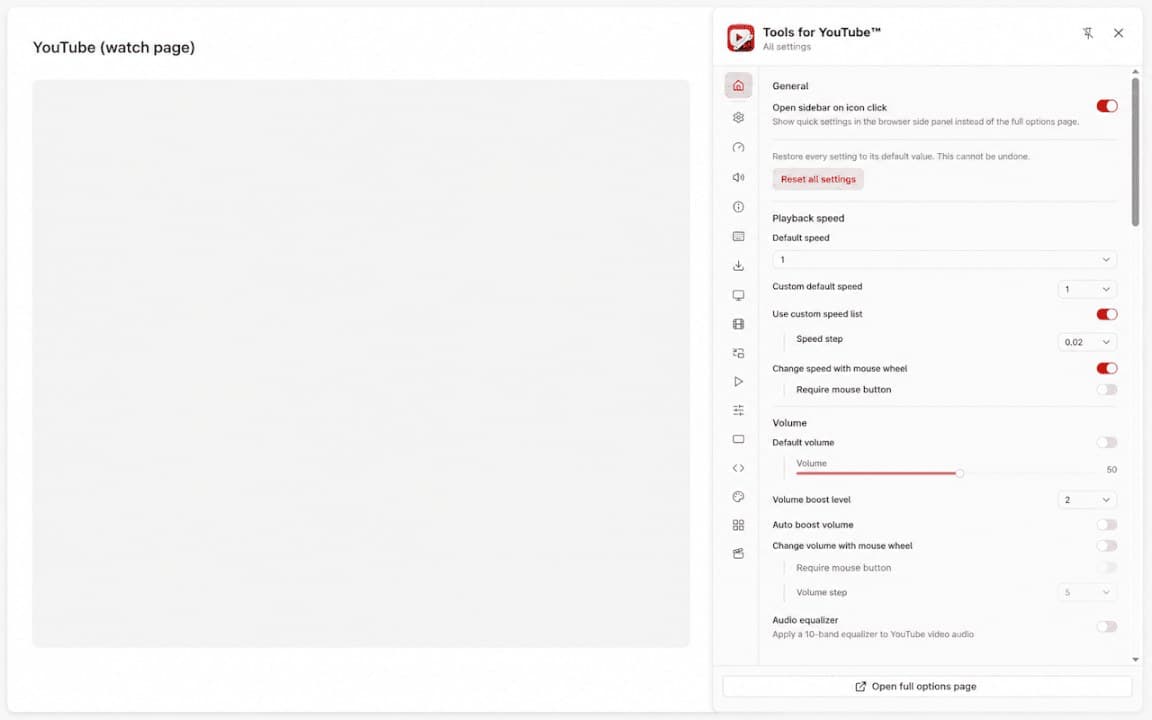
Screenshots from Chrome Web Store
See how Tools for YouTube looks in the browser - real images from the store listing.
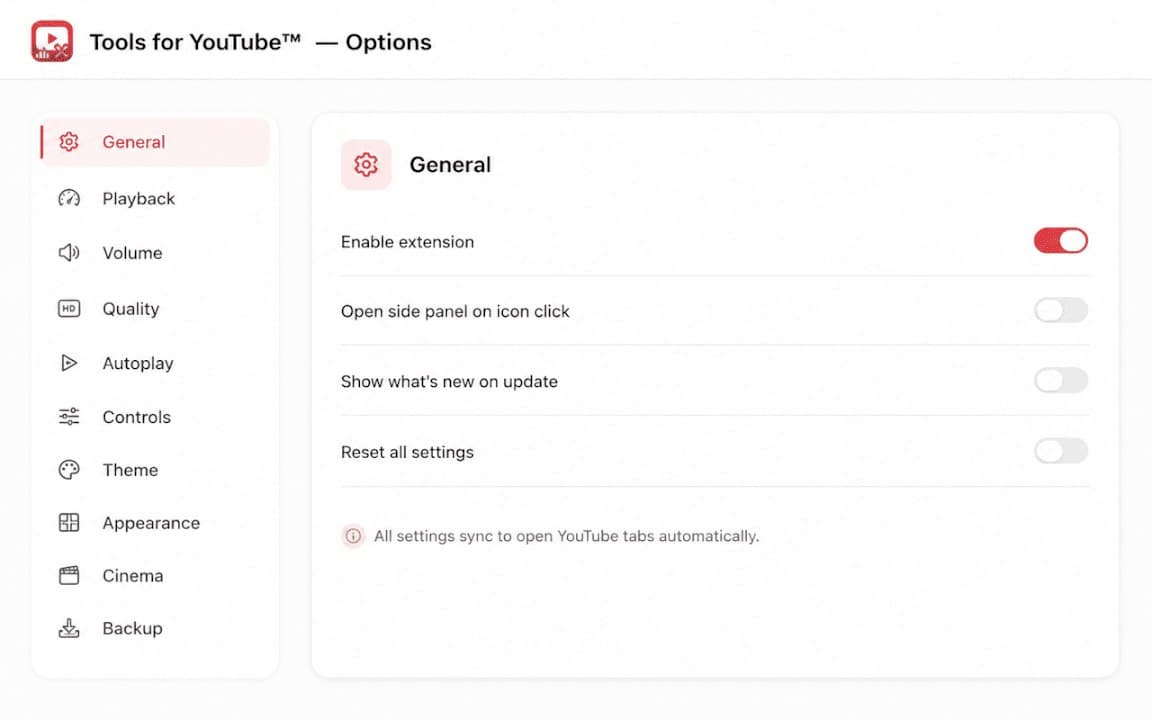
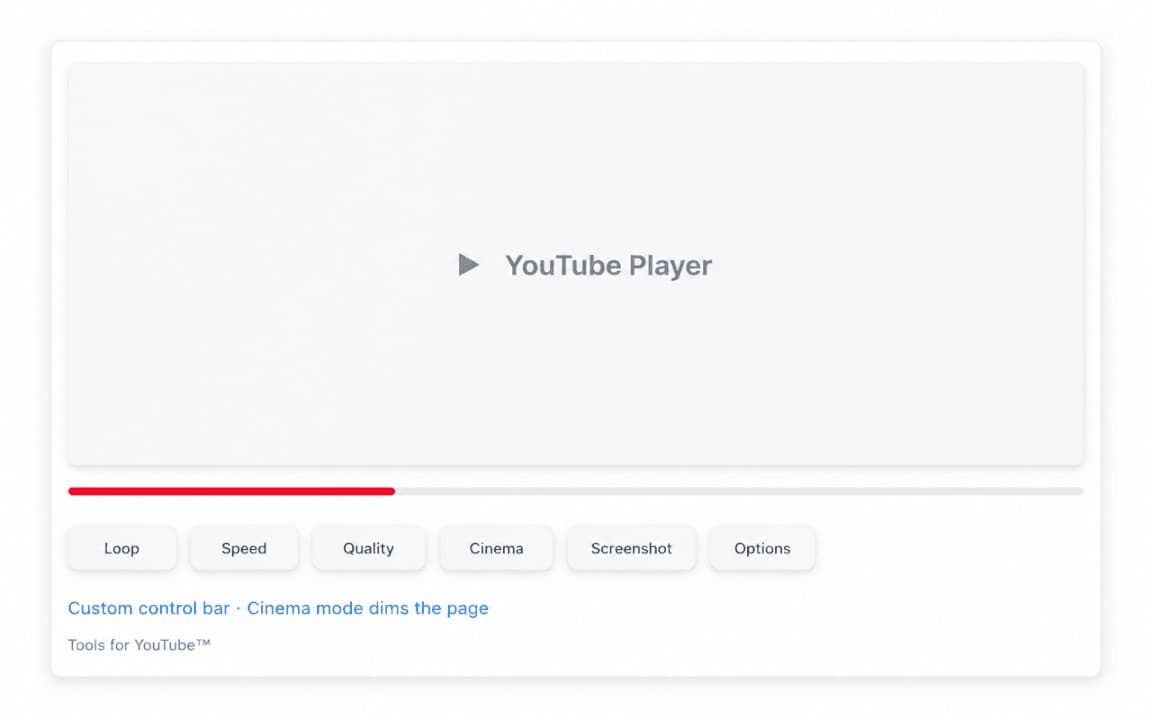
Overview
Utility tools to enhance YouTube
A closer look at what Tools for YouTube does, who it is for, and how it fits into your browsing setup.
Install it if you want extra YouTube workflow helpers without cluttering the page. Features depend on the current extension version-check the Chrome Web Store listing for the latest tool set.
Tools for YouTube is free, stores preferences locally, and applies on YouTube pages in Chrome.
youtubetoolsvideochrome extension
Key Features
- YouTube utility tools
- Viewer workflow helpers
- Local settings
- Lightweight extension
- Free to use
Install in three steps
- 1
Open the Chrome Web Store listing and click Add to Chrome.
- 2
Confirm the install prompt in your browser.
- 3
Pin the extension and adjust settings from the toolbar menu.
More from Cusmize
Related Extensions
Other free browser extensions you might like.




Ready to try Tools for YouTube?
Free to install. No account required. Settings stay on your device.
Install from Chrome Web Store