
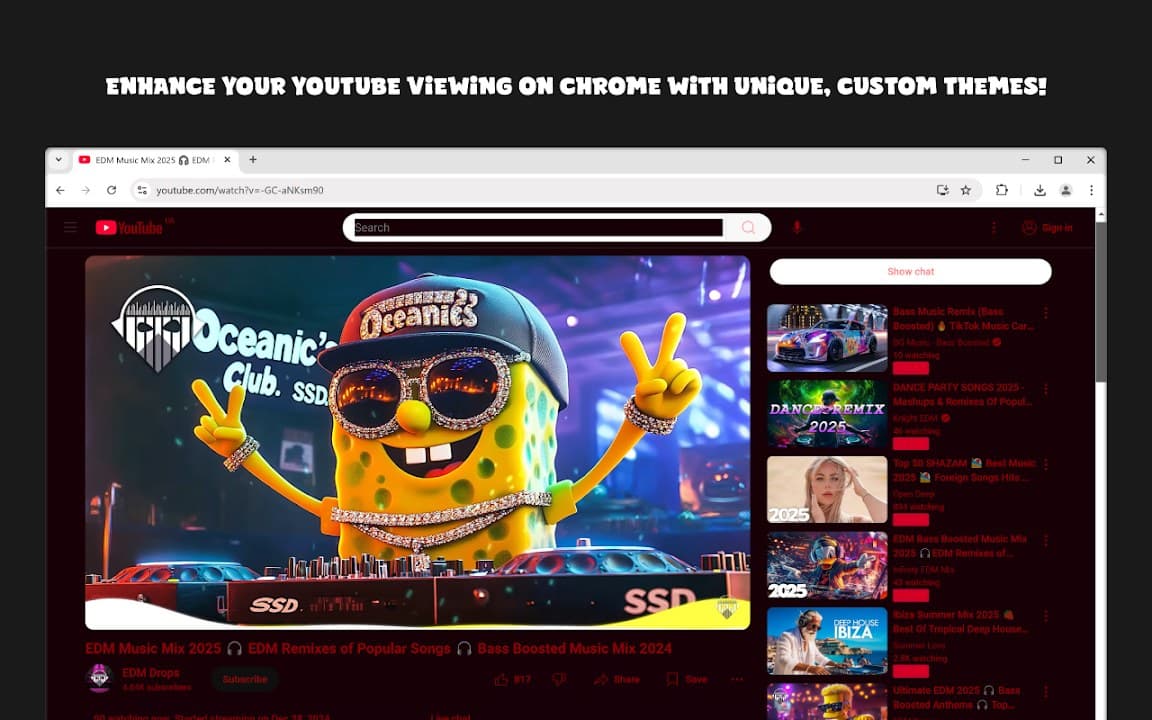
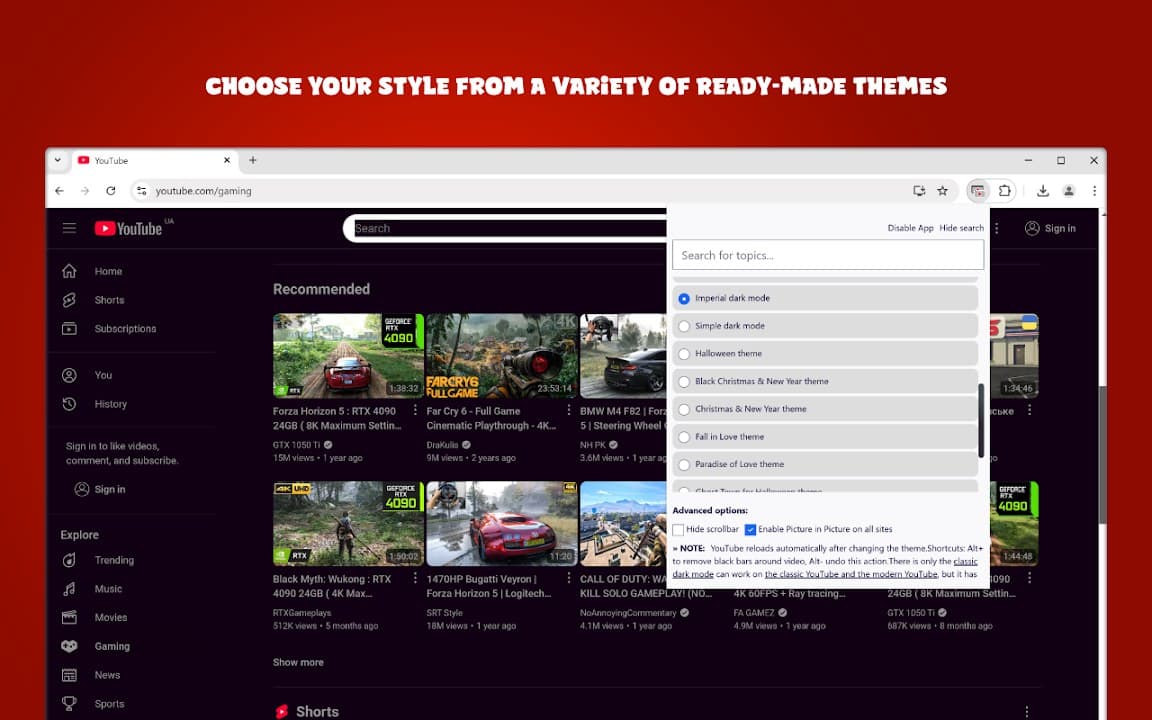
Custom YouTube Styler lets you personalize YouTube's appearance with custom styles beyond a single color swap. Tweak player and interface elements so the site feels closer to your preferred aesthetic.
Browser Extension
Custom YouTube Styler
Custom styles for YouTube
Custom YouTube Styler lets you apply custom visual styles to YouTube. Change colors, accents, and UI elements to match your taste while keeping settings stored on your device.
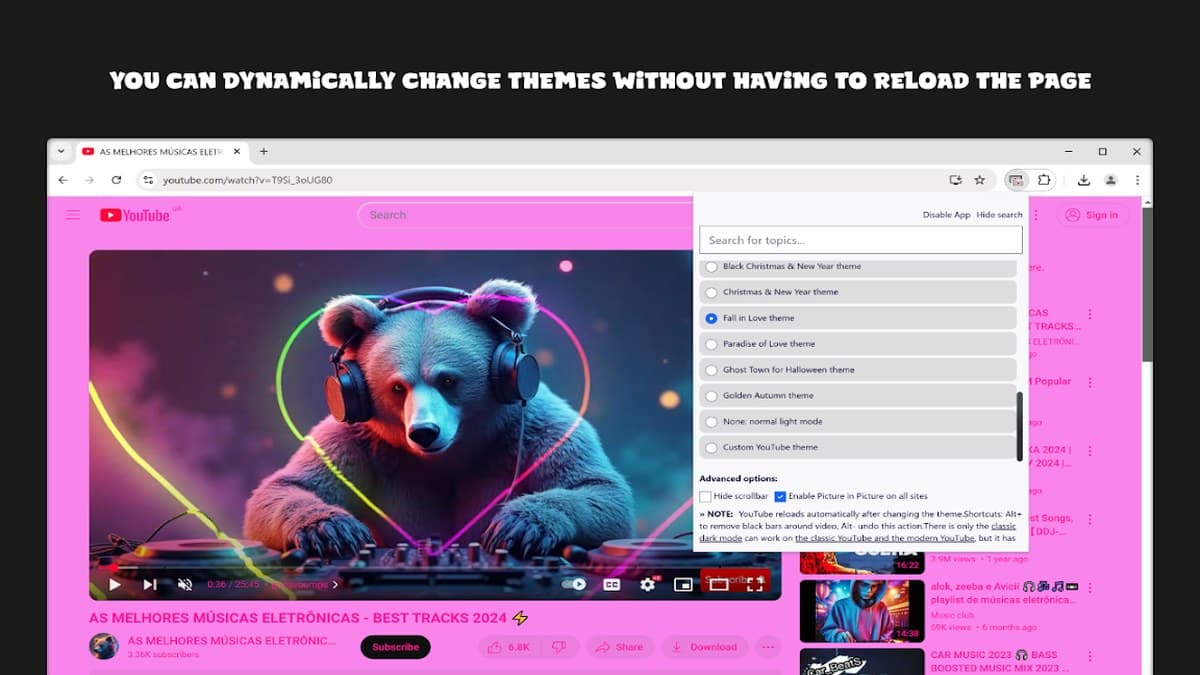

Screenshots from Chrome Web Store
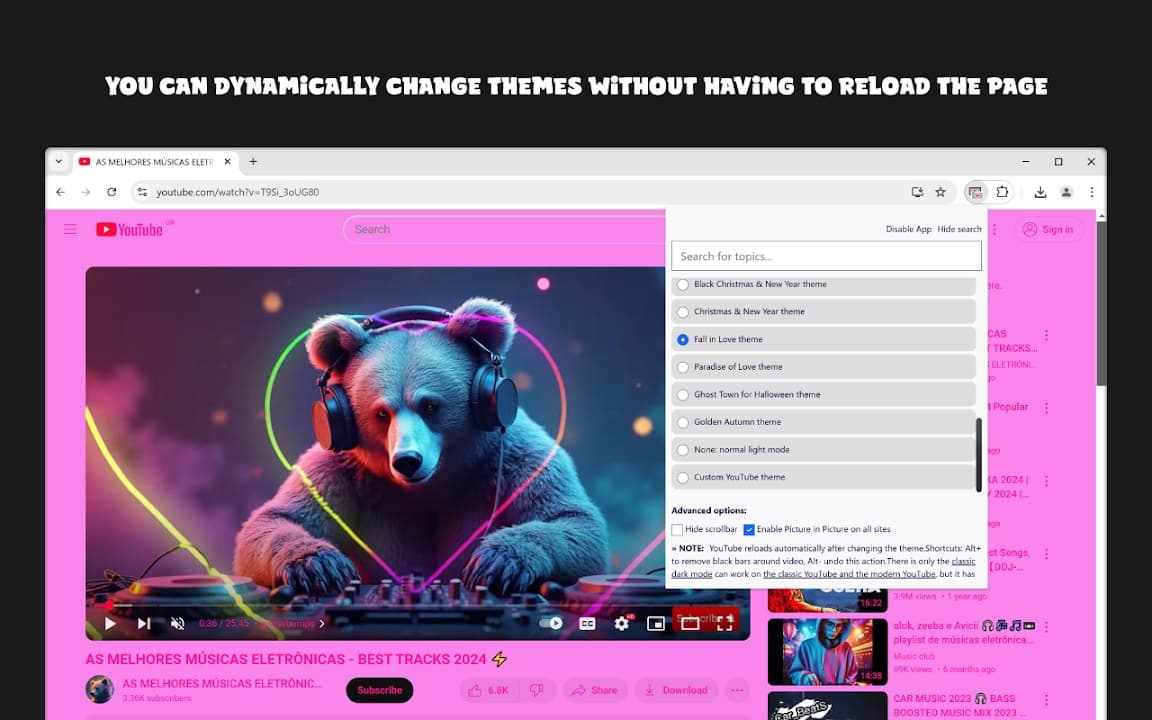
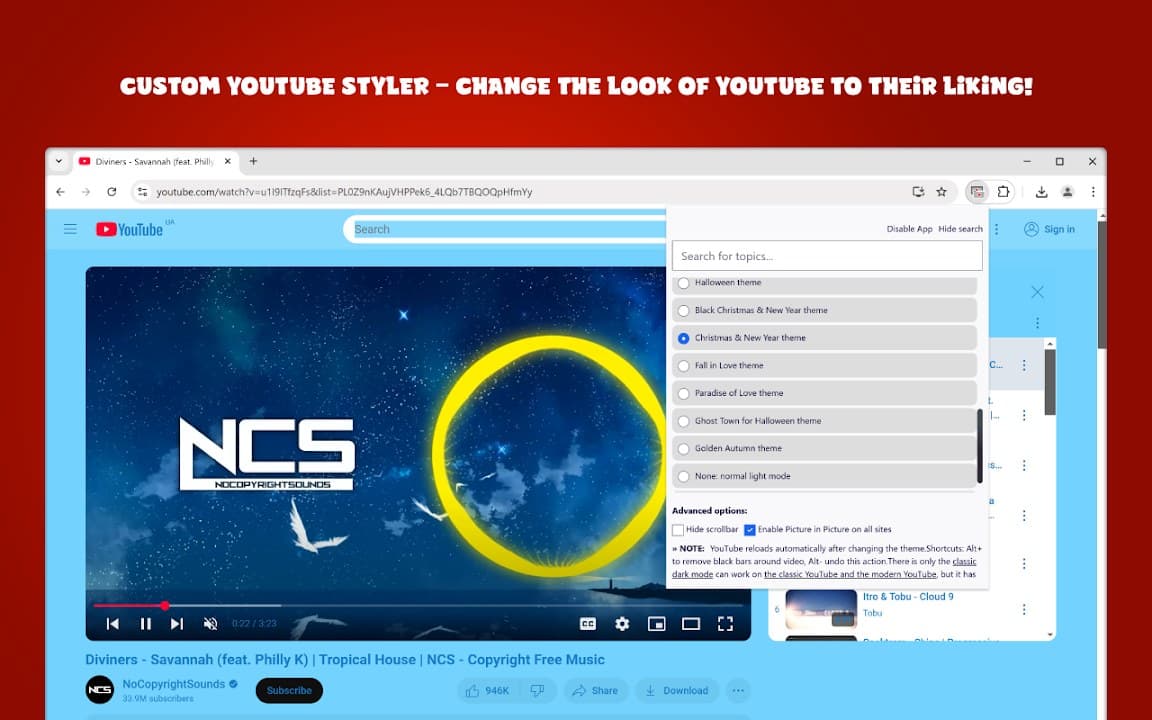
See how Custom YouTube Styler looks in the browser - real images from the store listing.
Overview
Custom styles for YouTube
A closer look at what Custom YouTube Styler does, who it is for, and how it fits into your browsing setup.
It is a good middle ground between a full theme pack and a tiny accent tweak-use it when you want visible UI changes without committing to a complete redesign extension.
Install free from the Chrome Web Store. Styles apply on YouTube in your browser, and settings remain on your device.
youtubestylerthemescustomizationchrome extension
Key Features
- Custom YouTube styles
- Theme customization
- Player UI tweaks
- Local preferences
- Easy apply
Install in three steps
- 1
Open the Chrome Web Store listing and click Add to Chrome.
- 2
Confirm the install prompt in your browser.
- 3
Pin the extension and adjust settings from the toolbar menu.
More from Cusmize
Related Extensions
Other free browser extensions you might like.




Ready to try Custom YouTube Styler?
Free to install. No account required. Settings stay on your device.
Install from Chrome Web Store