
Cursor Trail adds smooth, colorful animated trails behind your mouse pointer on most websites. It is useful for presentations, screen recordings, tutorials, and anyone who wants browsing to feel more expressive.
 Chrome extension
Cursor Trail
Add colorful animated trails behind your mouse. Free on Chrome Web Store - ideal for presentations, tutorials, and fun everyday browsing.
- Free forever
- No sign-up
- Privacy first
- Lightweight
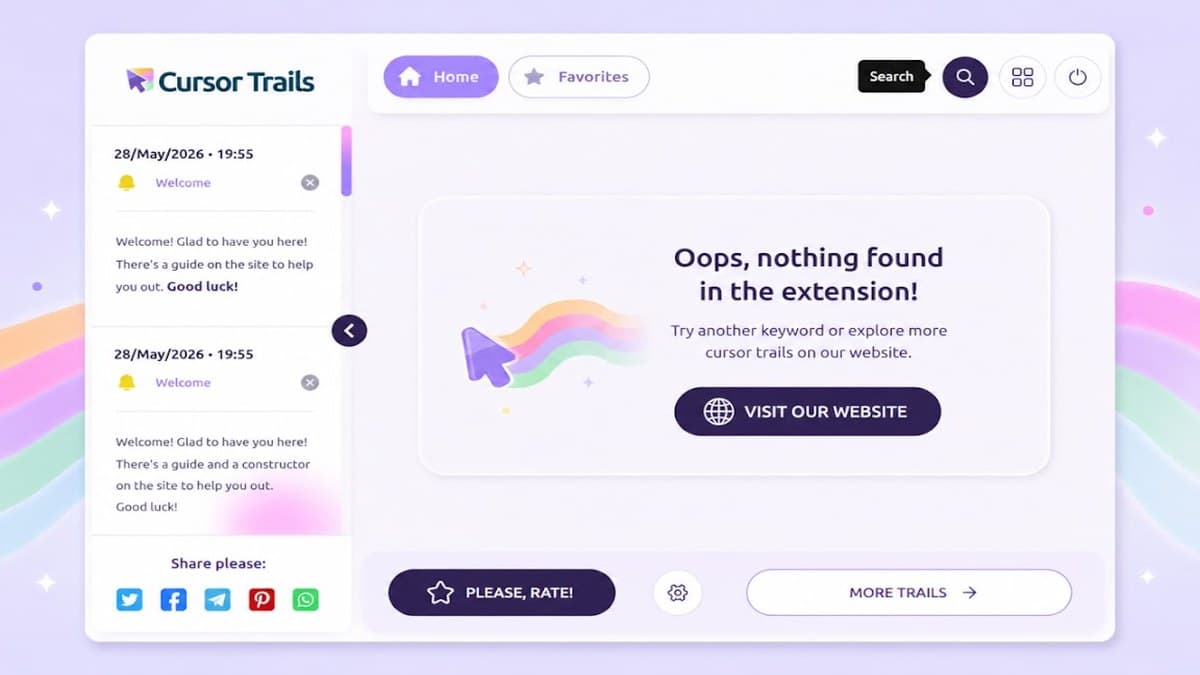
Screenshots from Chrome Web Store
See how Cursor Trail looks in the browser - real images from the store listing.
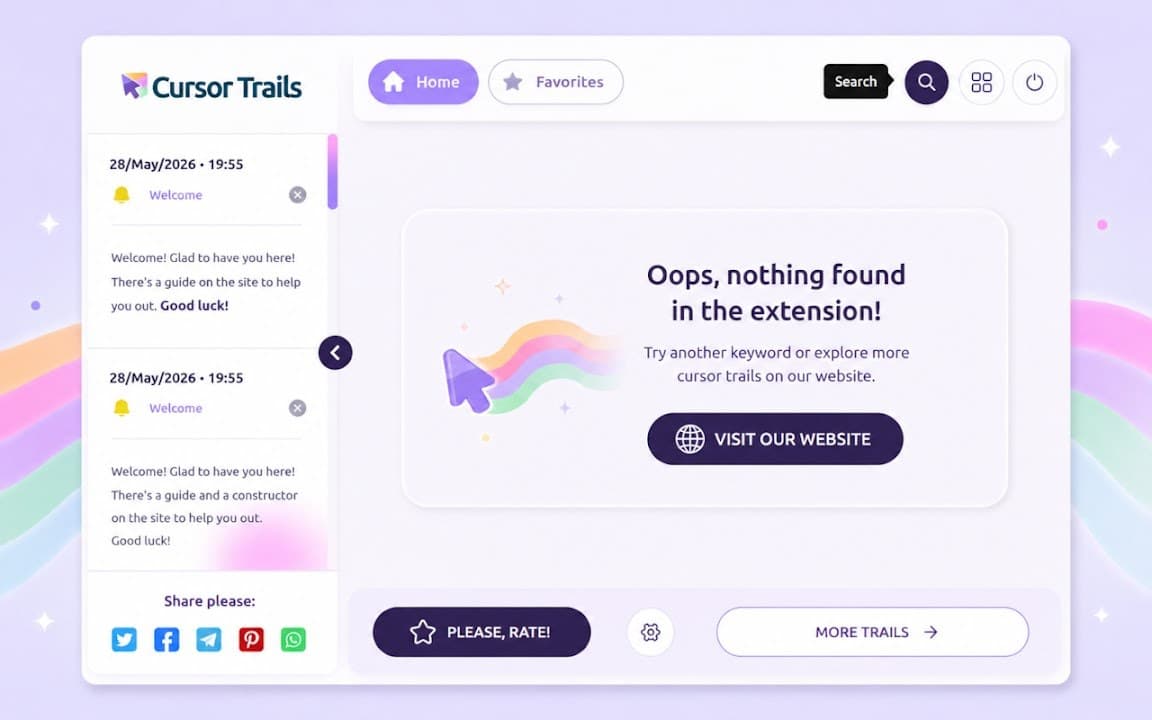
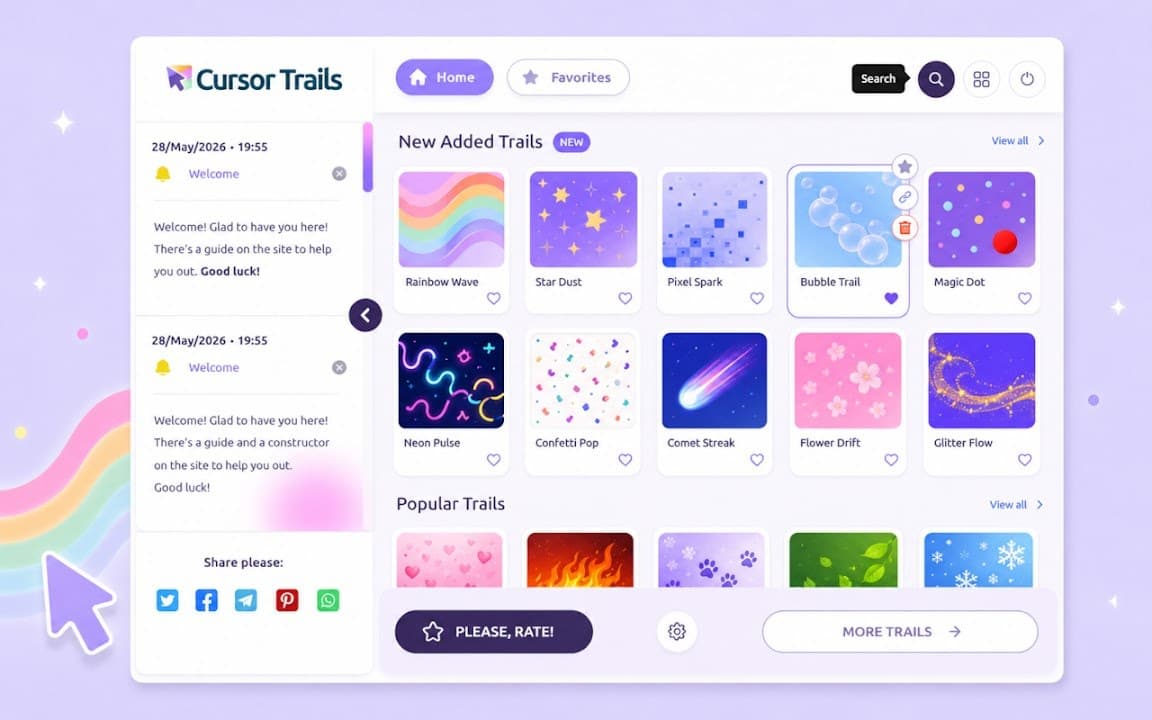
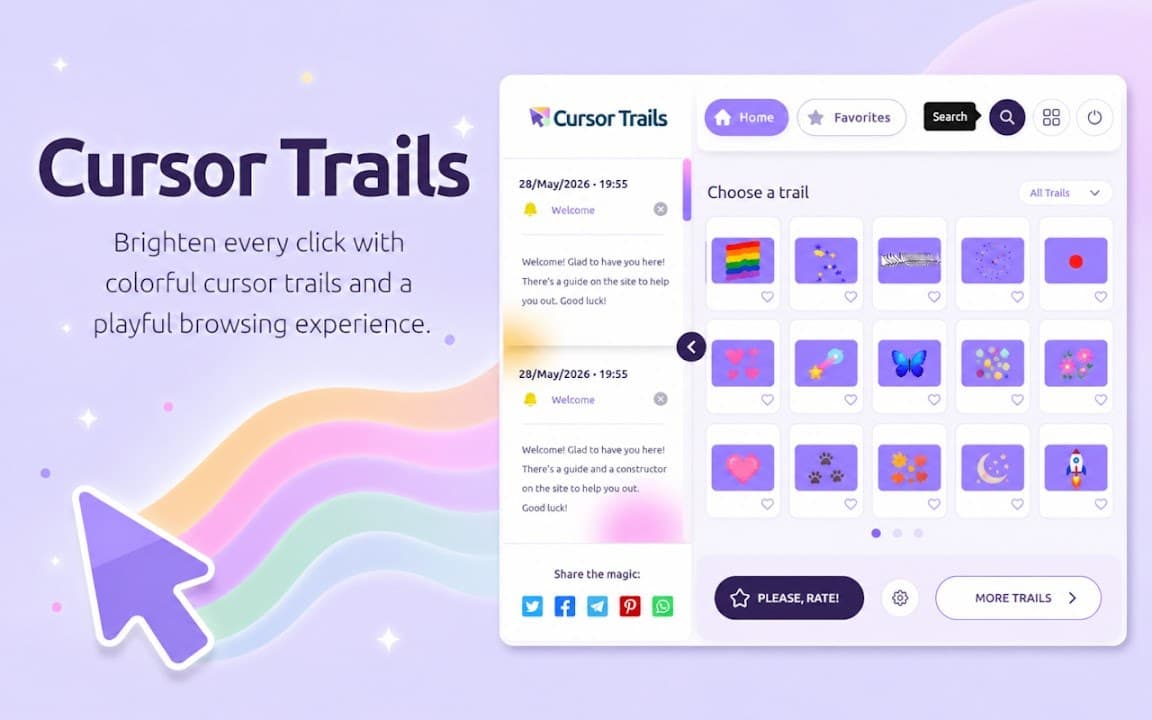

Overview
Animated cursor trails for Chrome and Chromium browsers
A closer look at what Cursor Trail does, who it is for, and how it fits into your browsing setup.
Open the extension popup to choose an effect, then adjust colors, trail length, and opacity to match your setup. The extension stays lightweight and stores preferences locally-no account required.
Unlike cursor pack extensions that replace the pointer image, Cursor Trail focuses on motion behind the cursor. Install free from the Chrome Web Store and toggle the effect off anytime you need a clean screen.
cursortrailscustomizationchrome extension
Get started in three steps
No coding - install, pick a trail, and browse as usual.
1
Install extension
Add Cursor Trail from Chrome Web Store - confirm once and you are done.
2
Choose your trail
Open the popup, pick an effect, and adjust colors, length, and opacity.
3
Enjoy the effect
Move your mouse on most websites and see your trail in action.
Transform Your Browser with Animated Cursor Trails
Replace a plain pointer with trails, sparkles, or smooth lines - free on Chrome Web Store, lightweight, and ready in seconds.
- Lightweight
- Most sites
- Free
Animated pointer trails
Cursor Trail adds smooth, colorful motion behind your mouse - great for demos, streams, and personalizing everyday browsing.
Colors and effect styles
Pick from multiple trail styles, tune length and opacity, and match the look to your mood or presentation theme.
Private by design
Effects run locally in the browser. No account, no tracking - see the FAQ for details.
How it works
- 1
Install
Add from Chrome Web Store in one click
- 2
Pick a trail
Choose effect, color, and length in the popup
- 3
Move your mouse
Trails appear on most sites you visit
Why you'll love Cursor Trail
More than a gimmick - a simple way to make browsing and presenting more expressive.
Full customization
Colors, trail length, opacity, and effect presets - tune the pointer look to your taste.
Multiple effects
Smooth lines, particles, sparkles, and more animation styles.
Great for demos
Help viewers follow the cursor during tutorials, webinars, and screen recordings.
Privacy first
Runs locally - we do not collect browsing data or require an account.
Lightweight
Optimized scripts with minimal impact on page performance.
Chromium browsers
Works on Chrome, Edge, and other Chromium-based browsers on most sites.
Common questions
- Is Cursor Trail really free?
- Yes. There are no premium tiers and no account required. Install from Chrome Web Store and start using it immediately.
- Which browsers are supported?
- Cursor Trail is built for Chrome and other Chromium browsers such as Edge and Opera. It works on most websites you visit.
- Will it slow down my browser?
- The extension is optimized to stay lightweight. It uses minimal resources and should not noticeably affect everyday browsing.
Help & resources
Guides to install, customize, and troubleshoot Cursor Trail.
More from Cusmize
Related Extensions
Other free browser extensions you might like.




Ready to try Cursor Trail?
Install free from Chrome Web Store and add motion to your pointer in seconds.