1
Install the extension
Add Customize Scrollbar from the Chrome Web Store or Edge Add-ons. Pin the icon to your toolbar for quick access.
 Chrome Extension
Change scrollbar color, width, radius, and style on most websites with our free Chrome extension. Browse 22+ ready-made styles or build your own in the live constructor.
See how Customize Scrollbar looks in the browser - real images from the store listing.
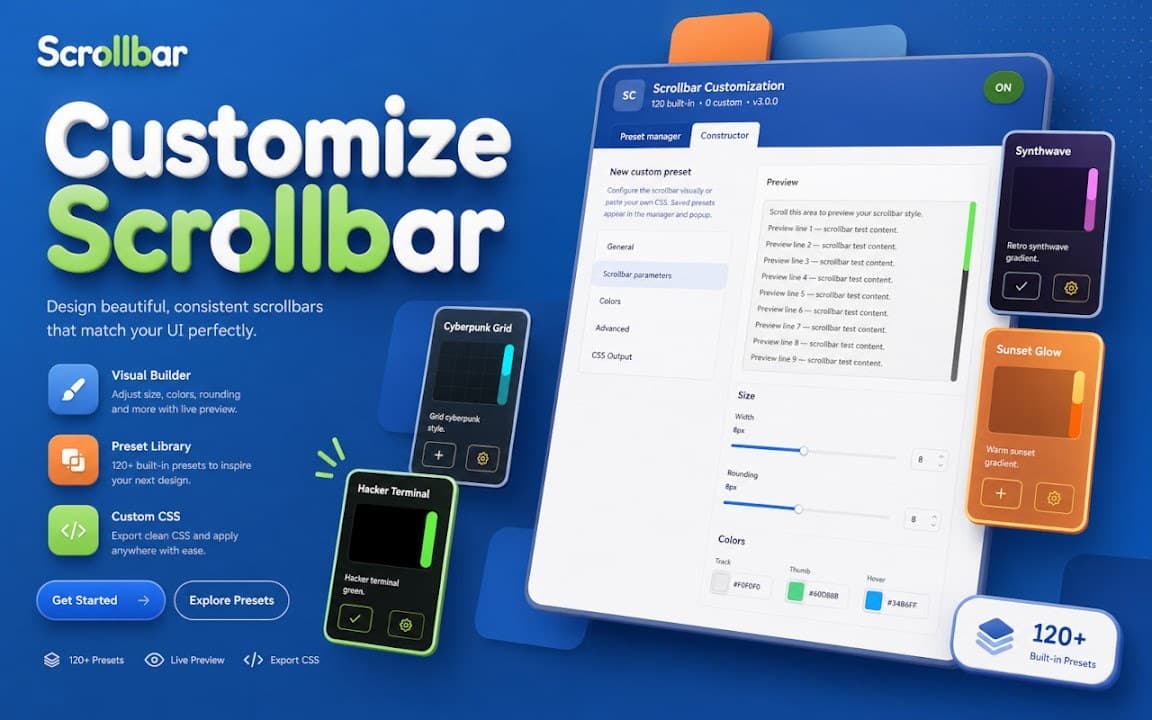
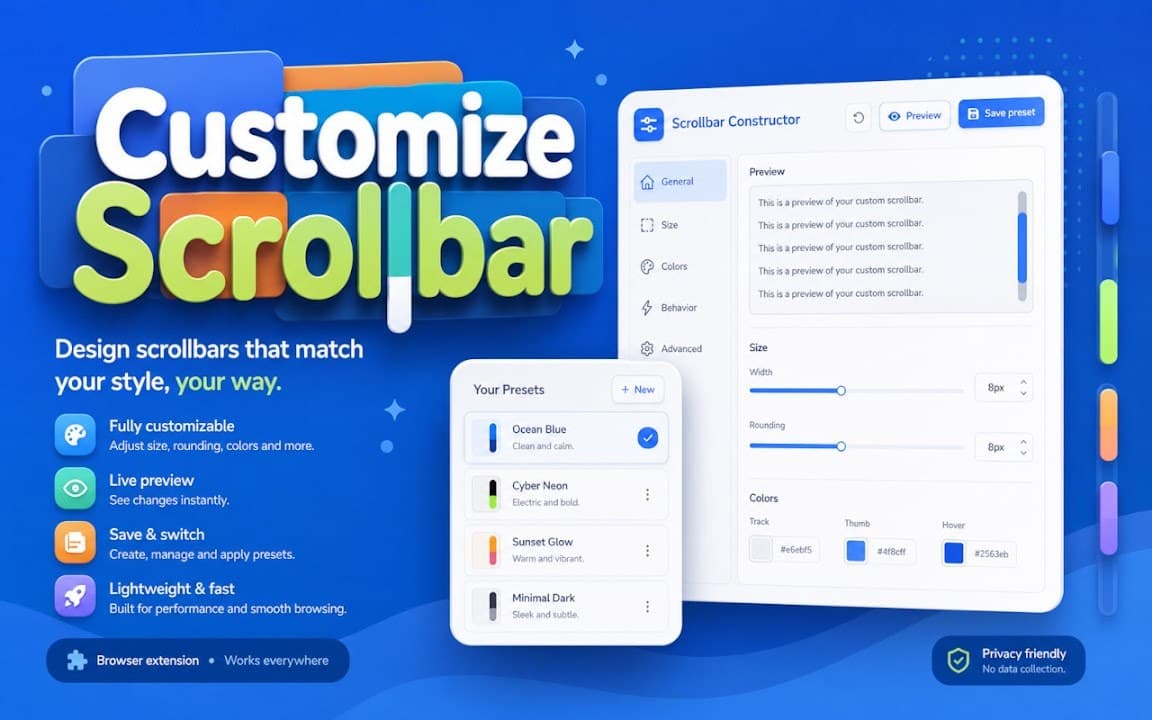
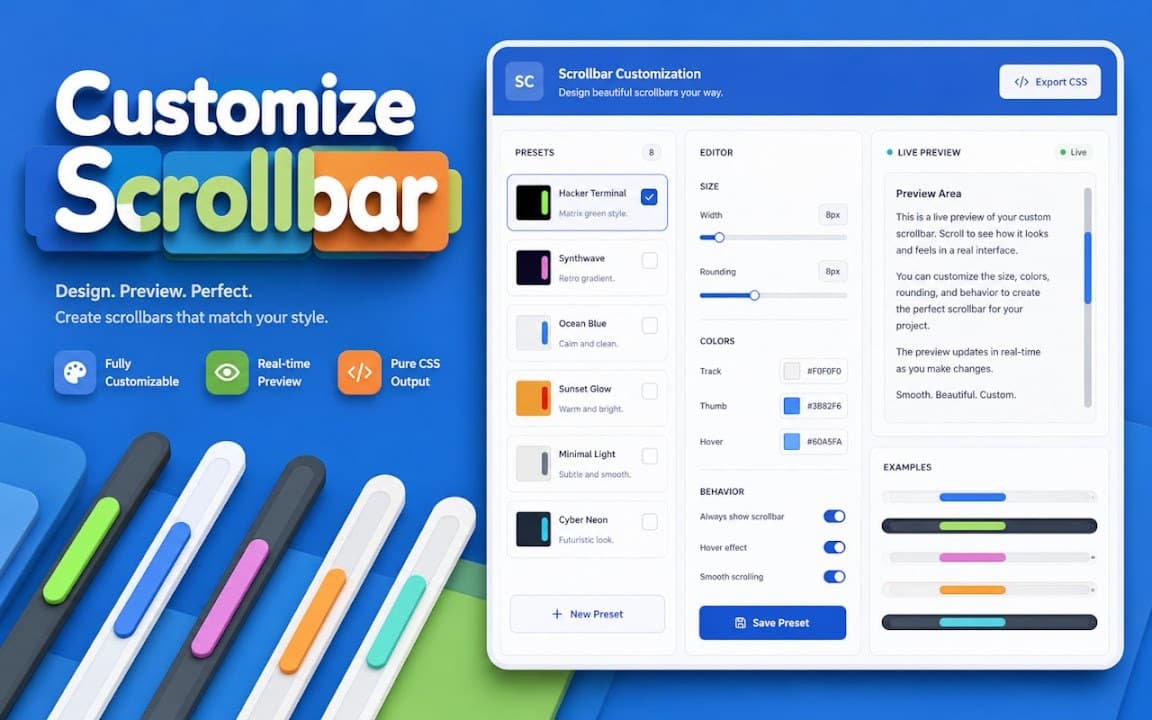
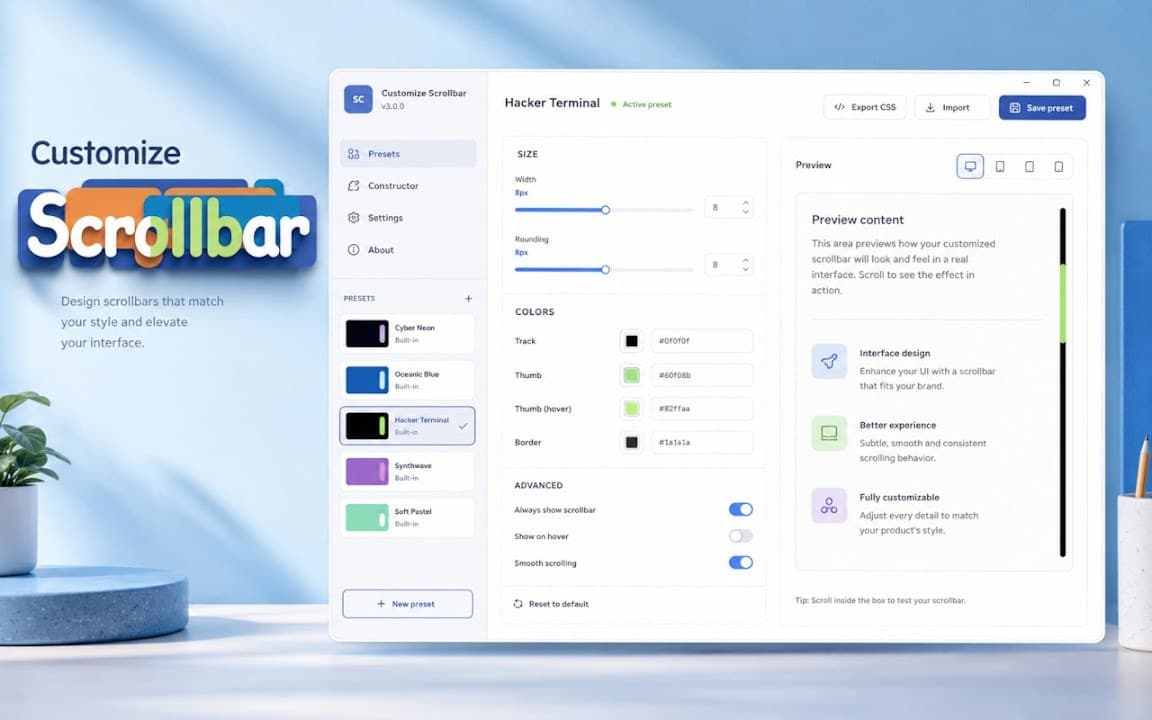
Install the extension, pick a style from the gallery, and enjoy your customized scrollbar on most sites.
Add Customize Scrollbar from the Chrome Web Store or Edge Add-ons. Pin the icon to your toolbar for quick access.
Browse the style gallery below, open any design, and apply it in one click-or adjust colors and width in the constructor.
Your scrollbar updates on most websites instantly. Switch styles anytime from the extension popup.
Pick a preset and apply it instantly, or fine-tune colors and width in the constructor. 22+ styles available in the gallery. Need help? See our FAQ page or explore other browser extensions.
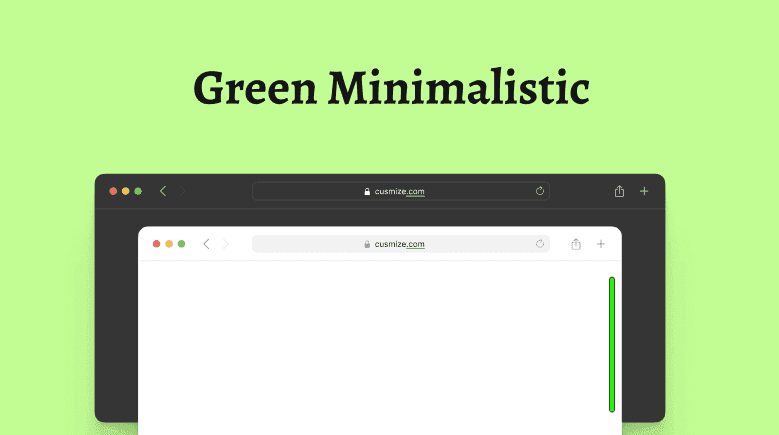
Green Minimalistic Scrollbar - clean, slim scrollbar in fresh green tones, bringing simplicity, harmony, and a modern touch to any interface.
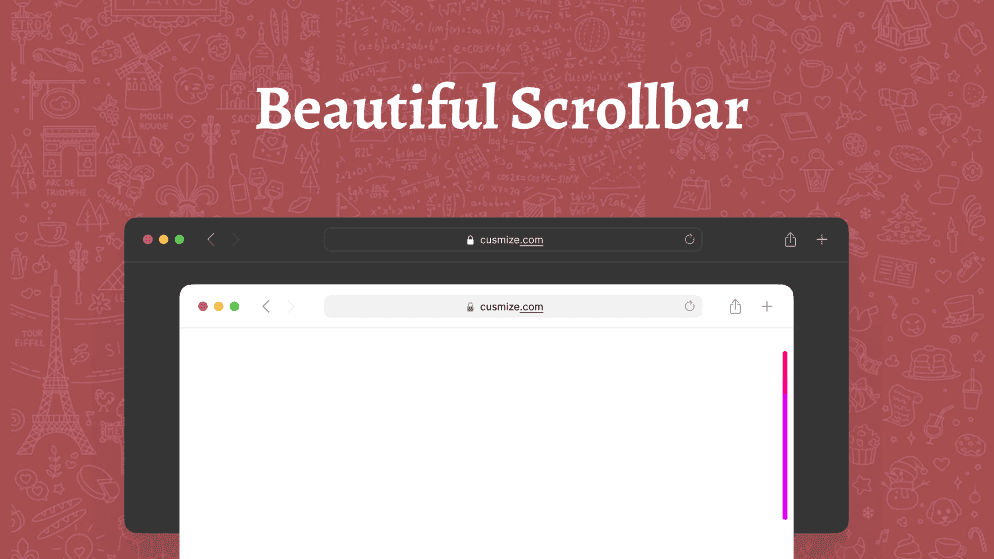
Cute Pink Scrollbar - stylish, playful scrollbar in soft pink tones that adds charm and personality to your browsing experience.
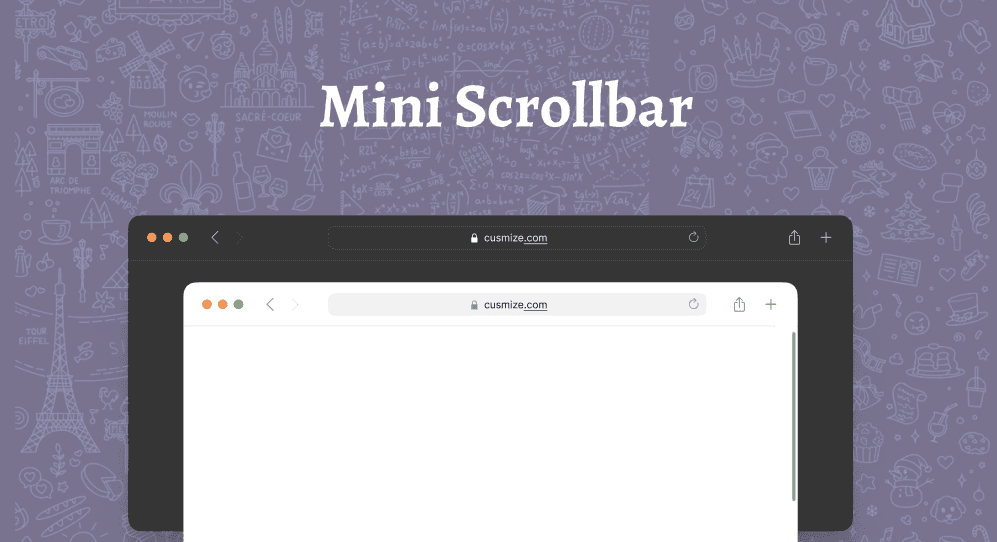
Mini Scrollbar - compact, space-saving scrollbar ideal for minimalist designs and small screens, offering clean navigation without clutter.
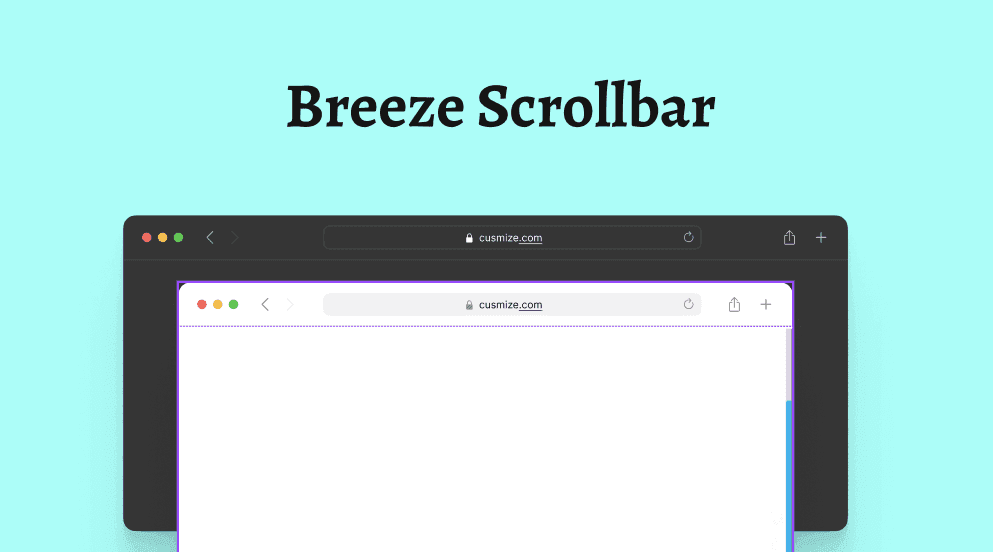
Breeze Scrollbar - sleek, modern scrollbar with a flat design and subtle shading, popular in KDE and Linux for smooth, stylish scrolling
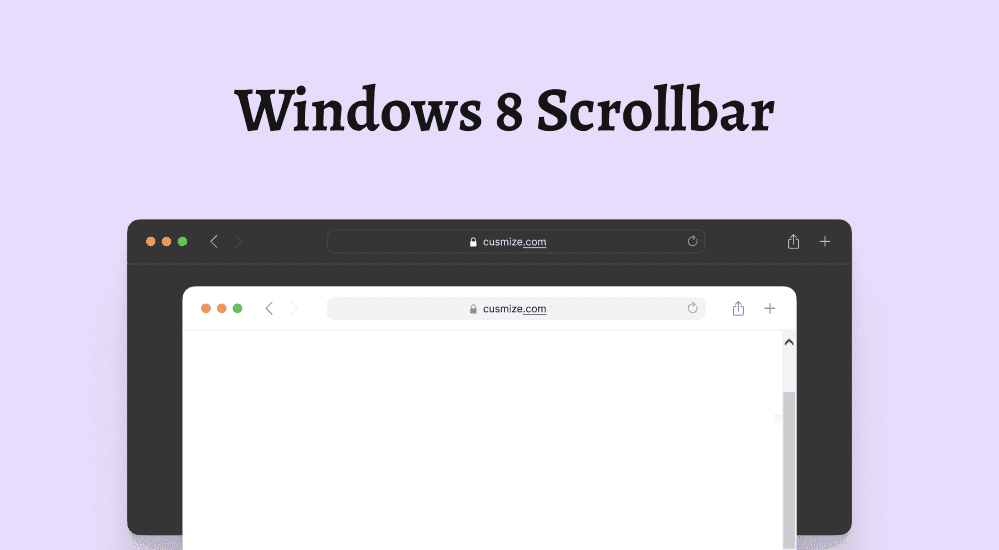
Windows 8 Scrollbar - slim, modern scrollbar with a lighter look, touch-friendly design, and smooth navigation for both mouse and touchscreen users.
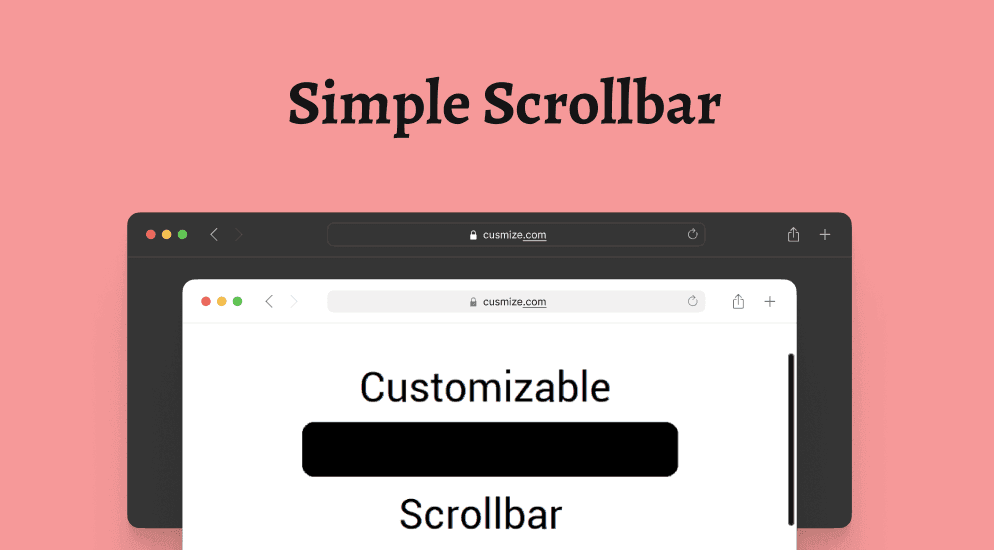
Simple Scrollbar Style - clean, minimal scrollbar with slim lines and neutral colors, perfect for modern, clutter-free websites and applications.
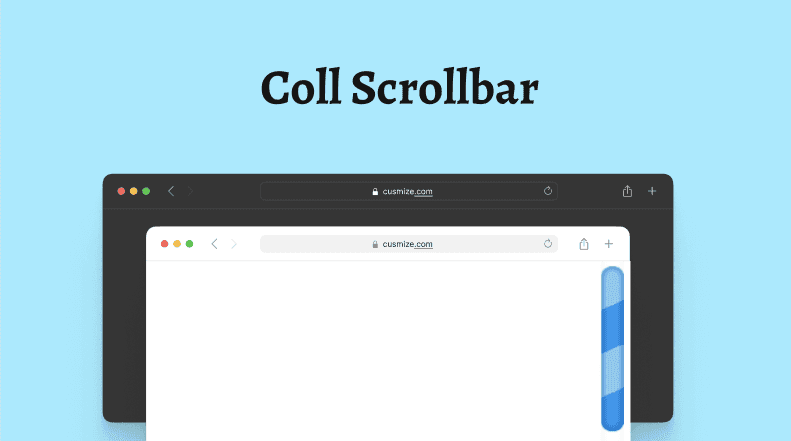
Cool Scrollbar - stylish, customizable scrollbar with smooth animations; a modern, lightweight upgrade that makes your website or app stand out.
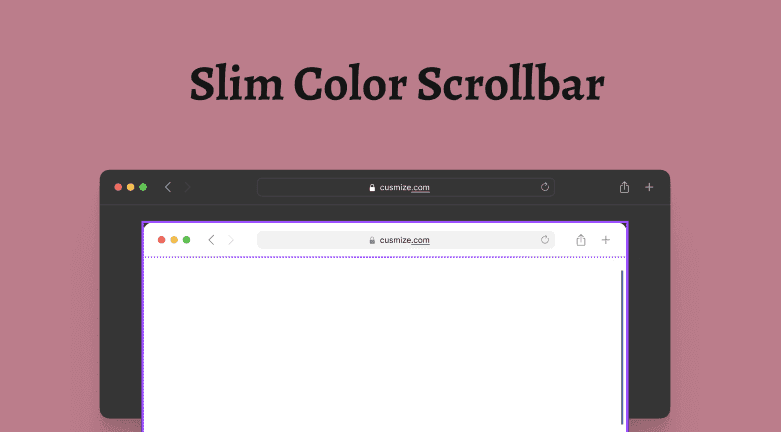
Sleek, minimalist scrollbar with dynamic colors—a slim, modern upgrade that refreshes your browsing and adds a unique visual touch.
You can change width, radius, track & thumb colors, add shadows and even custom images for arrows and handles. Works on most modern sites and supports both vertical and horizontal scrollbars. For advanced customization, open any style and use the extension's built-in constructor or visit our support center for detailed guides.
Don't see the perfect style? Use our powerful scrollbar constructor to create custom scrollbars with your preferred colors, shadows, borders, and more. Full control at your fingertips!
Replace bland system scrollbars with colors and shapes that match your browser - free, local, and easy to set up.
Change thumb and track colors, width, radius, shadows, and more on most sites - far beyond the default gray scrollbar.
Apply gallery styles in one click, or open the constructor to preview tweaks in real time. Explore more tools on Cusmize products.
Install
Chrome or Edge - takes seconds
Pick a style
Gallery presets or constructor
Apply
One click on most websites
Browse professionally designed scrollbar presets and apply them with one click.
Works locally in your browser-no personal data collection or tracking.
Install in seconds from the Chrome Web Store or Edge Add-ons. No account required.
Change colors, width, radius, and shadows-or start from a ready-made preset. A practical way to personalize your browsing experience on most websites.
Change scrollbar color, width, radius, track and thumb colors, add shadows, and even use custom images for arrows and handles. Complete control over your scrollbar appearance.
Choose from dozens of professionally designed scrollbar styles. One-click apply any style instantly, or use them as a starting point for your custom design.
Use our advanced constructor to fine-tune every detail of your scrollbar. Preview changes in real-time and create the perfect scrollbar style for your needs.
Works entirely locally in your browser. No data collection, no tracking, no account required. Your scrollbar customizations stay on your device.
Optimized for performance, Customize Scrollbar won't slow down your browser. Works smoothly on most websites without impacting page load times.
Compatible with Chrome, Edge, and other Chromium-based browsers. Works on most websites and web applications. Supports both vertical and horizontal scrollbars.
Install Customize Scrollbar from the Chrome Web Store or Edge Add-ons, then browse our style gallery and apply any preset. Use the built-in constructor to fine-tune colors, width, and radius.
Yes. The extension works on most modern websites and supports vertical and horizontal scrollbars. Some sites with strict custom CSS may override visual styles.
Yes. Customize Scrollbar is free to install and use. There are no premium tiers and no account registration required.
Other free browser extensions you might like.
Installation takes just a few seconds. Start customizing your scrollbar today! The Customize Scrollbar Chrome extension is available now on Chrome Web Store and Edge Add-ons. Click the button below to install and browse our collection of scrollbar styles. Need help? Visit our support center or check the FAQ.