
Custom Progress Bar for YouTube replaces the default player progress bar with fun, creative designs from a curated collection. It is a focused customization: one element changed, but that element is visible on every video you watch.
Browser Extension
Custom Progress Bar for YouTube
Fun custom YouTube progress bars
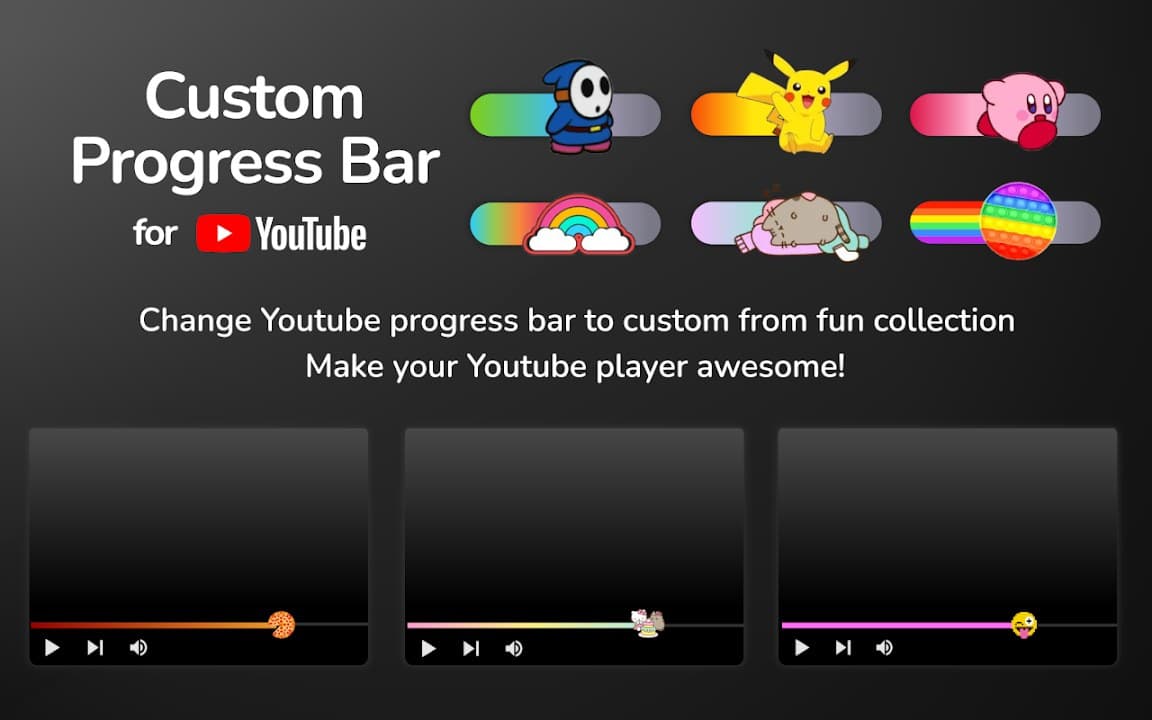
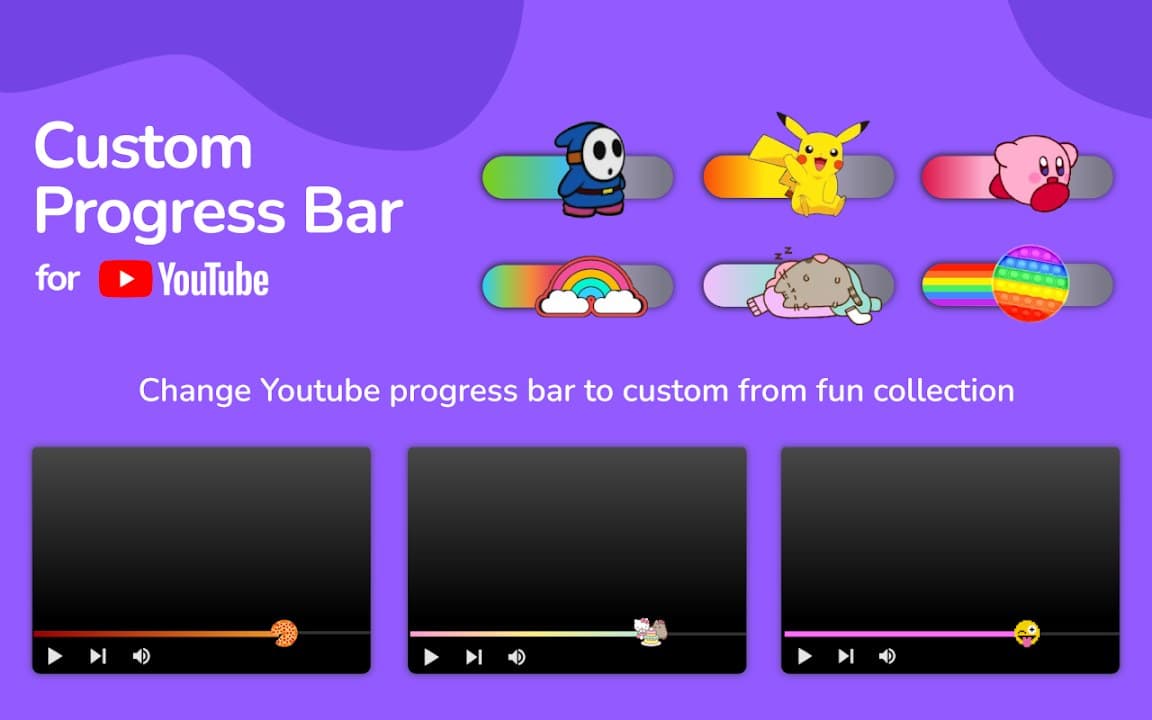
Custom Progress Bar for YouTube replaces the default player progress bar with creative designs. Browse a collection of fun bar styles, apply your favorite, and enjoy a more personalized YouTube player.
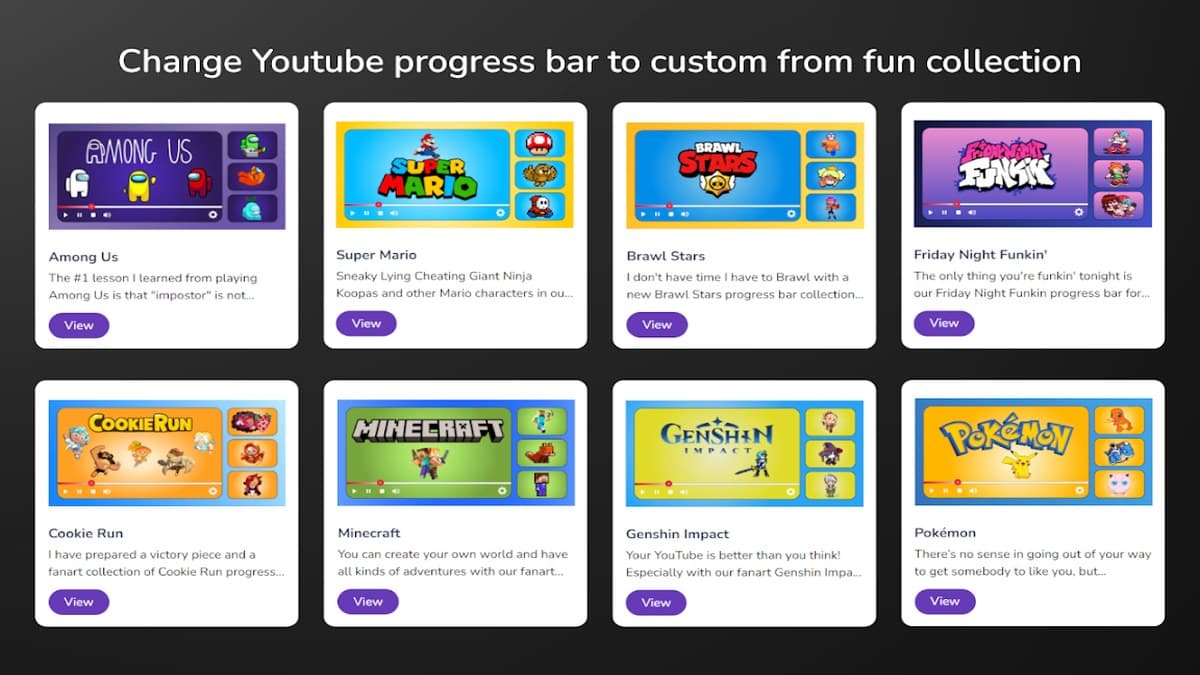

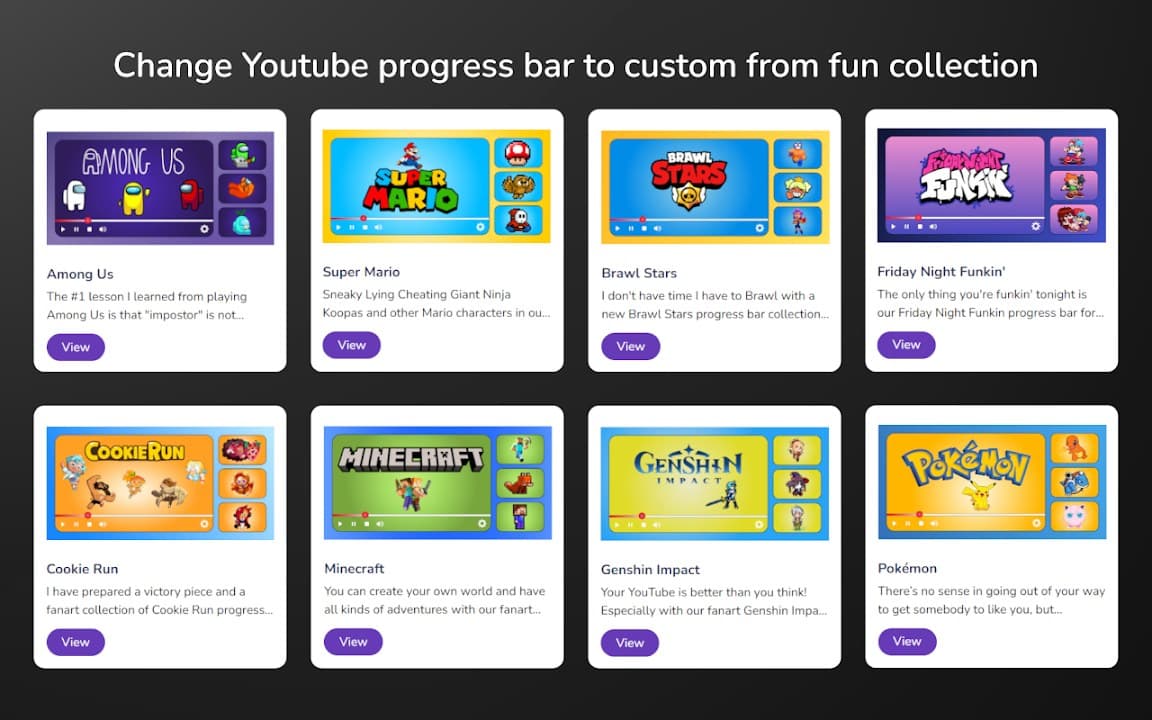
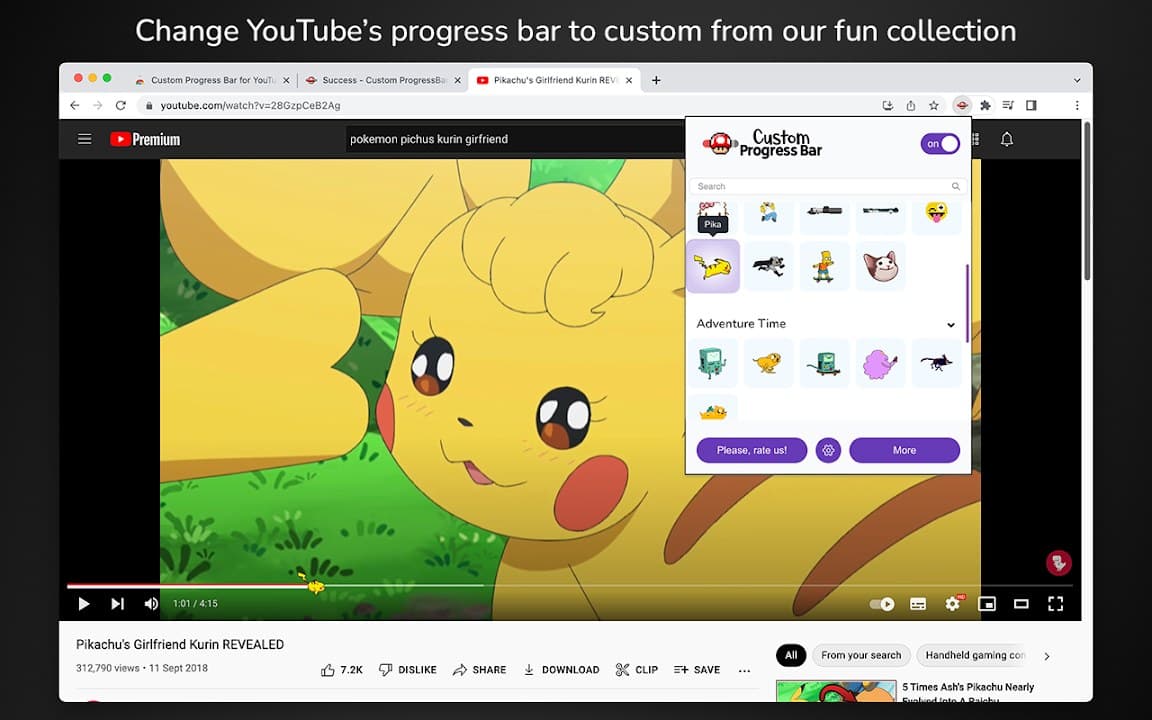
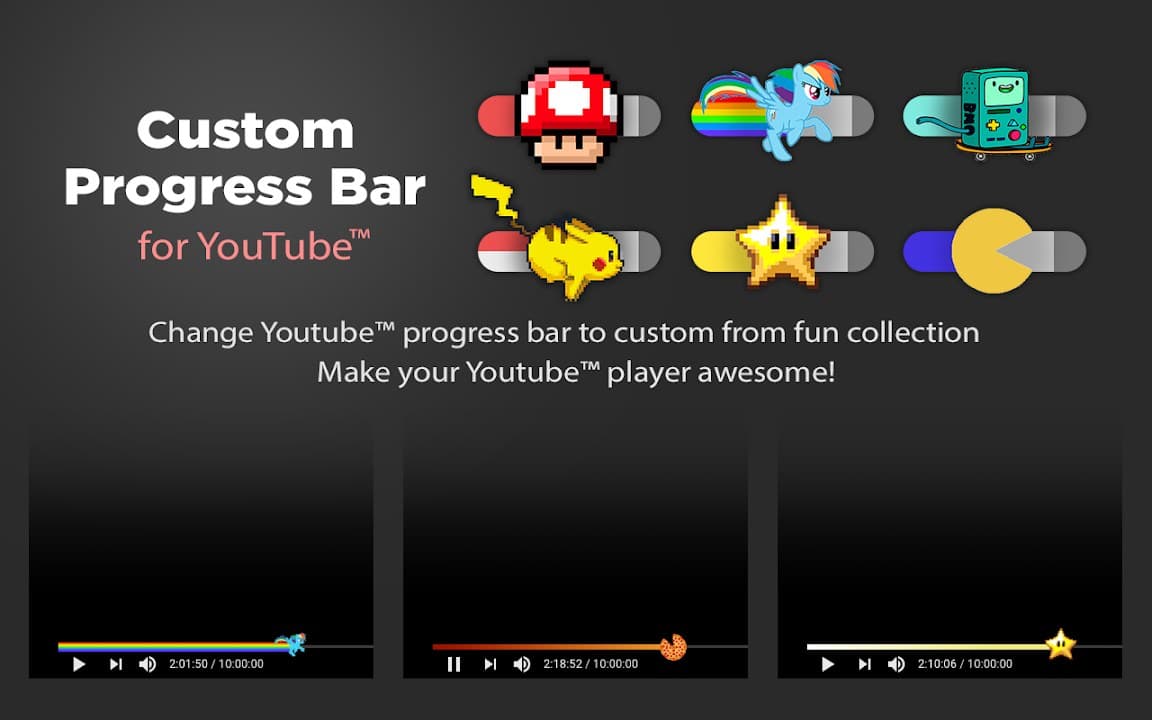
Screenshots from Chrome Web Store
See how Custom Progress Bar for YouTube looks in the browser - real images from the store listing.
Overview
Fun custom YouTube progress bars
A closer look at what Custom Progress Bar for YouTube does, who it is for, and how it fits into your browsing setup.
Pick a bar style that matches your mood-minimal, neon, playful, or bold-and apply it in one click. Great for viewers who want personality in the player without overhauling the entire YouTube layout.
Free from the Chrome Web Store. The extension targets the YouTube player and keeps your chosen style saved locally.
youtubeprogress barplayercustomizationchrome extension
Key Features
- Custom progress bar styles
- Fun design collection
- One-click apply
- YouTube player only
- Local settings
Install in three steps
- 1
Open the Chrome Web Store listing and click Add to Chrome.
- 2
Confirm the install prompt in your browser.
- 3
Pin the extension and adjust settings from the toolbar menu.
More from Cusmize
Related Extensions
Other free browser extensions you might like.




Ready to try Custom Progress Bar for YouTube?
Free to install. No account required. Settings stay on your device.
Install from Chrome Web Store