
Extension List Exporter is a utility extension for power users, developers, and IT admins who need a readable list of installed Chrome extensions. It exports names, IDs, and related metadata to JSON or CSV for backups and audits.
Browser Extension
Extension List Exporter
Export your installed extensions list
Extension List Exporter scans your installed extensions and exports names, IDs, and metadata. Useful for IT audits, migration checklists, and keeping a personal backup of your browser setup.


Screenshots from Chrome Web Store
See how Extension List Exporter looks in the browser - real images from the store listing.
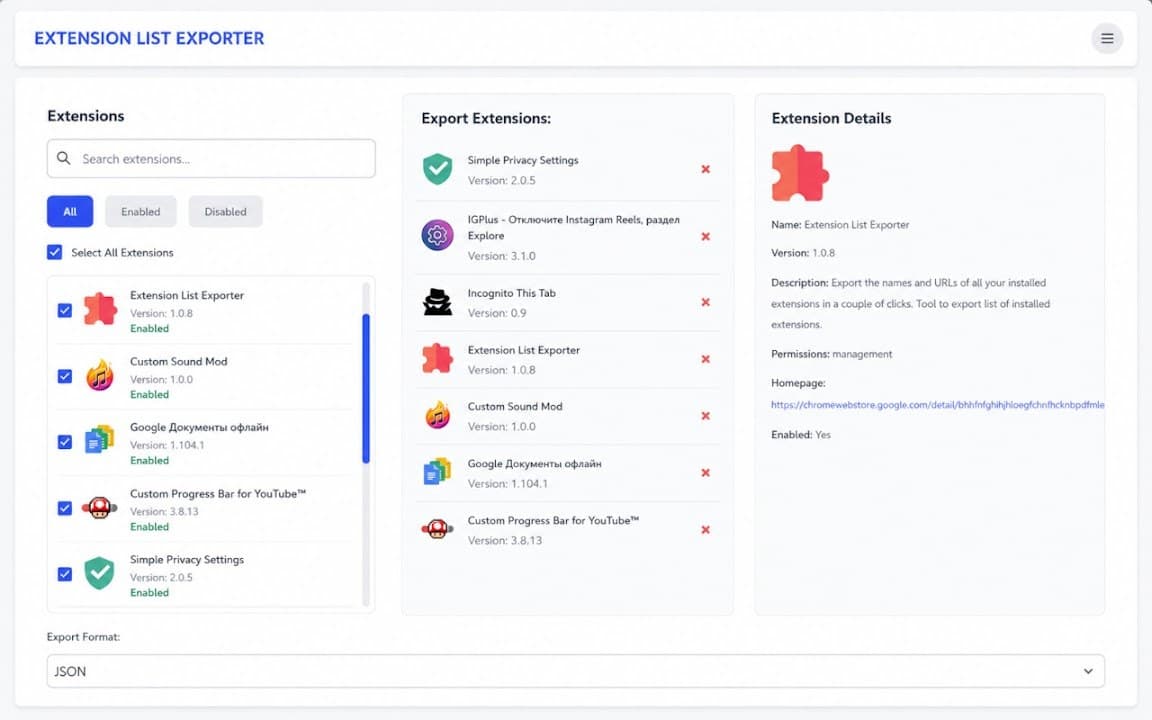
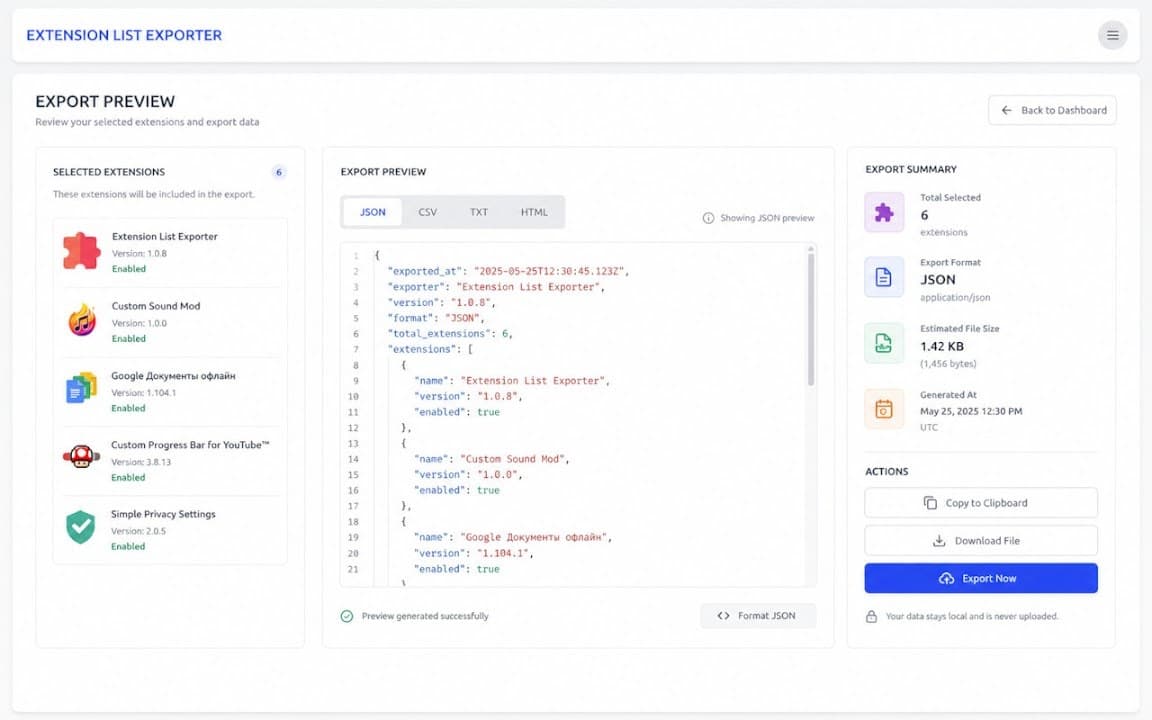
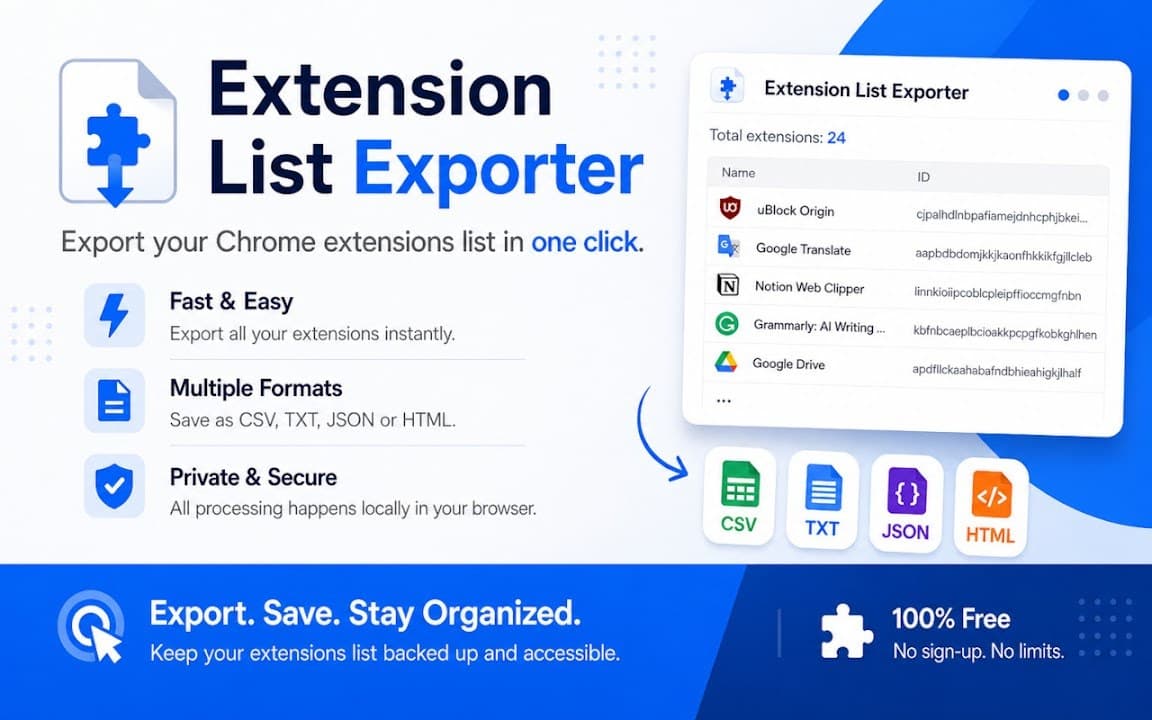
Overview
Export your installed extensions list
A closer look at what Extension List Exporter does, who it is for, and how it fits into your browsing setup.
That is useful when migrating browsers, documenting a workstation setup, or checking what is installed across a team machine. The export runs locally-no account and no external upload required for the basic workflow.
If you manage many extensions and want a quick inventory file instead of screenshotting chrome://extensions, install Extension List Exporter free from the Chrome Web Store.
toolsextensionsexportchrome extension
Key Features
- Export extension list to file
- JSON and CSV formats
- Quick audit workflow
- Developer-friendly output
- Runs locally in browser
Install in three steps
- 1
Open the Chrome Web Store listing and click Add to Chrome.
- 2
Confirm the install prompt in your browser.
- 3
Pin the extension and adjust settings from the toolbar menu.
More from Cusmize
Related Extensions
Other free browser extensions you might like.




Ready to try Extension List Exporter?
Free to install. No account required. Settings stay on your device.
Install from Chrome Web Store