
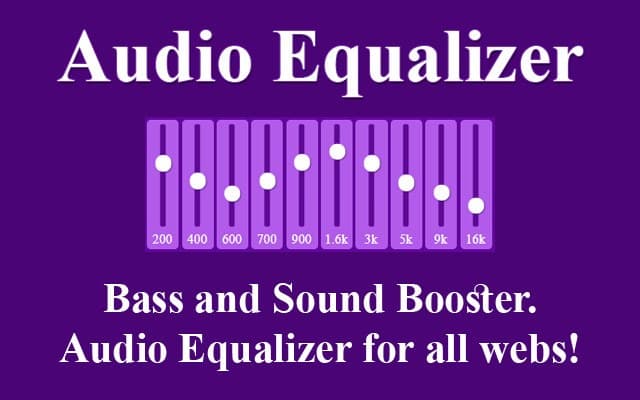
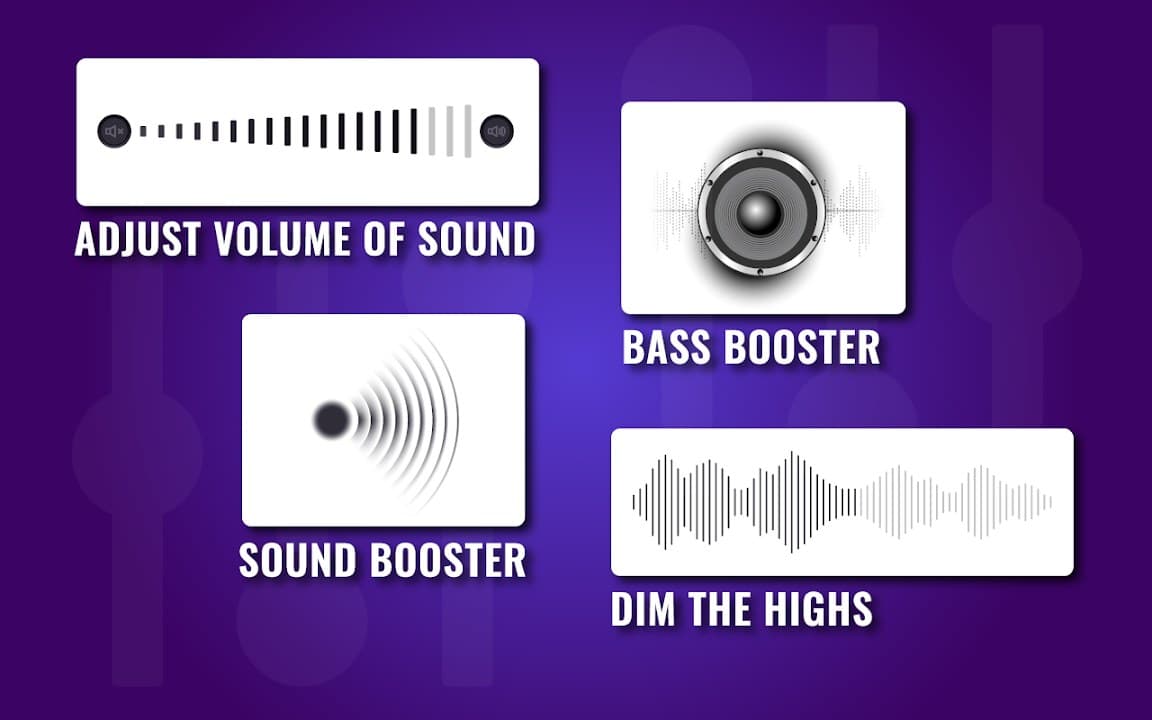
Audio Equalizer is a practical Chrome extension for shaping how websites sound in your browser. It combines a multi-band equalizer with volume amplification so you can fix quiet tabs, boost vocals, or add bass on the fly.
Browser Extension
Audio Equalizer
Amplifier and sound equalizer for the web
Audio Equalizer lets you shape sound directly in the browser. Boost volume, apply EQ presets, and adjust frequency bands for clearer vocals, deeper bass, or balanced playback on your favorite sites.


Screenshots from Chrome Web Store
See how Audio Equalizer looks in the browser - real images from the store listing.

Overview
Amplifier and sound equalizer for the web
A closer look at what Audio Equalizer does, who it is for, and how it fits into your browsing setup.
Presets make it easy to start quickly, while manual sliders give finer control when you know what you want to change. It works on streaming and media sites that output audio through the browser tab.
No account is required and settings stay on your device. If your laptop speakers feel thin or certain videos are always too quiet, Audio Equalizer is a straightforward free tool to install from the Chrome Web Store.
audioequalizeramplifiermusicchrome extension
Key Features
- Multi-band equalizer
- Volume amplification
- Quick presets
- Works on streaming sites
- Settings saved locally
Install in three steps
- 1
Open the Chrome Web Store listing and click Add to Chrome.
- 2
Confirm the install prompt in your browser.
- 3
Pin the extension and adjust settings from the toolbar menu.
More from Cusmize
Related Extensions
Other free browser extensions you might like.

Audio Equalizer Amplifier
Equalizer and amplifier for browser audio
View extension
Bass Booster Extreme
Boost bass and enhance audio in your browser
View extension
Equalizer for Chrome Browser
10-band EQ for Chrome tab audio
View extension
Equalizer Yellow
Yellow-themed audio equalizer for Chrome
View extensionReady to try Audio Equalizer?
Free to install. No account required. Settings stay on your device.
Install from Chrome Web Store