
Audio Equalizer Amplifier pairs frequency-band control with volume amplification in one Chrome extension. Shape EQ curves for clearer vocals or stronger bass, then push overall tab volume when content is still too quiet.
Browser Extension
Audio Equalizer Amplifier
Equalizer and amplifier for browser audio
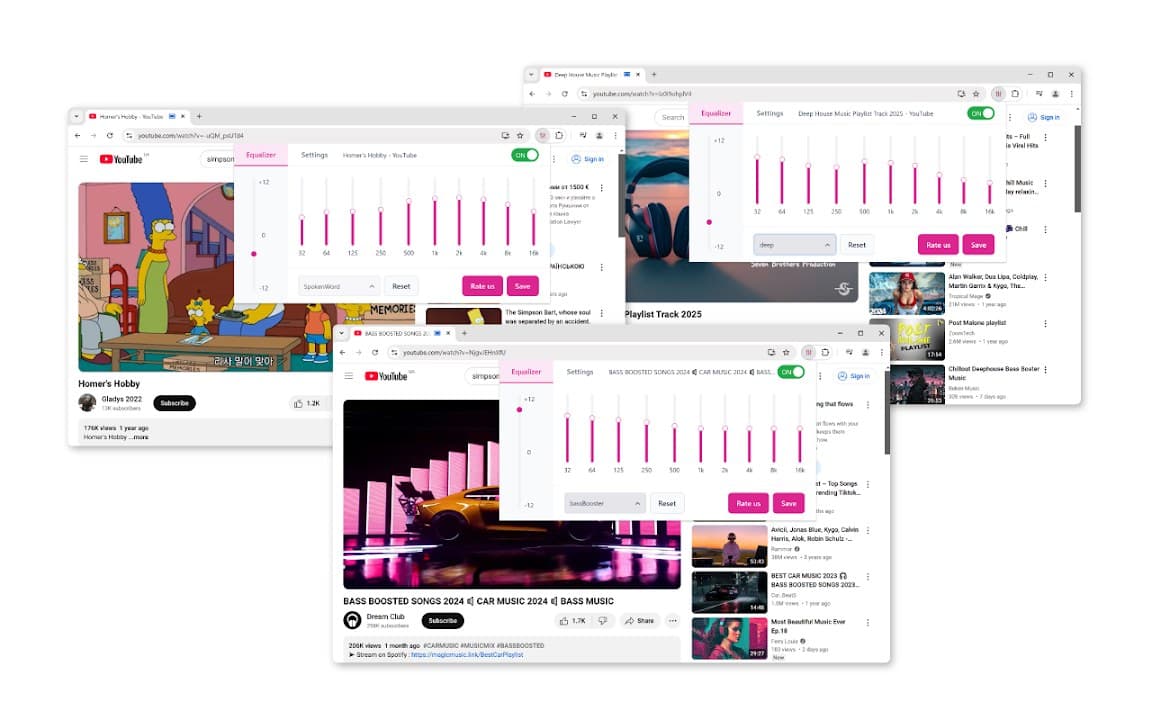
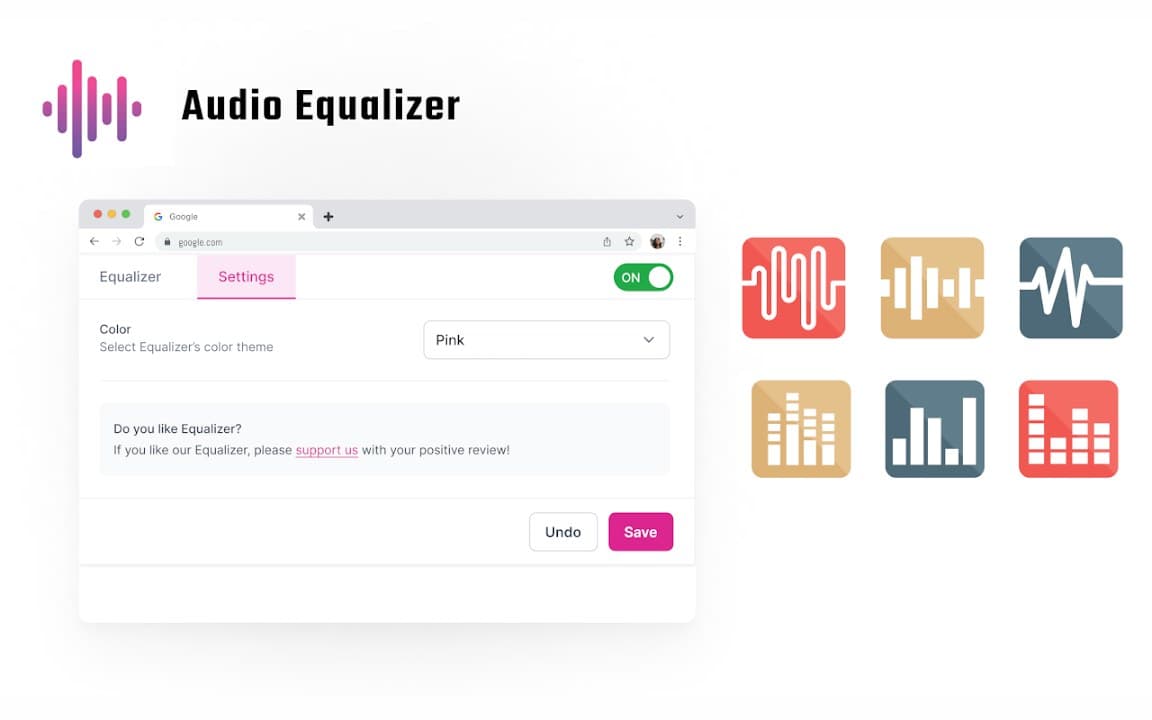
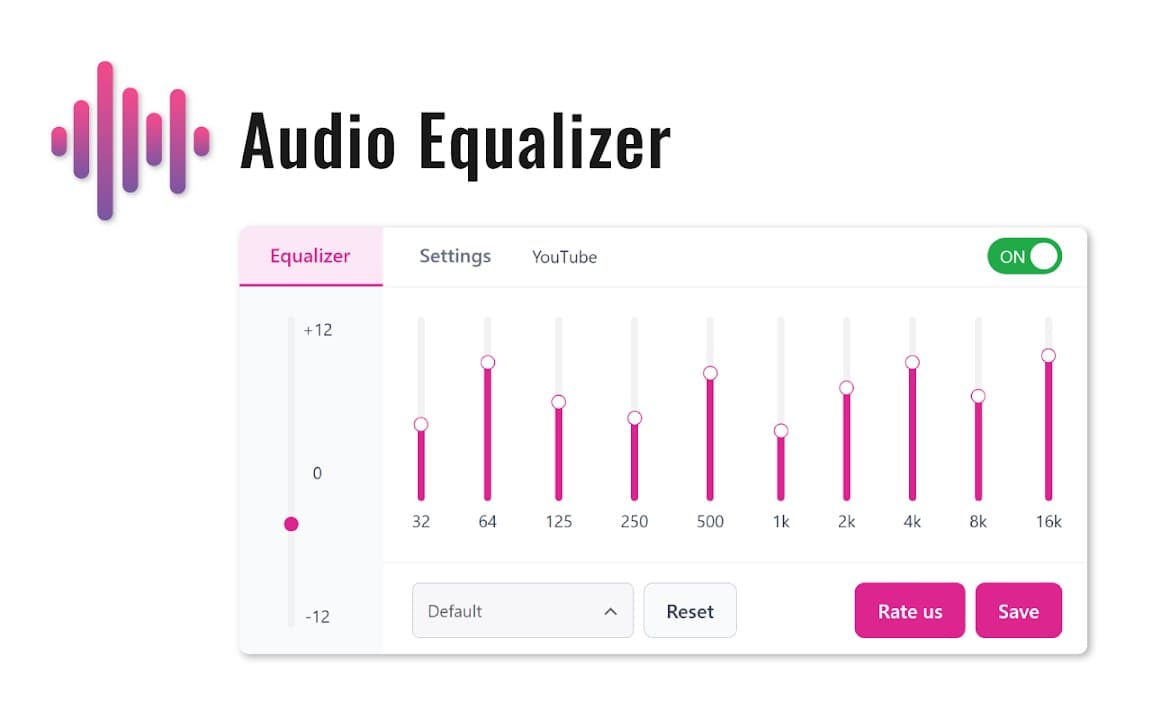
Audio Equalizer Amplifier lets you adjust frequency bands and boost playback volume directly in the browser. Apply presets, tune audio for your headphones or speakers, and keep settings stored locally.
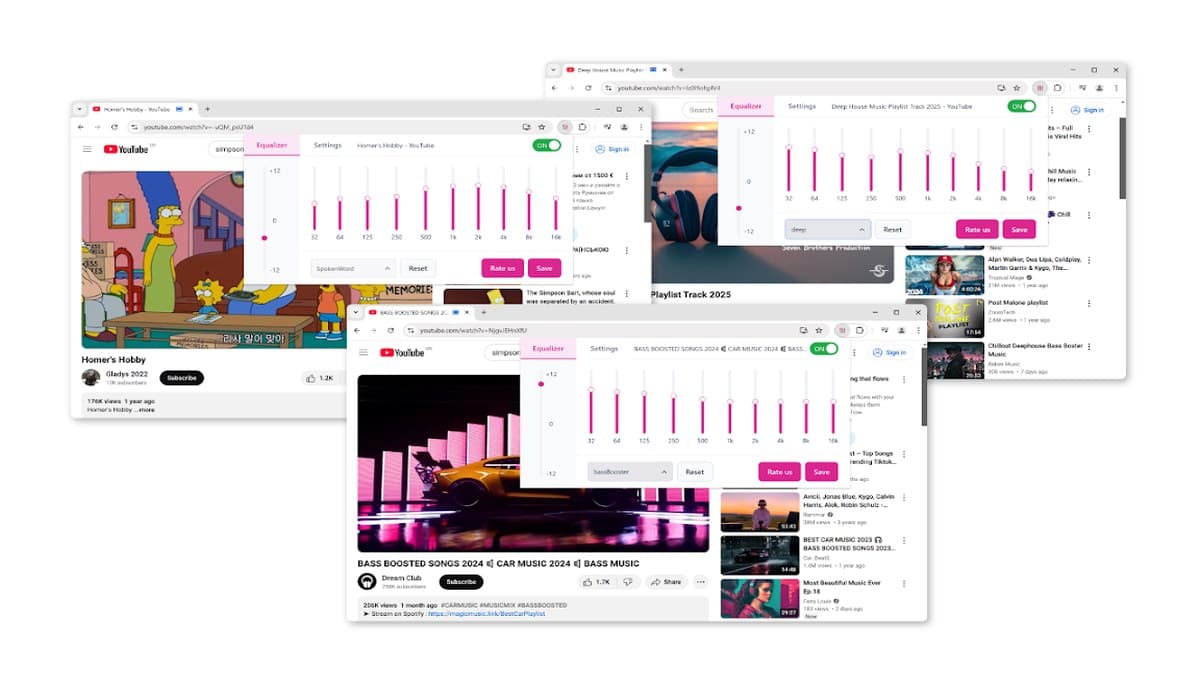

Screenshots from Chrome Web Store
See how Audio Equalizer Amplifier looks in the browser - real images from the store listing.
Overview
Equalizer and amplifier for browser audio
A closer look at what Audio Equalizer Amplifier does, who it is for, and how it fits into your browsing setup.
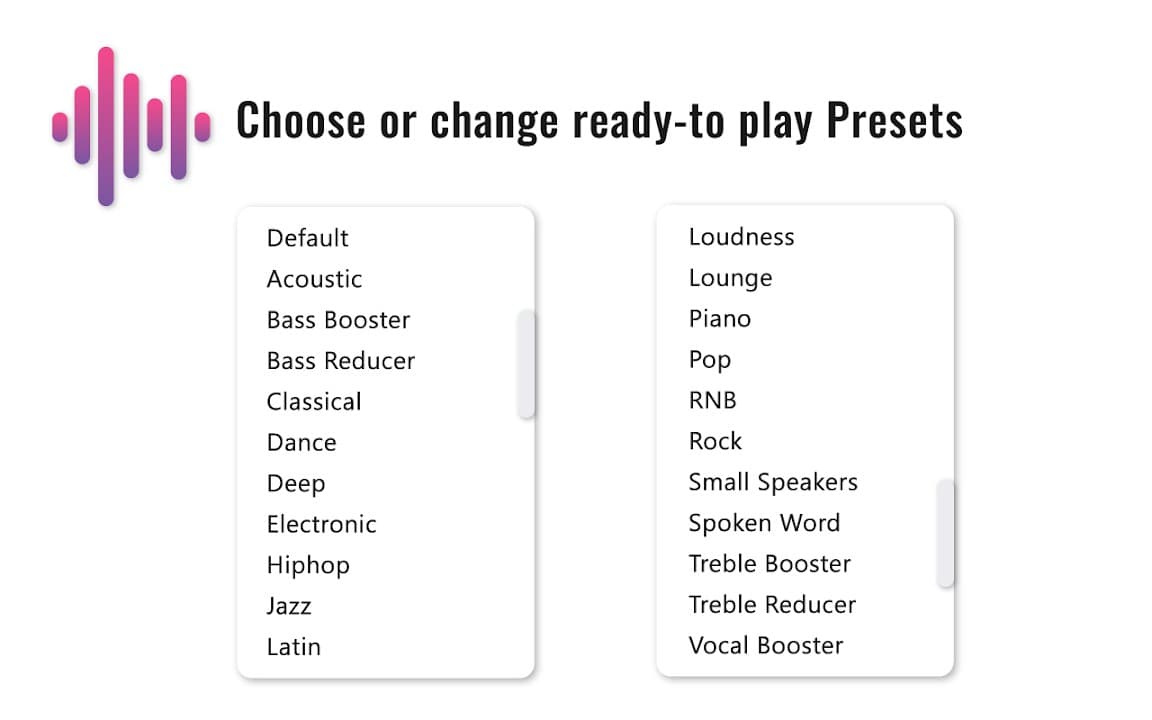
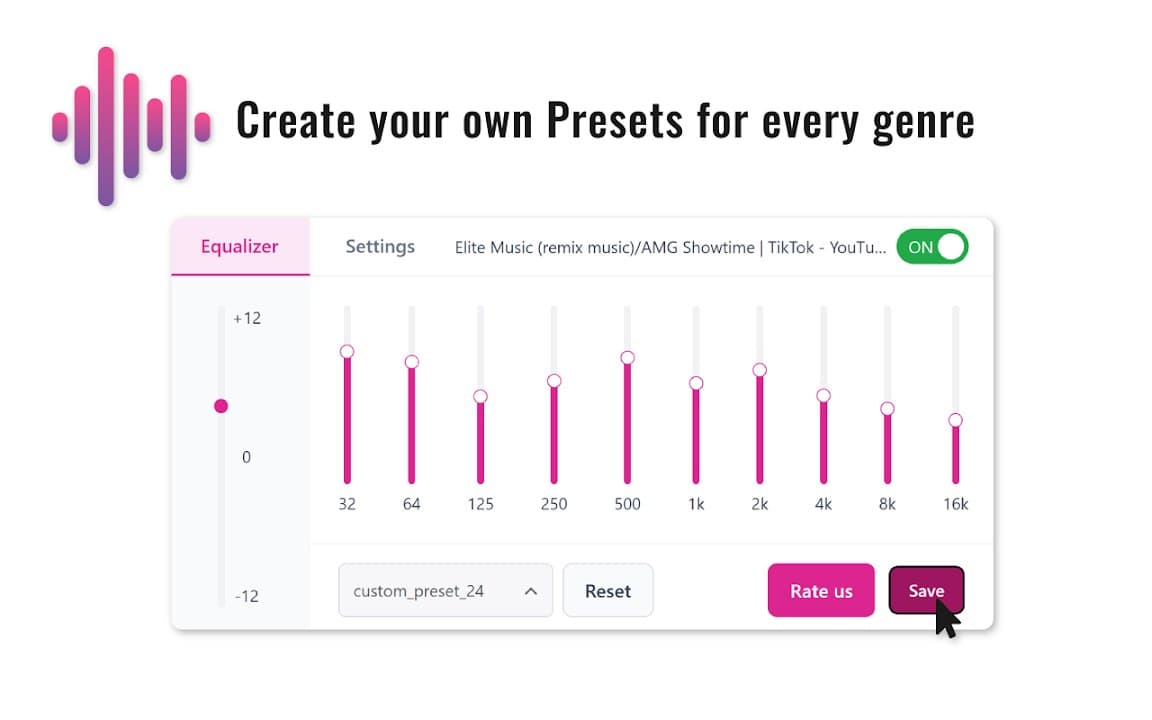
It is a practical all-in-one audio tool if you do not want separate booster and equalizer extensions. Presets help you start quickly; manual bands let you refine the sound for your headphones or speakers.
Install free from the Chrome Web Store. Preferences stay on your device, and the extension targets streaming and media sites that play audio through the browser.
audioequalizeramplifiermusicchrome extension
Key Features
- Multi-band equalizer
- Volume amplification
- Audio presets
- Streaming site support
- Local settings storage
Install in three steps
- 1
Open the Chrome Web Store listing and click Add to Chrome.
- 2
Confirm the install prompt in your browser.
- 3
Pin the extension and adjust settings from the toolbar menu.
More from Cusmize
Related Extensions
Other free browser extensions you might like.




Ready to try Audio Equalizer Amplifier?
Free to install. No account required. Settings stay on your device.
Install from Chrome Web Store