
Equalizer for Edge targets Microsoft Edge users who want the same kind of tab audio control available in Chrome EQ extensions. Adjust bands, apply presets, and boost quiet playback while browsing in Edge.
Browser Extension
Equalizer for Edge
Audio equalizer tuned for Microsoft Edge
Equalizer for Edge brings multi-band audio control to Edge browsing sessions. Boost quiet tabs, apply presets, and keep your sound profile stored on your device.

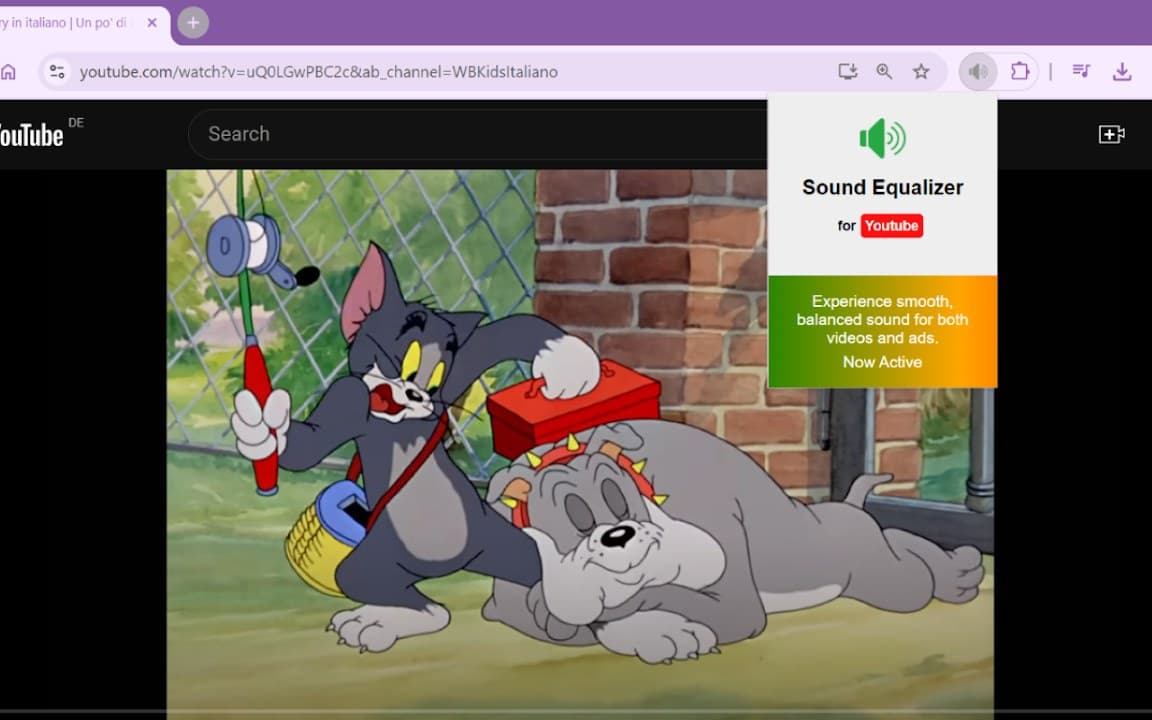
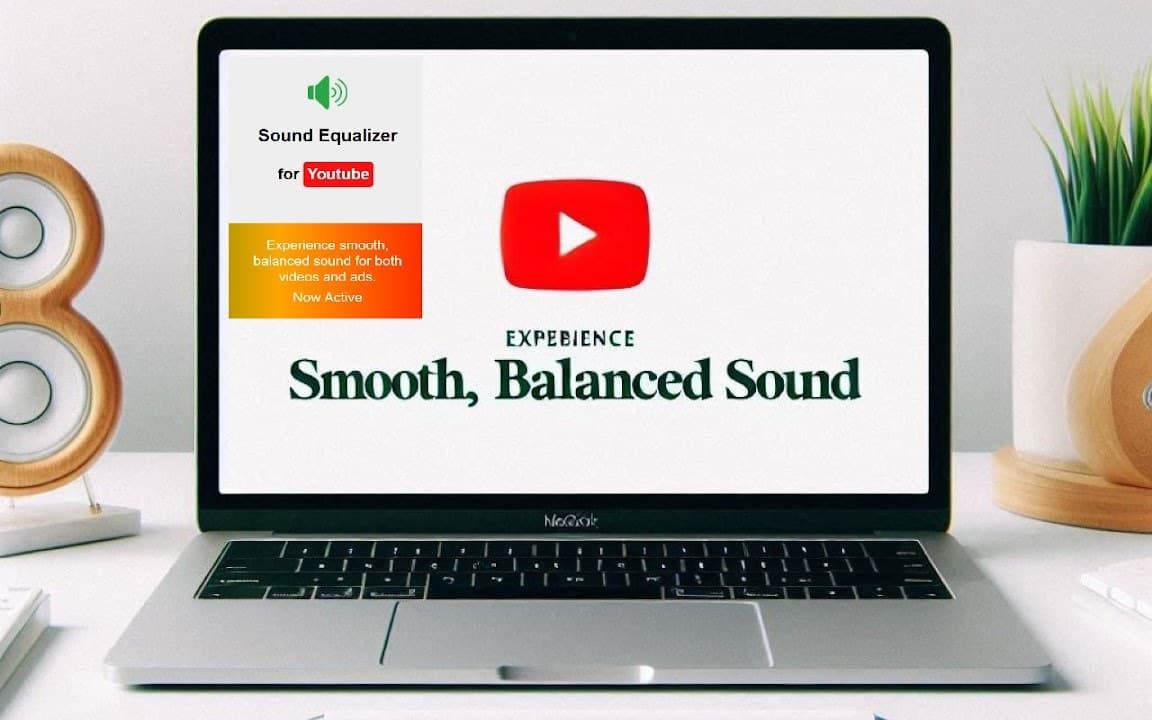
Screenshots from Chrome Web Store
See how Equalizer for Edge looks in the browser - real images from the store listing.

Overview
Audio equalizer tuned for Microsoft Edge
A closer look at what Equalizer for Edge does, who it is for, and how it fits into your browsing setup.
It is a sensible choice if Edge is your primary browser and you want EQ tools that match that environment. Streaming sites, video platforms, and music web apps are the main use cases.
Install from the Chrome Web Store or Edge Add-ons listing linked on this page. Settings remain on your device, and no account is required to use the equalizer.
audioequalizeredgemicrosoft edge extension
Key Features
- Built for Microsoft Edge
- EQ presets and sliders
- Volume boost support
- Local settings storage
- Streaming site compatible
Install in three steps
- 1
Open the Chrome Web Store listing and click Add to Chrome.
- 2
Confirm the install prompt in your browser.
- 3
Pin the extension and adjust settings from the toolbar menu.
More from Cusmize
Related Extensions
Other free browser extensions you might like.

Audio Equalizer
Amplifier and sound equalizer for the web
View extension
Audio Equalizer Amplifier
Equalizer and amplifier for browser audio
View extension
Bass Booster Extreme
Boost bass and enhance audio in your browser
View extension
Equalizer for Browser
10-band audio equalizer and volume booster for Chrome
View extensionReady to try Equalizer for Edge?
Free to install. No account required. Settings stay on your device.
Install from Chrome Web Store