
Texture Cursor focuses on stylized pointer designs with rich surface detail-grain, patterns, and layered visuals rather than flat icons. The result is a more distinctive cursor that still remains easy to follow on screen.
Browser Extension
Texture Cursor
Textured custom mouse cursors
Texture Cursor offers stylized pointer designs with rich visual textures. Choose textured cursor styles, apply them across websites, and personalize your browsing with settings stored locally.
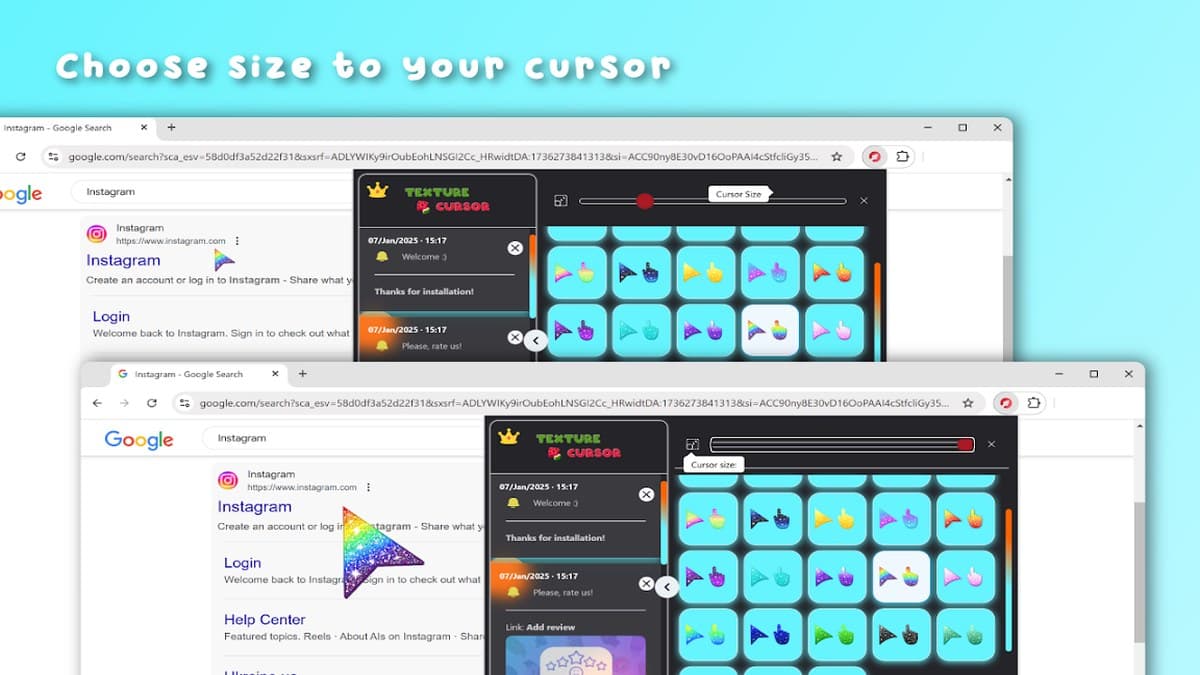

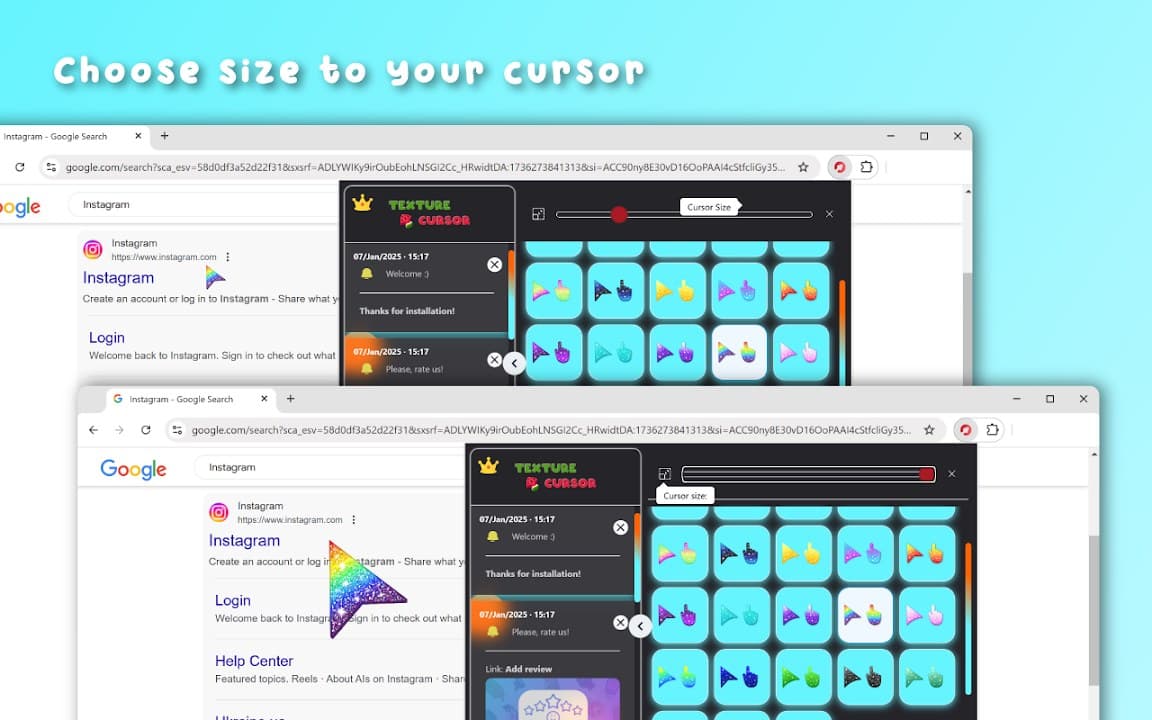
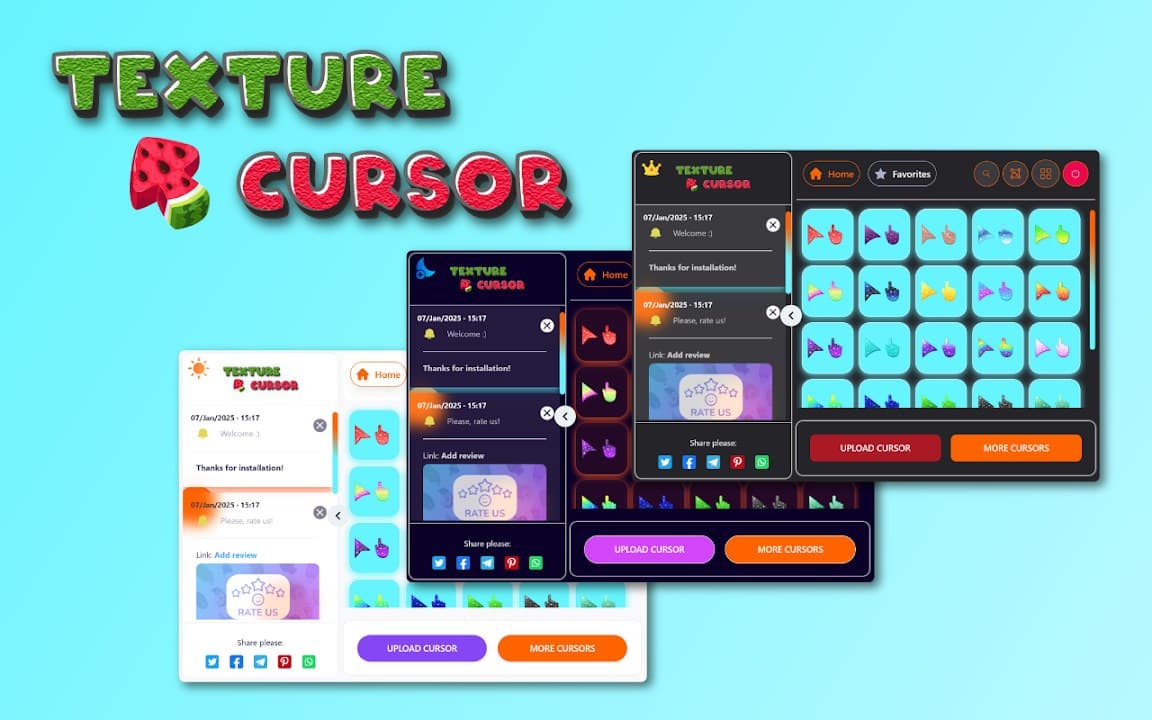
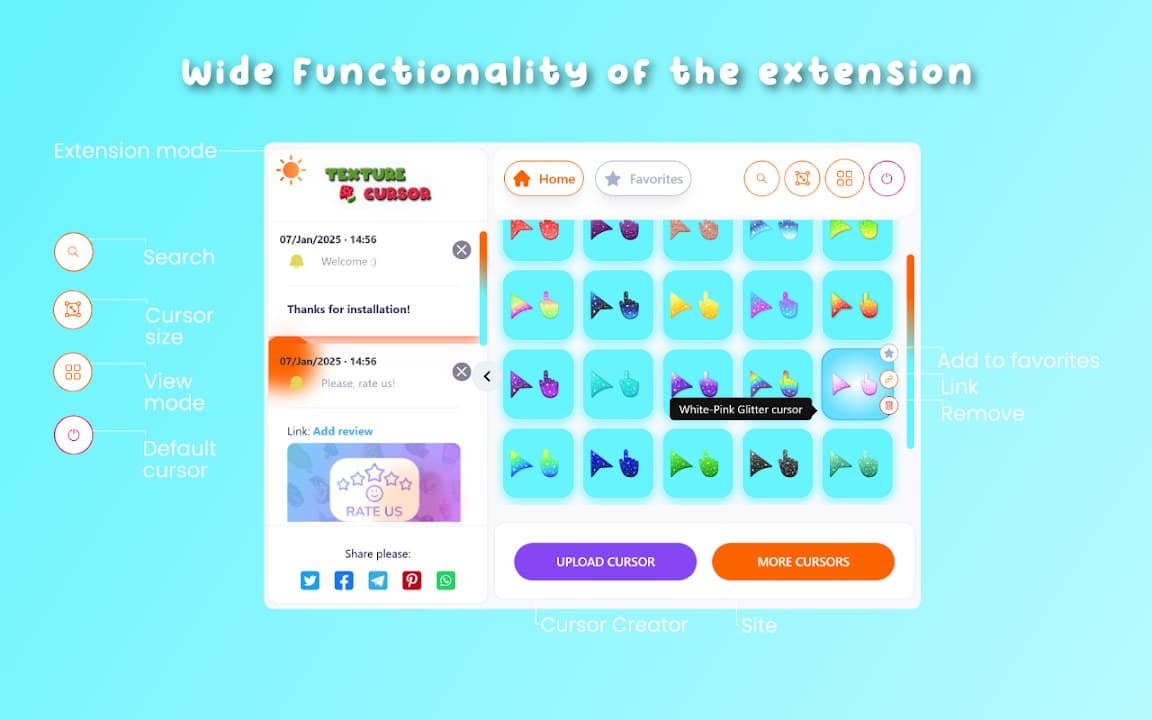
Screenshots from Chrome Web Store
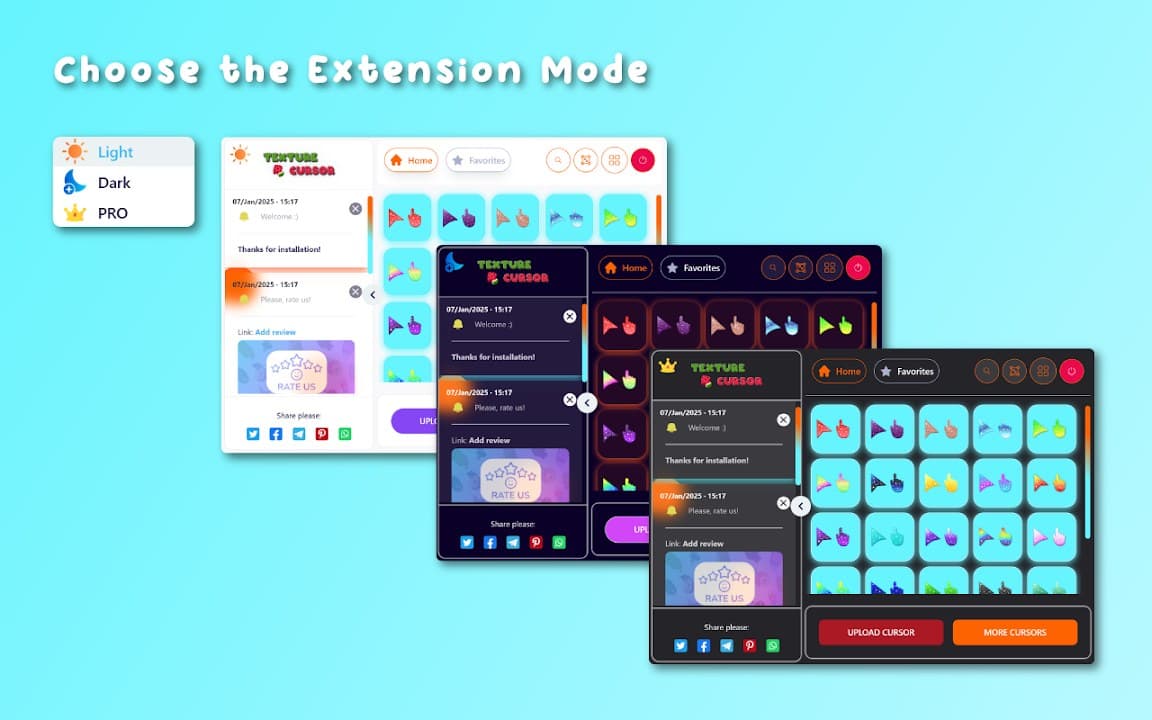
See how Texture Cursor looks in the browser - real images from the store listing.
Overview
Textured custom mouse cursors
A closer look at what Texture Cursor does, who it is for, and how it fits into your browsing setup.
Choose it when flat cursor packs feel too simple and you want pointers with more visual depth. Texture styles stand out on blogs, portfolios, and creative sites.
Texture Cursor is free on the Chrome Web Store with local settings and no account required.
cursortexturecustomizationchrome extension
Key Features
- Textured cursor designs
- Stylized pointers
- Easy switching
- Local preferences
- Free extension
Install in three steps
- 1
Open the Chrome Web Store listing and click Add to Chrome.
- 2
Confirm the install prompt in your browser.
- 3
Pin the extension and adjust settings from the toolbar menu.
More from Cusmize
Related Extensions
Other free browser extensions you might like.




Ready to try Texture Cursor?
Free to install. No account required. Settings stay on your device.
Install from Chrome Web Store