
Cursor Custom is a straightforward custom cursor extension for users who want unique pointer styles without extra complexity. Browse designs, apply one, and browse the web with a personalized mouse cursor.
Browser Extension
Cursor Custom
Fully custom mouse cursors
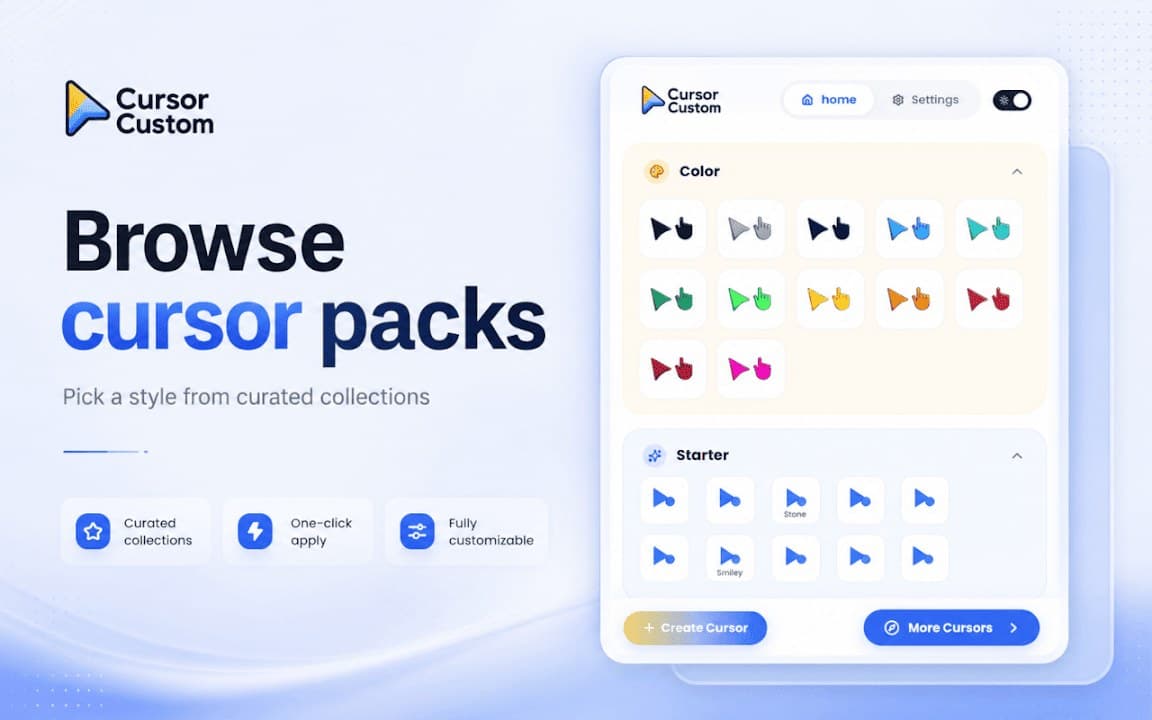
Cursor Custom helps you replace the default pointer with distinctive cursor designs. Browse styles, apply your favorite look, and keep settings on your device without sending data to external servers.


Screenshots from Chrome Web Store
See how Cursor Custom looks in the browser - real images from the store listing.

Overview
Fully custom mouse cursors
A closer look at what Cursor Custom does, who it is for, and how it fits into your browsing setup.
It works well as a general-purpose cursor changer when you do not need trails, pixel art, or space themes specifically. Enable it for personal browsing and turn it off for precision tasks.
Cursor Custom is free from the Chrome Web Store, requires no account, and stores your selection locally.
cursorcustomizationchrome extension
Key Features
- Unique cursor styles
- Instant apply
- Enable/disable quickly
- Local storage
- No account required
Install in three steps
- 1
Open the Chrome Web Store listing and click Add to Chrome.
- 2
Confirm the install prompt in your browser.
- 3
Pin the extension and adjust settings from the toolbar menu.
More from Cusmize
Related Extensions
Other free browser extensions you might like.




Ready to try Cursor Custom?
Free to install. No account required. Settings stay on your device.
Install from Chrome Web Store