
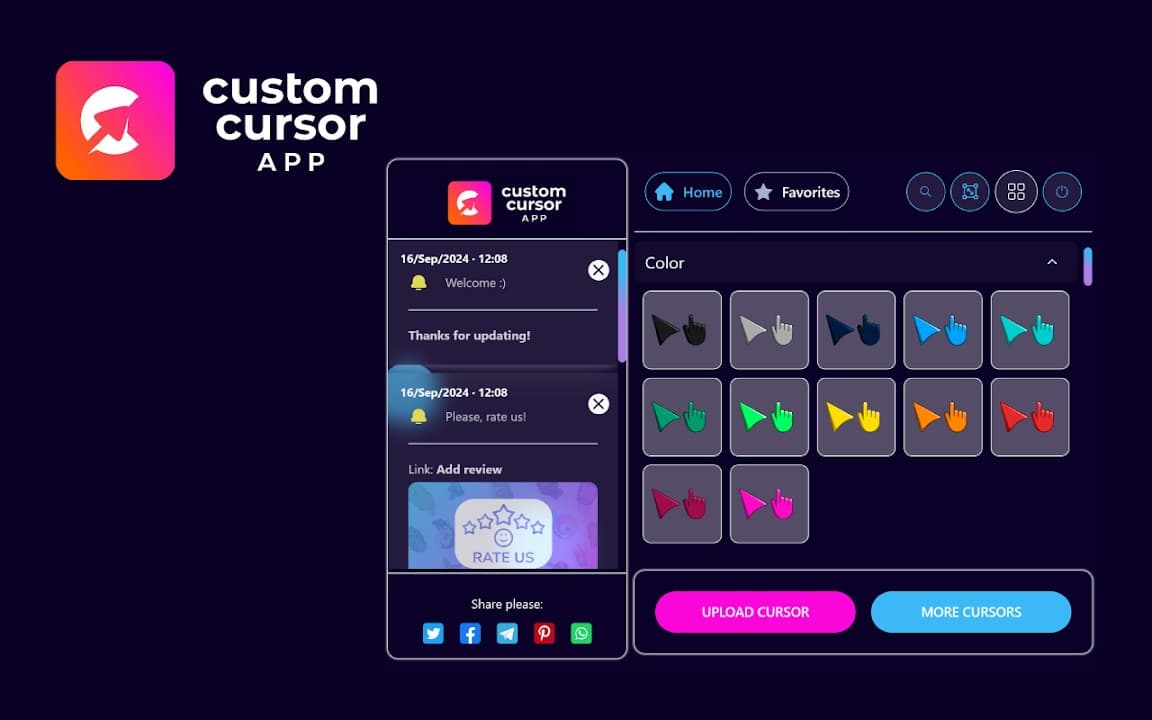
Custom Cursor App treats cursor customization like a small in-browser app: open the popup, browse packs, preview styles, and apply the one you like. The emphasis is on discovery and easy switching between collections.
Browser Extension
Custom Cursor App
Custom cursors app for your browser
Custom Cursor App brings a library of cursor designs to your browser. Browse packs, apply your favorite look, and enjoy a more personal browsing experience with settings stored on your device.
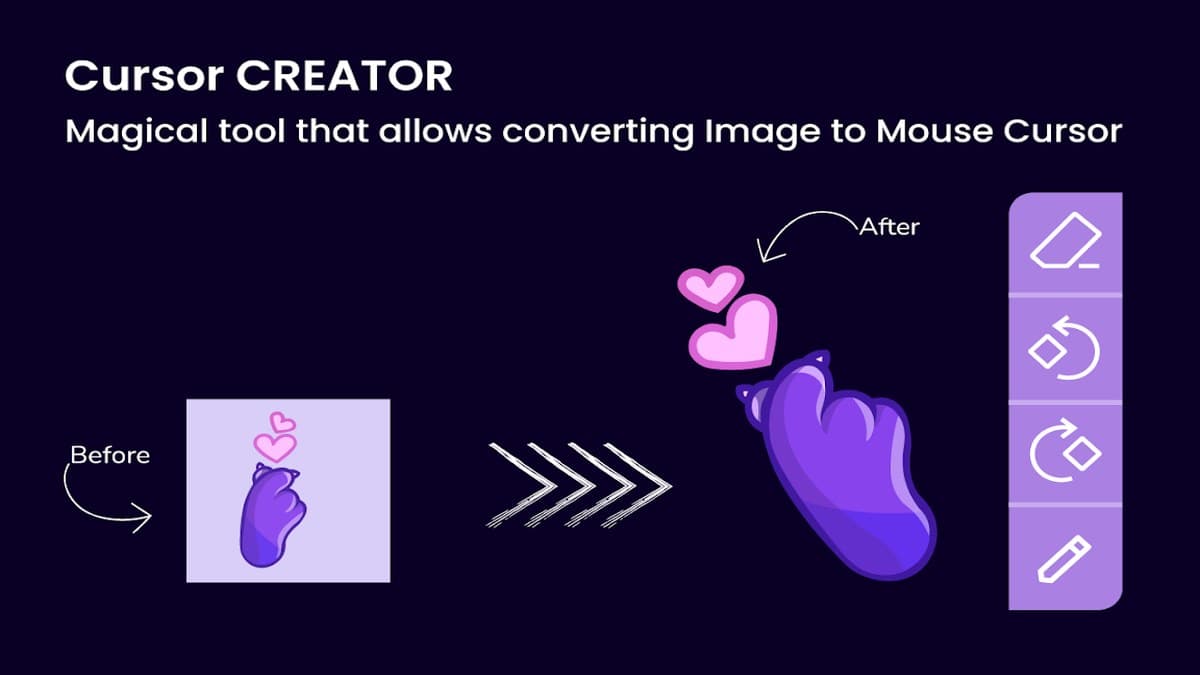

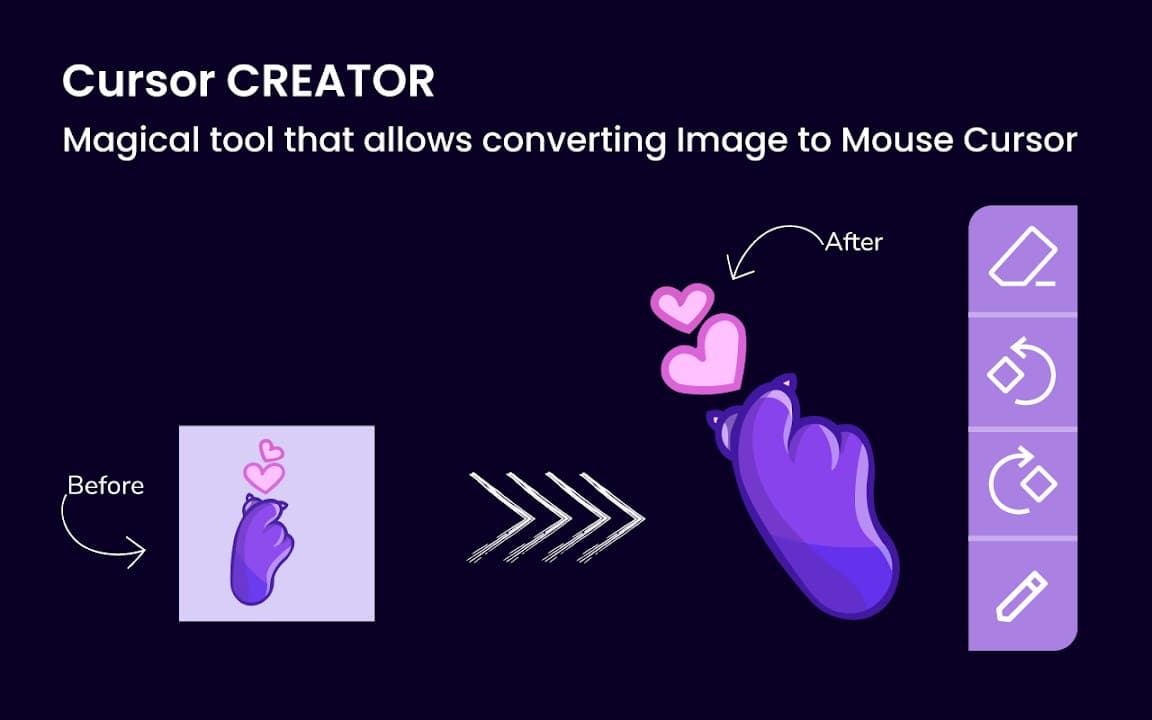
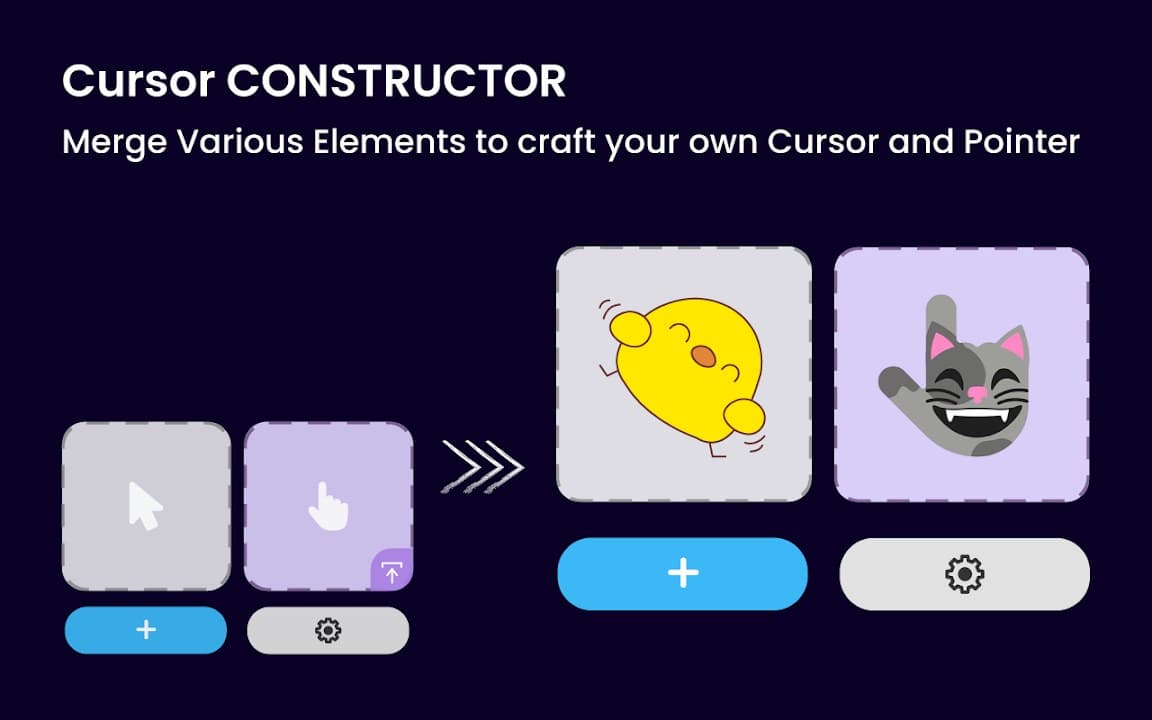
Screenshots from Chrome Web Store
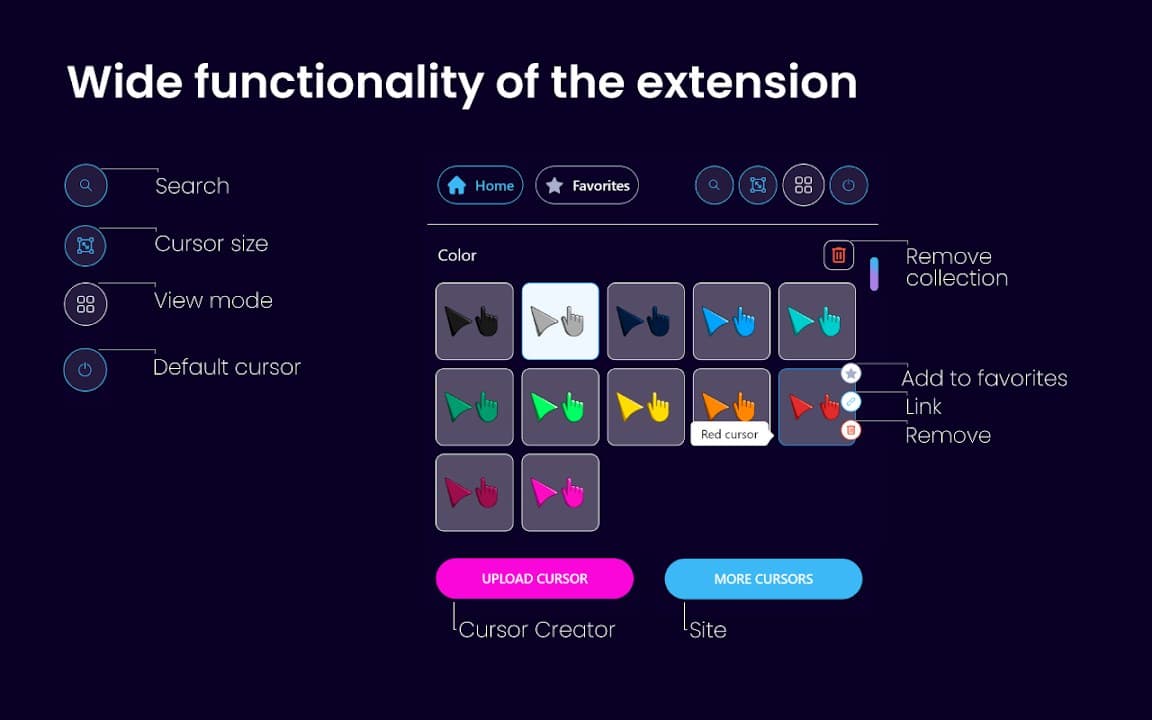
See how Custom Cursor App looks in the browser - real images from the store listing.
Overview
Custom cursors app for your browser
A closer look at what Custom Cursor App does, who it is for, and how it fits into your browsing setup.
Choose it if you enjoy browsing new cursor sets regularly and want a catalog-style experience inside Chrome. It works well for personalizing laptops, kid-friendly browsers, and casual streaming setups.
The extension is free from the Chrome Web Store with local-only settings. No registration is needed-just install, pick a cursor, and refresh a page if the new pointer does not appear immediately.
cursorcustomizationappchrome extension
Key Features
- Cursor style library
- Easy pack switching
- Local settings
- Most sites supported
- No account needed
Install in three steps
- 1
Open the Chrome Web Store listing and click Add to Chrome.
- 2
Confirm the install prompt in your browser.
- 3
Pin the extension and adjust settings from the toolbar menu.
More from Cusmize
Related Extensions
Other free browser extensions you might like.




Ready to try Custom Cursor App?
Free to install. No account required. Settings stay on your device.
Install from Chrome Web Store