
PromptVault AI is a productivity extension for people who work with ChatGPT and similar AI tools every day. It gives you a personal vault where prompts can be saved, tagged, and reused instead of copied from scattered notes or old chats.
Browser Extension
PromptVault AI
Save and organize AI prompts
PromptVault AI helps you build a personal library of prompts. Save templates, tag ideas, and paste proven prompts into AI tools faster without losing your best wording.
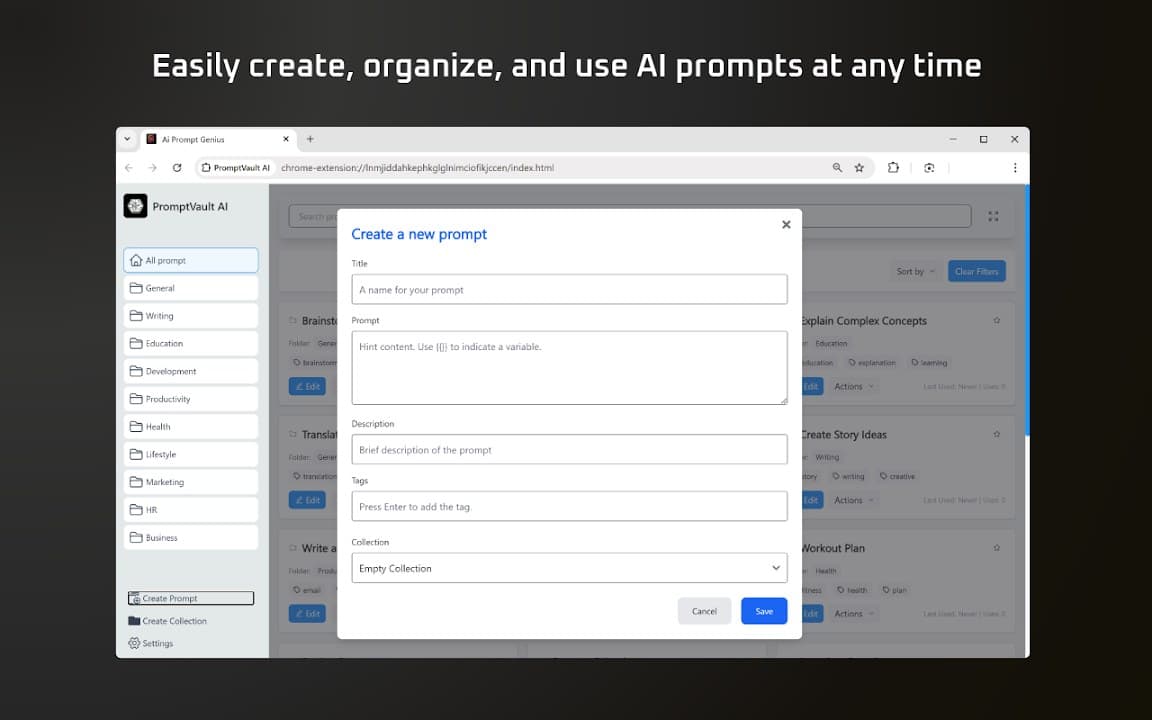
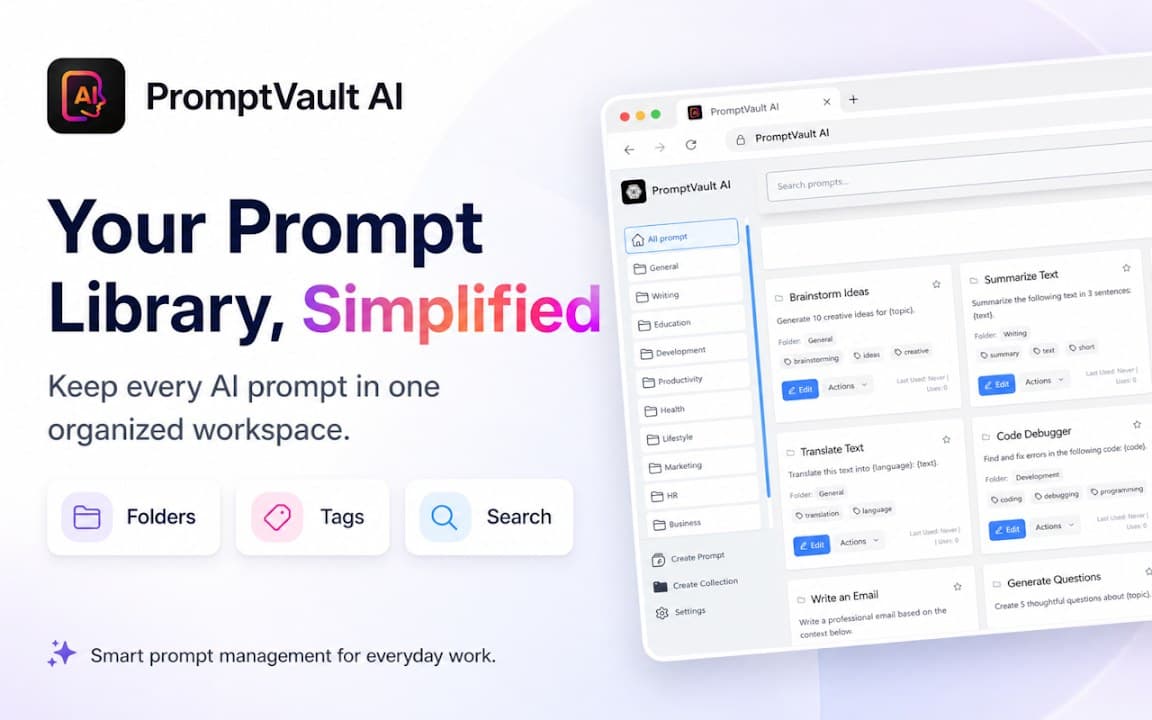
Screenshots from Chrome Web Store
See how PromptVault AI looks in the browser - real images from the store listing.
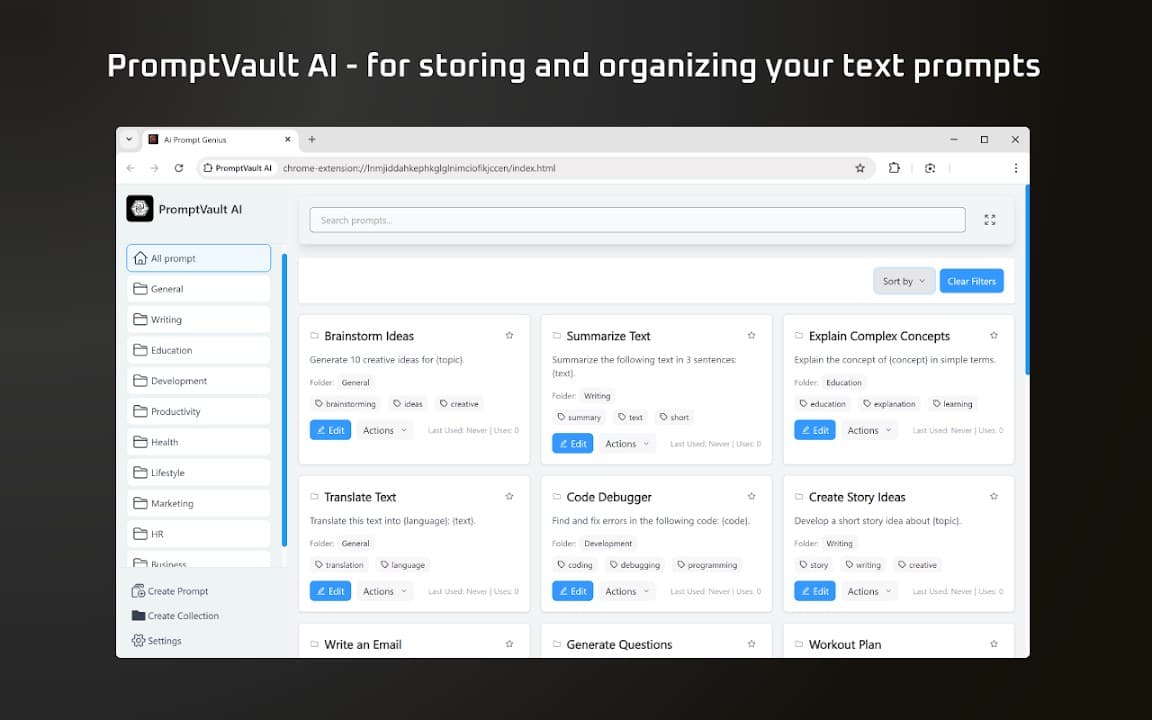
Overview
Save and organize AI prompts
A closer look at what PromptVault AI does, who it is for, and how it fits into your browsing setup.
That matters when you have proven prompt templates for writing, coding, research, or customer support. Organize them once, copy them quickly, and spend less time rewriting the same instructions.
PromptVault AI stores your library locally in the browser and does not require an account to get started. Install free from the Chrome Web Store if you want a simple way to keep your best AI prompts within reach.
aiproductivitypromptschrome extension
Key Features
- Organize AI prompts in one place
- Quick copy and reuse
- Tags and categories
- Works with popular AI sites
- Privacy-first local storage
Install in three steps
- 1
Open the Chrome Web Store listing and click Add to Chrome.
- 2
Confirm the install prompt in your browser.
- 3
Pin the extension and adjust settings from the toolbar menu.
More from Cusmize
Related Extensions
Other free browser extensions you might like.




Ready to try PromptVault AI?
Free to install. No account required. Settings stay on your device.
Install from Chrome Web Store