
Delete All Messages is built specifically for Facebook Messenger cleanup. Instead of deleting threads one at a time, it offers a bulk workflow from the extension panel so you can clear large message histories faster.
Browser Extension
Delete All Messages
Bulk delete Facebook messages in two clicks
Delete All Messages helps you clear Facebook Messenger conversations in bulk. Open your messages, use the extension panel, and remove chats in two clicks instead of deleting threads one by one. Settings stay on your device; use at your own risk.
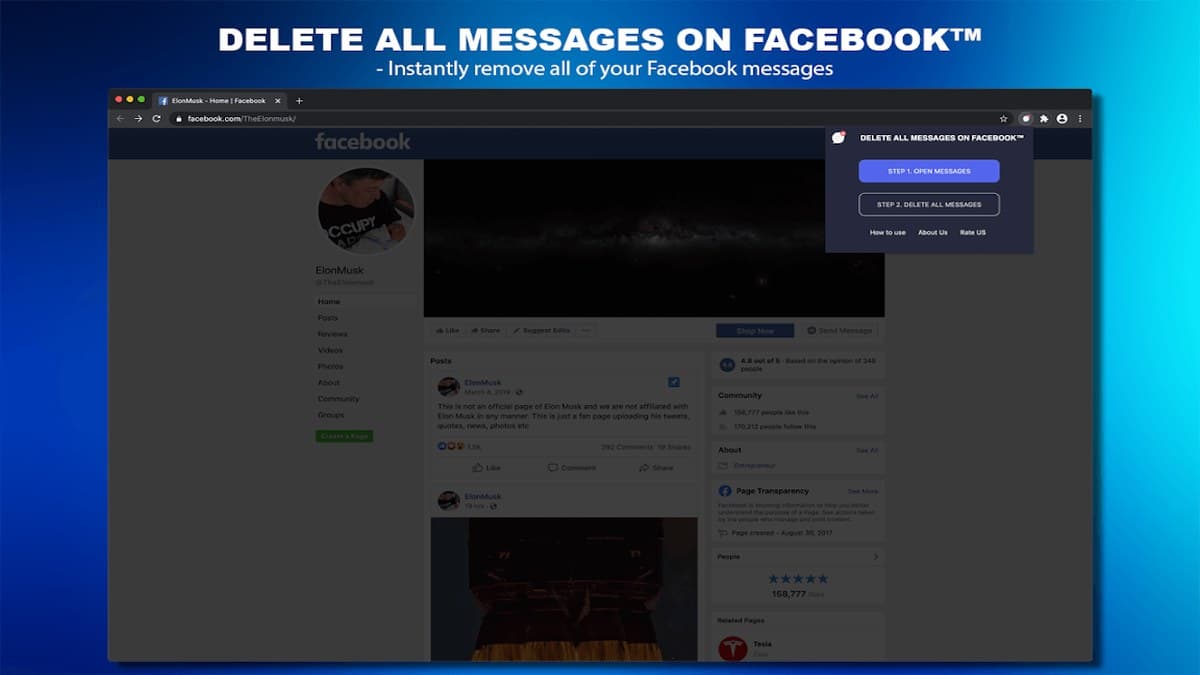

Screenshots from Chrome Web Store
See how Delete All Messages looks in the browser - real images from the store listing.

Overview
Bulk delete Facebook messages in two clicks
A closer look at what Delete All Messages does, who it is for, and how it fits into your browsing setup.
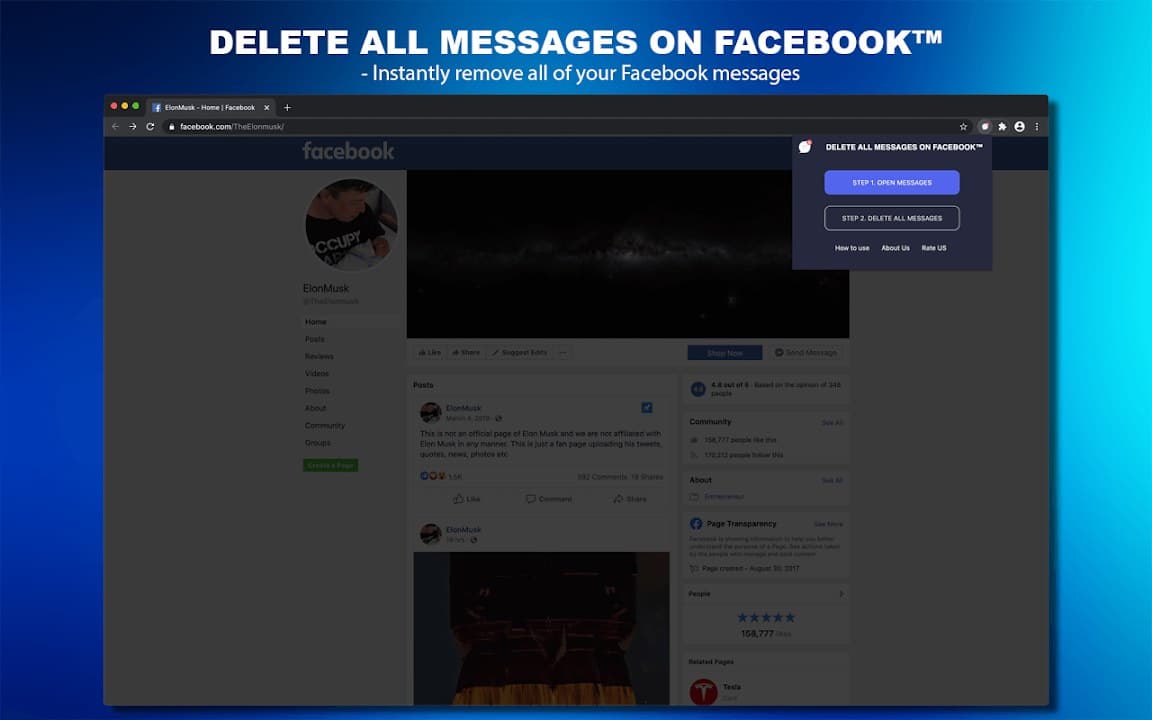
Open Messenger, launch the extension, and follow the on-screen steps to remove conversations in two clicks rather than dozens. It is aimed at users resetting old chats or tidying a long-used account.
Use it only on messages you truly want to remove-deletion is permanent. The extension is free from the Chrome Web Store, stores preferences locally, and includes a privacy policy you should read before use.
productivityfacebookmessagescleanupchrome extension
Key Features
- Bulk delete Facebook messages
- Two-click workflow
- Works from the extension popup
- No account required
- Local-only preferences
Install in three steps
- 1
Open the Chrome Web Store listing and click Add to Chrome.
- 2
Confirm the install prompt in your browser.
- 3
Pin the extension and adjust settings from the toolbar menu.
More from Cusmize
Related Extensions
Other free browser extensions you might like.




Ready to try Delete All Messages?
Free to install. No account required. Settings stay on your device.
Install from Chrome Web Store