
Parental Control - Adult Blocker is a Chrome extension designed to help families limit access to adult websites. Parents and guardians can enable blocking rules so that explicit content is harder to reach during everyday browsing.
Browser Extension
Parental Control - Adult Blocker
Protect your family online with site blocking
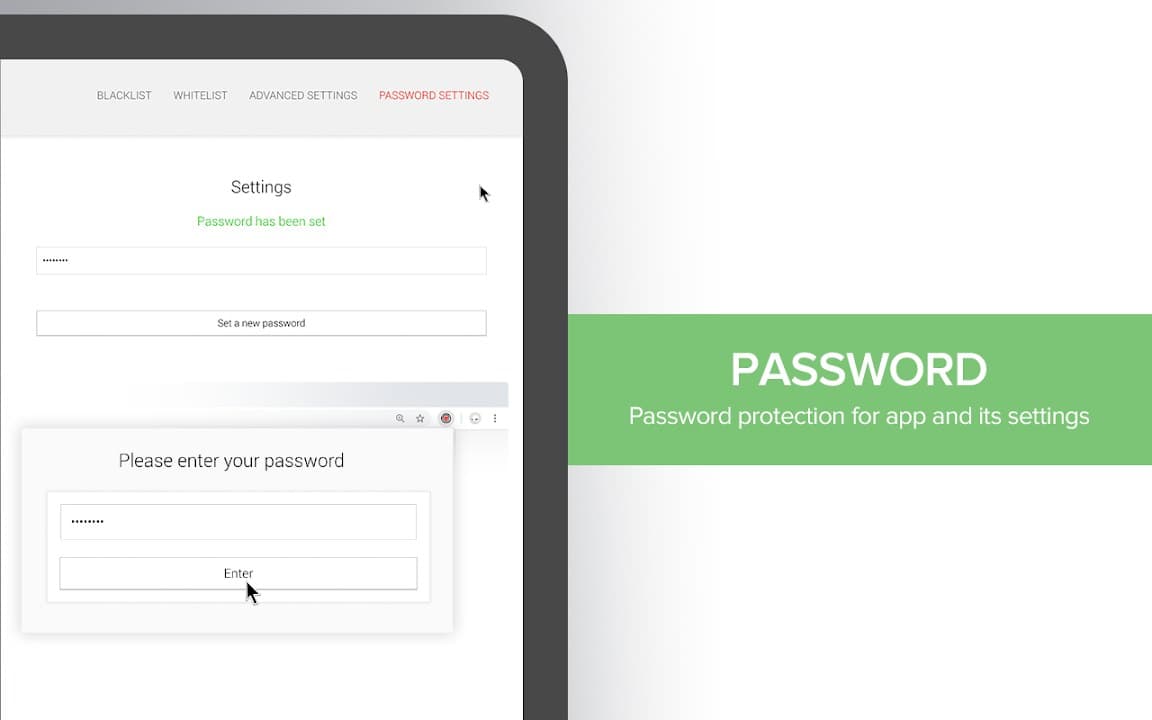
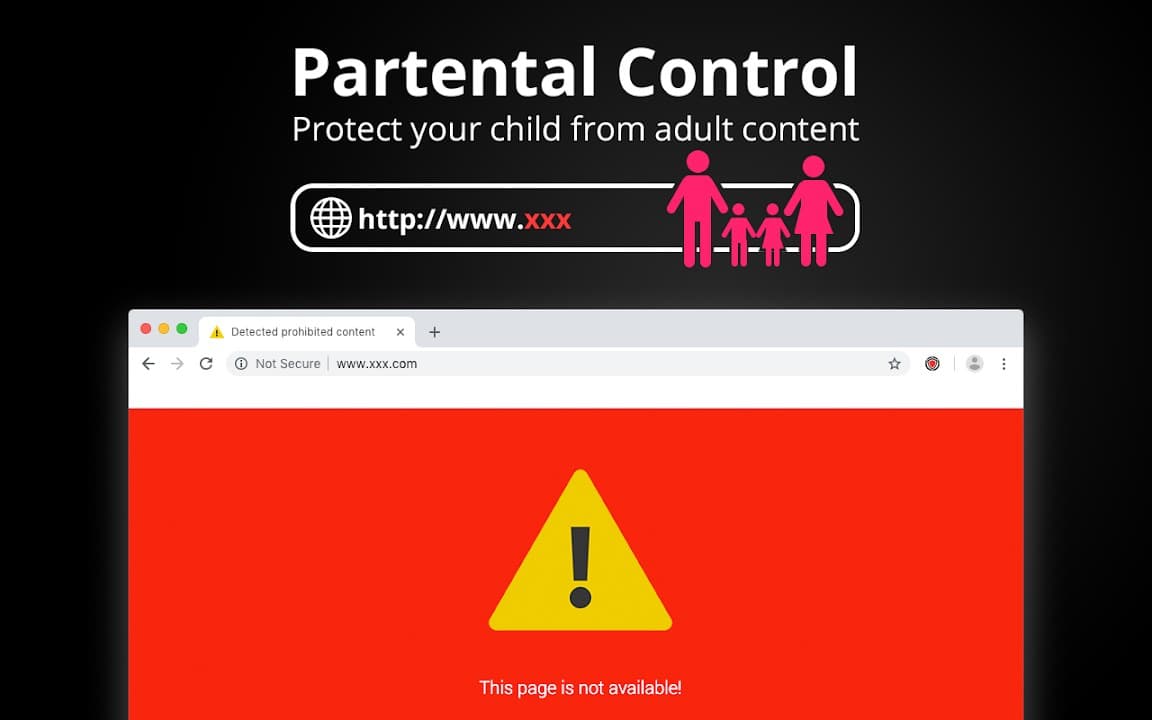
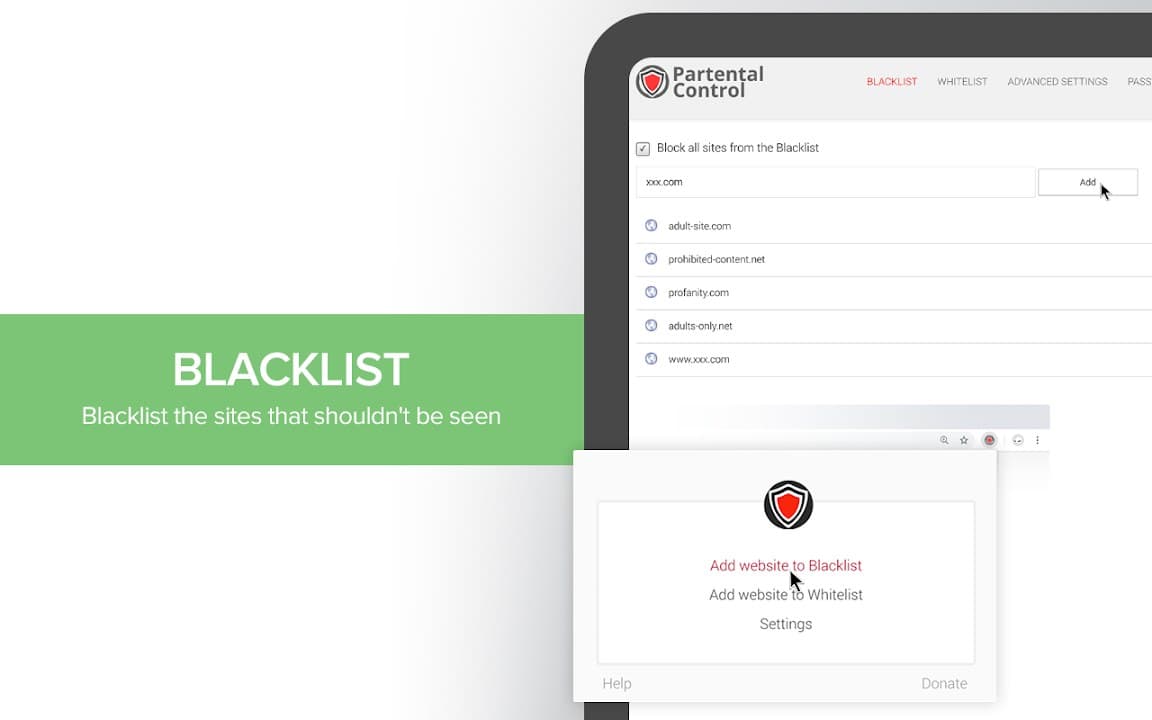
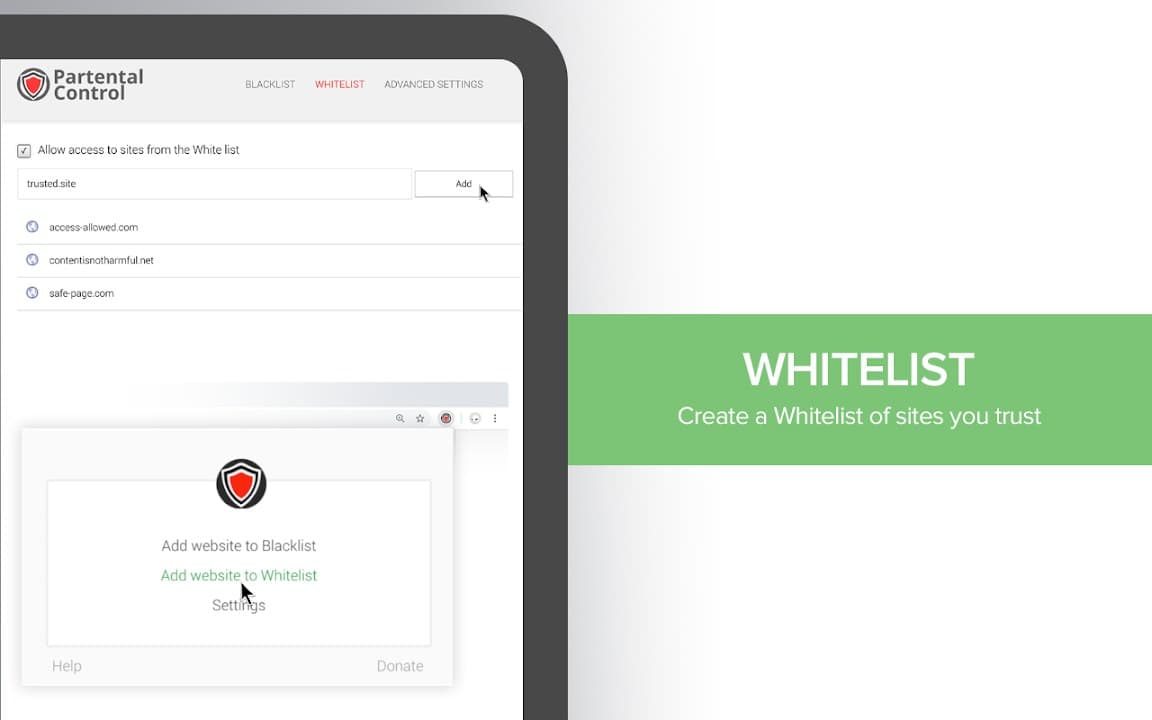
Parental Control - Adult Blocker helps make the internet safer for children and families. Add sites to your blacklist and the extension blocks them automatically. All settings are password-protected so only you can change rules or disable protection. Simple interface, works quietly in the background.
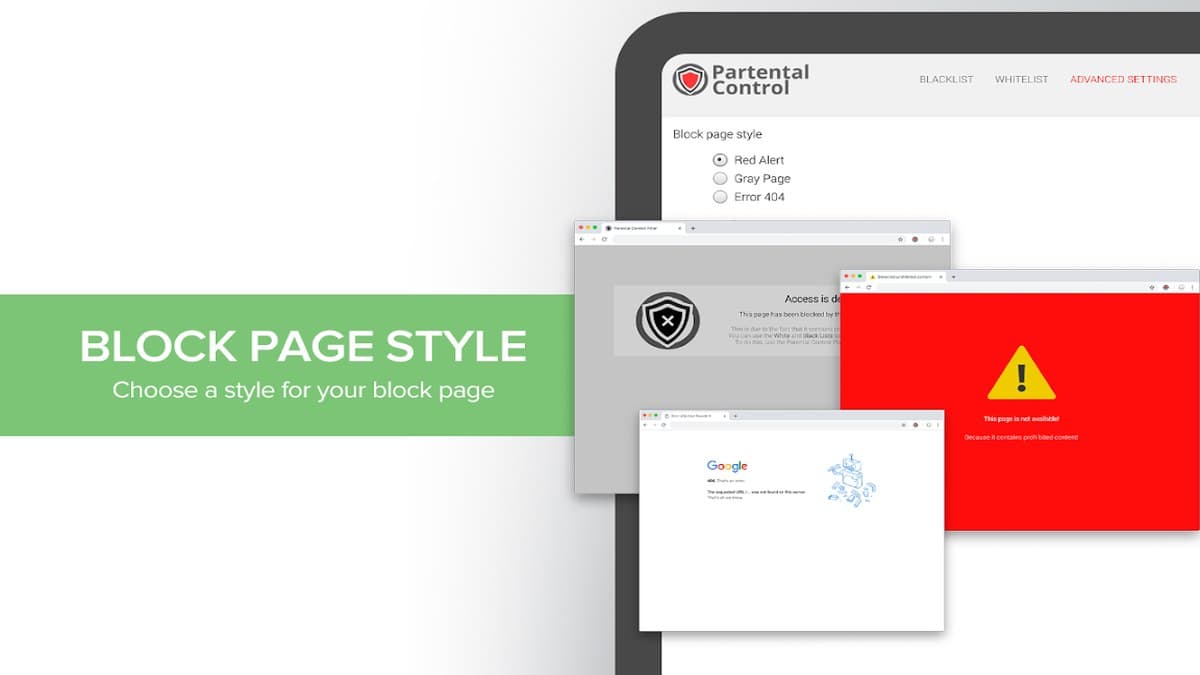

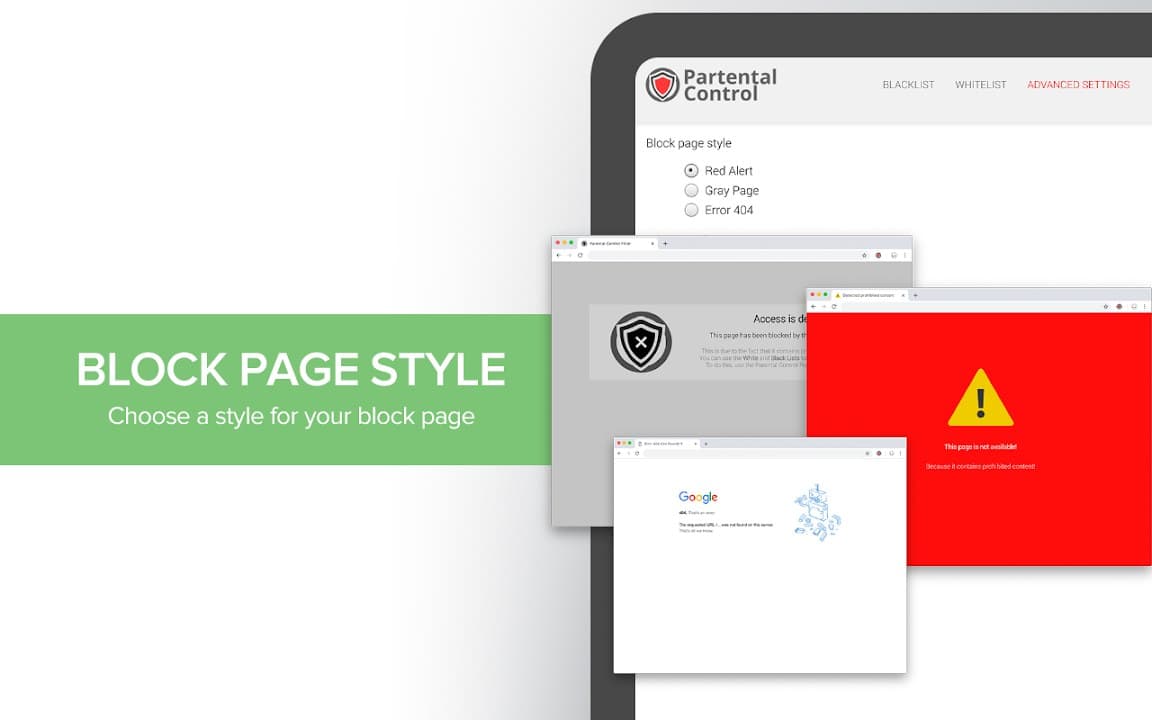
Screenshots from Chrome Web Store
See how Parental Control - Adult Blocker looks in the browser - real images from the store listing.
Overview
Protect your family online with site blocking
A closer look at what Parental Control - Adult Blocker does, who it is for, and how it fits into your browsing setup.
The extension focuses on site-level filtering rather than replacing full device parental controls. It can be useful on a shared family computer or a child's profile when you want an extra layer of protection inside the browser.
Settings are managed locally through the extension. Install from the Chrome Web Store, configure the blocker to match your household rules, and review the privacy policy to understand permissions and data handling before enabling it on a child's browser.
privacyparental controlsafetychrome extension
Key Features
- Block adult and unwanted websites
- Custom blacklist you control
- Password-protected settings
- Simple, modern interface
- Runs quietly in the background
Install in three steps
- 1
Open the Chrome Web Store listing and click Add to Chrome.
- 2
Confirm the install prompt in your browser.
- 3
Pin the extension and adjust settings from the toolbar menu.
More from Cusmize
Related Extensions
Other free browser extensions you might like.




Ready to try Parental Control - Adult Blocker?
Free to install. No account required. Settings stay on your device.
Install from Chrome Web Store