
Custom Cursor World offers a wide collection of pointer themes-cute, gaming, neon, seasonal, and more-in one extension. The name fits: it is built for exploration, with many packs to scroll through and try.
Browser Extension
Custom Cursor World
A world of custom cursors for Chrome
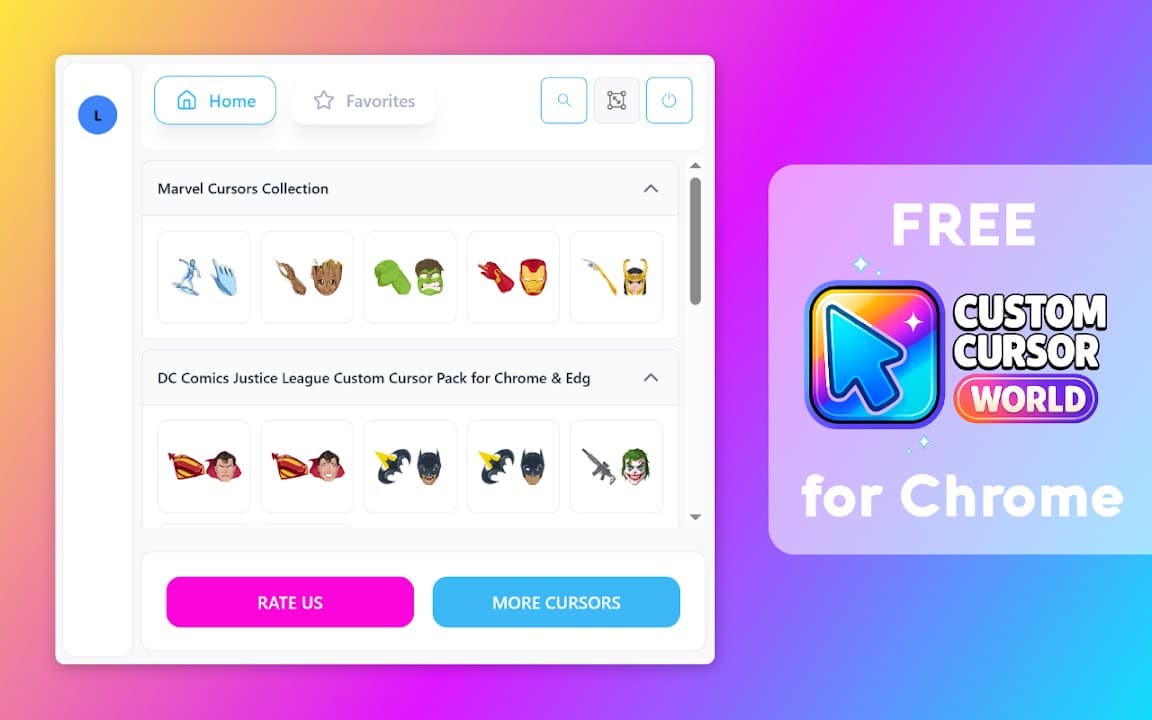
Custom Cursor World gives you access to a large variety of pointer designs. Discover new cursor themes, apply them instantly, and make everyday browsing more fun with local-only settings.
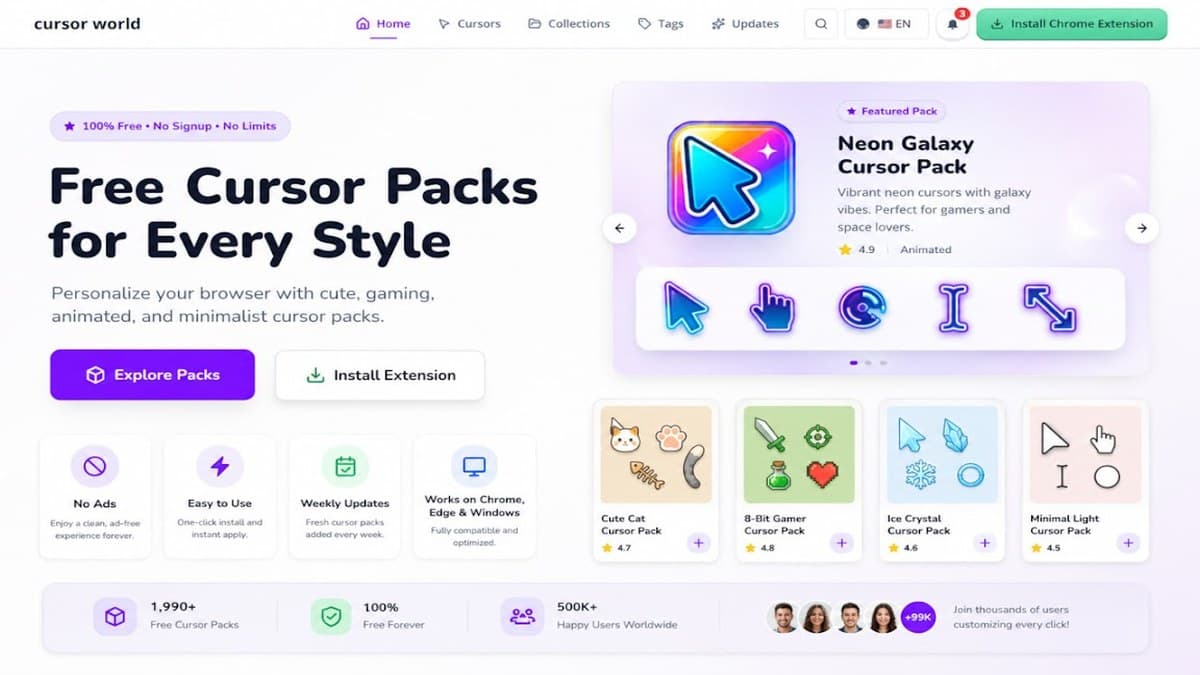

Screenshots from Chrome Web Store
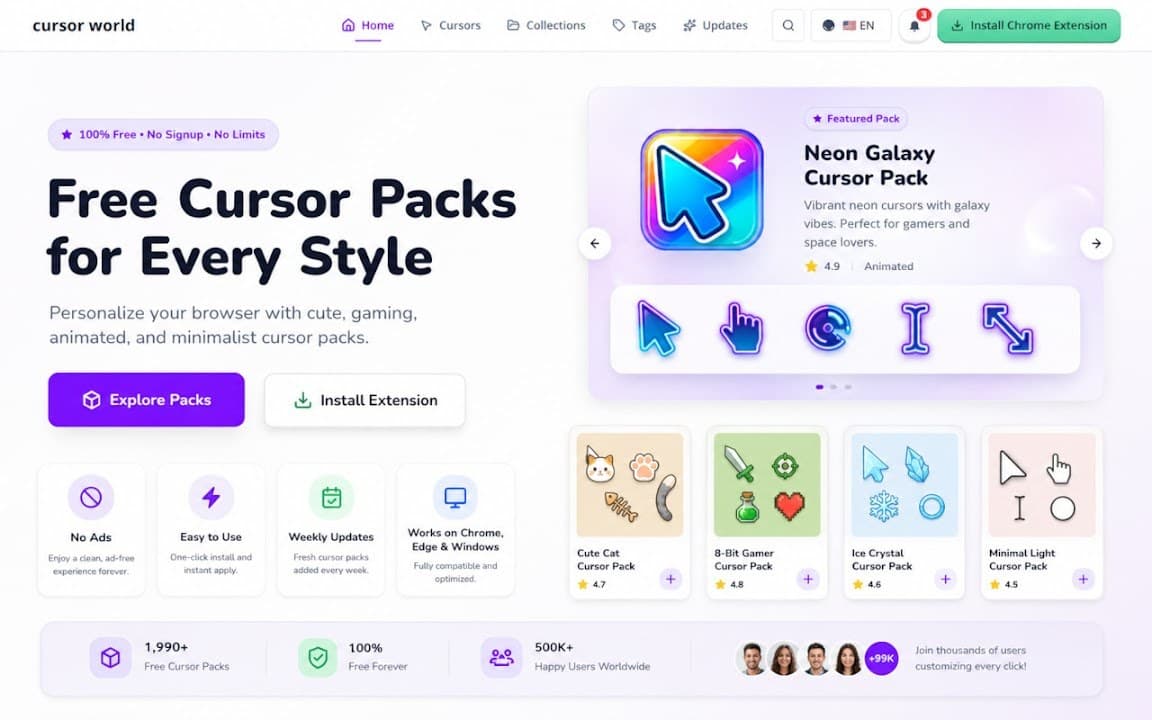
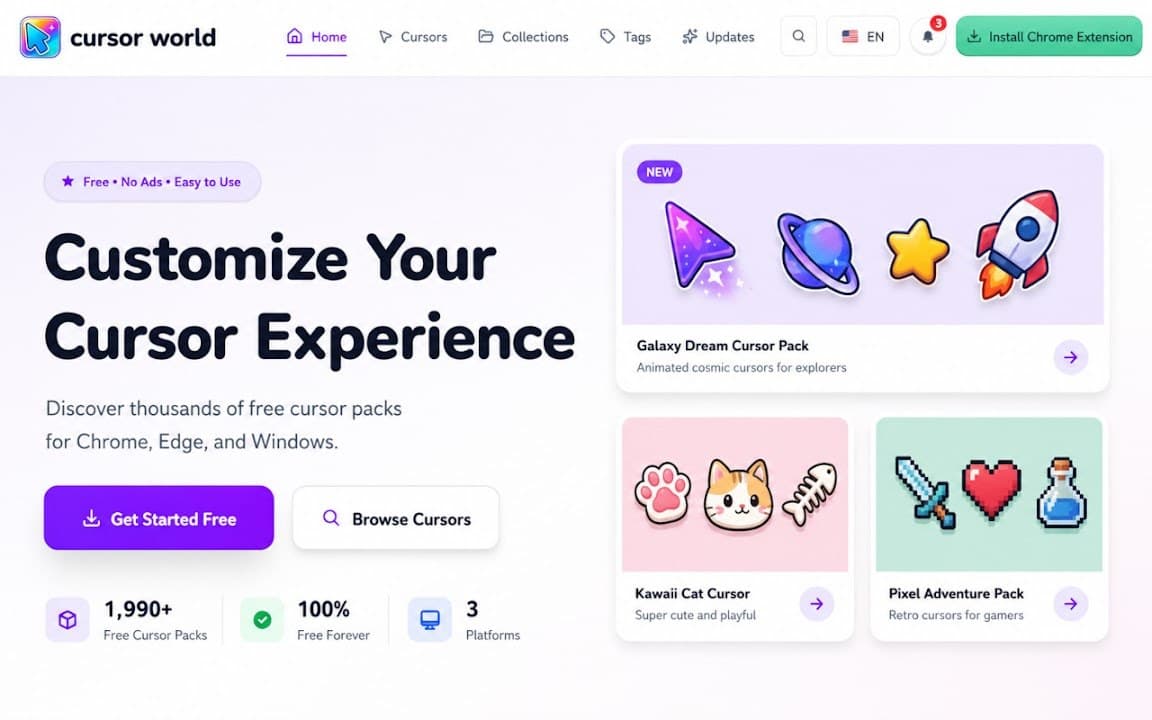
See how Custom Cursor World looks in the browser - real images from the store listing.
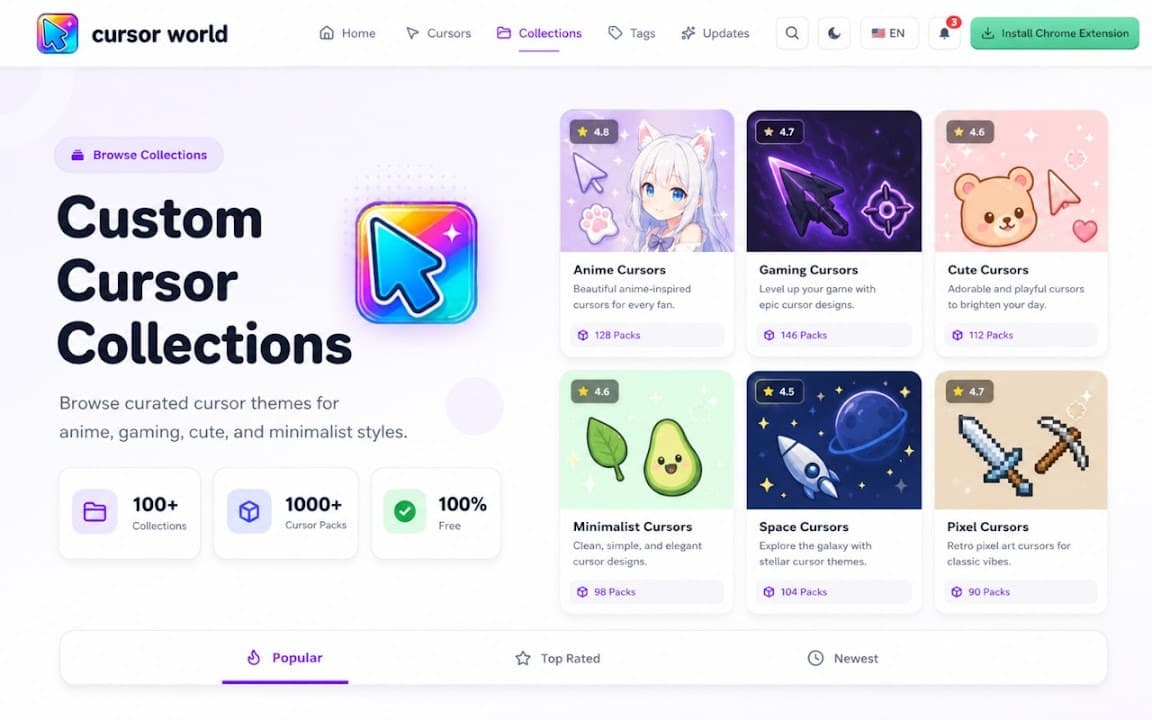
Overview
A world of custom cursors for Chrome
A closer look at what Custom Cursor World does, who it is for, and how it fits into your browsing setup.
If you like collecting cursor styles or switching themes often, this is the catalog-style option in the lineup. Apply a pack, browse the web, then swap to another design in seconds.
Custom Cursor World is free on the Chrome Web Store. Settings stay local, no account is required, and you can turn custom cursors off from the toolbar whenever you want.
cursorcustomizationcollectionchrome extension
Key Features
- Large cursor collection
- Multiple themes
- One-click apply
- Local preferences
- Free extension
Install in three steps
- 1
Open the Chrome Web Store listing and click Add to Chrome.
- 2
Confirm the install prompt in your browser.
- 3
Pin the extension and adjust settings from the toolbar menu.
More from Cusmize
Related Extensions
Other free browser extensions you might like.




Ready to try Custom Cursor World?
Free to install. No account required. Settings stay on your device.
Install from Chrome Web Store