
Volume Control is a lightweight Chrome extension for boosting and adjusting web audio when system volume max is not enough. Raise playback levels on quiet videos, podcasts, and streams with a simple interface.
Browser Extension
Volume Control
Easy volume control for web audio
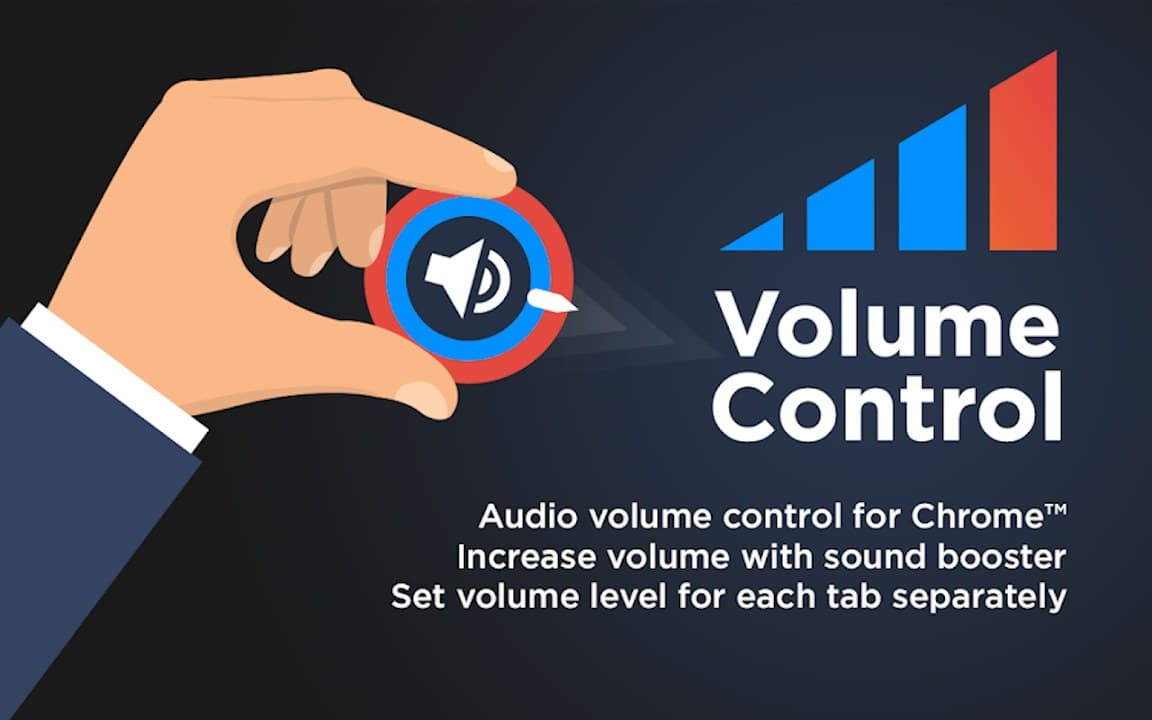
Volume Control helps when system max volume is not enough. Raise tab playback levels, fine-tune loudness, and enjoy clearer audio on your favorite sites with local-only settings.

Screenshots from Chrome Web Store
See how Volume Control looks in the browser - real images from the store listing.

Overview
Easy volume control for web audio
A closer look at what Volume Control does, who it is for, and how it fits into your browsing setup.
It complements your existing speaker or headphone setup rather than replacing it-ideal for quick fixes during everyday browsing.
Install free from the Chrome Web Store. Settings stay on your device with no registration required.
audiovolumecontrolchrome extension
Key Features
- Volume adjustment
- Boost quiet content
- Minimal interface
- Local settings
- Streaming compatible
Install in three steps
- 1
Open the Chrome Web Store listing and click Add to Chrome.
- 2
Confirm the install prompt in your browser.
- 3
Pin the extension and adjust settings from the toolbar menu.
More from Cusmize
Related Extensions
Other free browser extensions you might like.

Audio Booster Plus
Boost browser tab audio with extra clarity
View extension
Audio Booster Plus Pro
Advanced tab audio boost for Chrome
View extension
Equalizer for Browser
10-band audio equalizer and volume booster for Chrome
View extension
Equalizer with Volume Boost
EQ plus volume boost in one extension
View extensionReady to try Volume Control?
Free to install. No account required. Settings stay on your device.
Install from Chrome Web Store