
Equalizer with Volume Boost merges two common requests in one extension: better tone and louder playback. Fix muffled audio with EQ adjustments, then raise tab volume when the content itself was recorded quietly.
Browser Extension
Equalizer with Volume Boost
EQ plus volume boost in one extension
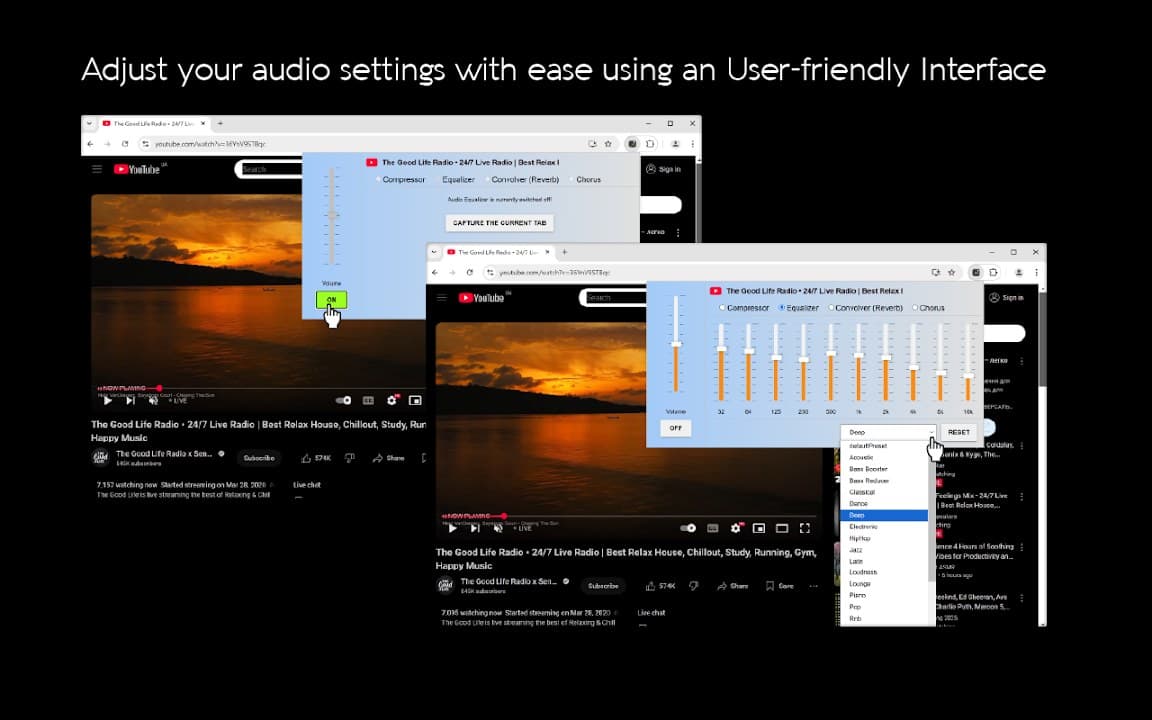
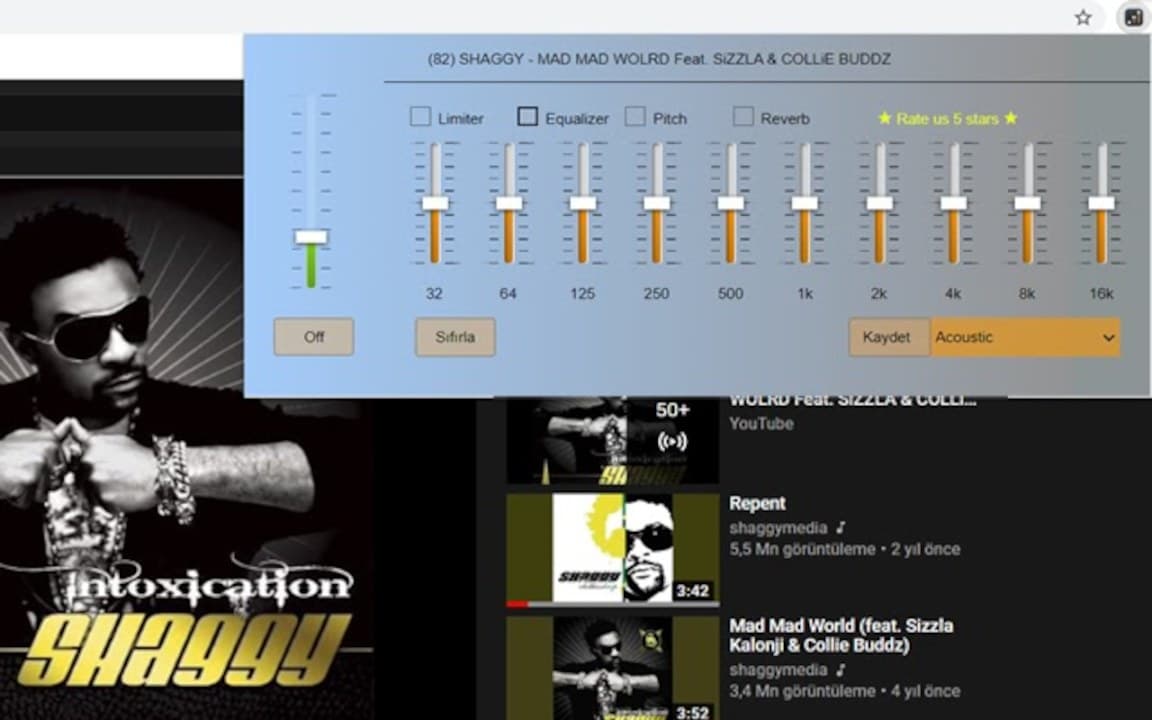
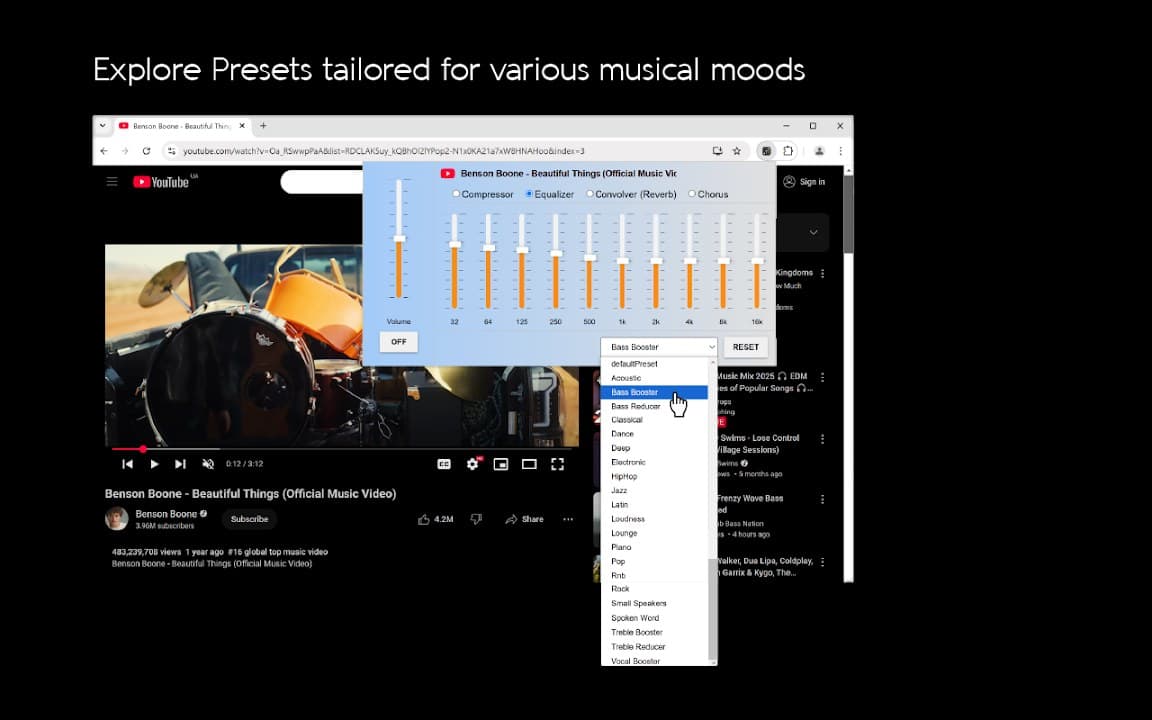
Equalizer with Volume Boost pairs multi-band EQ with volume amplification for web playback. Fix quiet tabs, enhance bass, and customize sound profiles stored locally on your device.
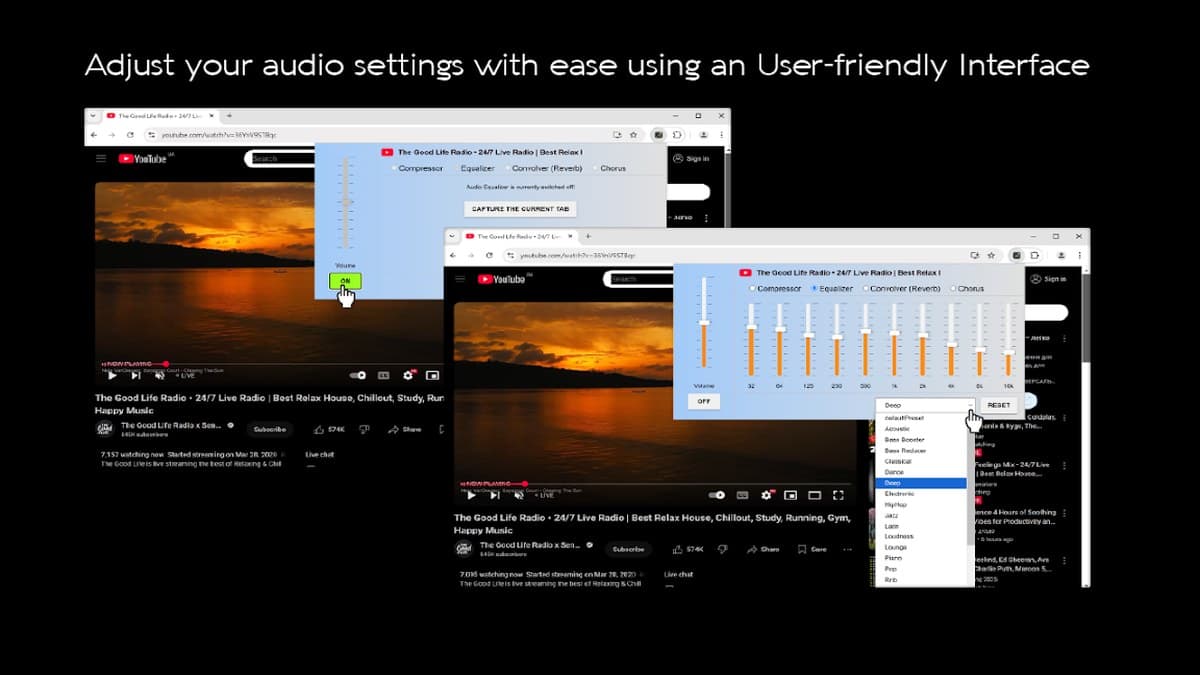
Screenshots from Chrome Web Store
See how Equalizer with Volume Boost looks in the browser - real images from the store listing.
Overview
EQ plus volume boost in one extension
A closer look at what Equalizer with Volume Boost does, who it is for, and how it fits into your browsing setup.
That combination is especially helpful on laptops with limited speaker output. Bass enhancement and presets round out the workflow so you are not starting from zero every session.
Install free from the Chrome Web Store. The extension keeps your sound profile on your device and works on most streaming and video sites.
audioequalizervolumeboosterchrome extension
Key Features
- Equalizer plus volume boost
- Multiple presets
- Bass enhancement
- Works on streaming sites
- Local storage only
Install in three steps
- 1
Open the Chrome Web Store listing and click Add to Chrome.
- 2
Confirm the install prompt in your browser.
- 3
Pin the extension and adjust settings from the toolbar menu.
More from Cusmize
Related Extensions
Other free browser extensions you might like.




Ready to try Equalizer with Volume Boost?
Free to install. No account required. Settings stay on your device.
Install from Chrome Web Store