
Sound Booster, also listed as Volume Booster, solves a common browser problem: some videos and streams are simply too quiet even at full system volume. The extension raises tab audio so dialogue, music, and effects become easier to hear.
Browser Extension
Sound Booster
Increase volume beyond system limits
Sound Booster (Volume Booster) raises playback volume on web content when your system max is not enough. Ideal for quiet streams, podcasts, and videos - with controls that stay on your device.
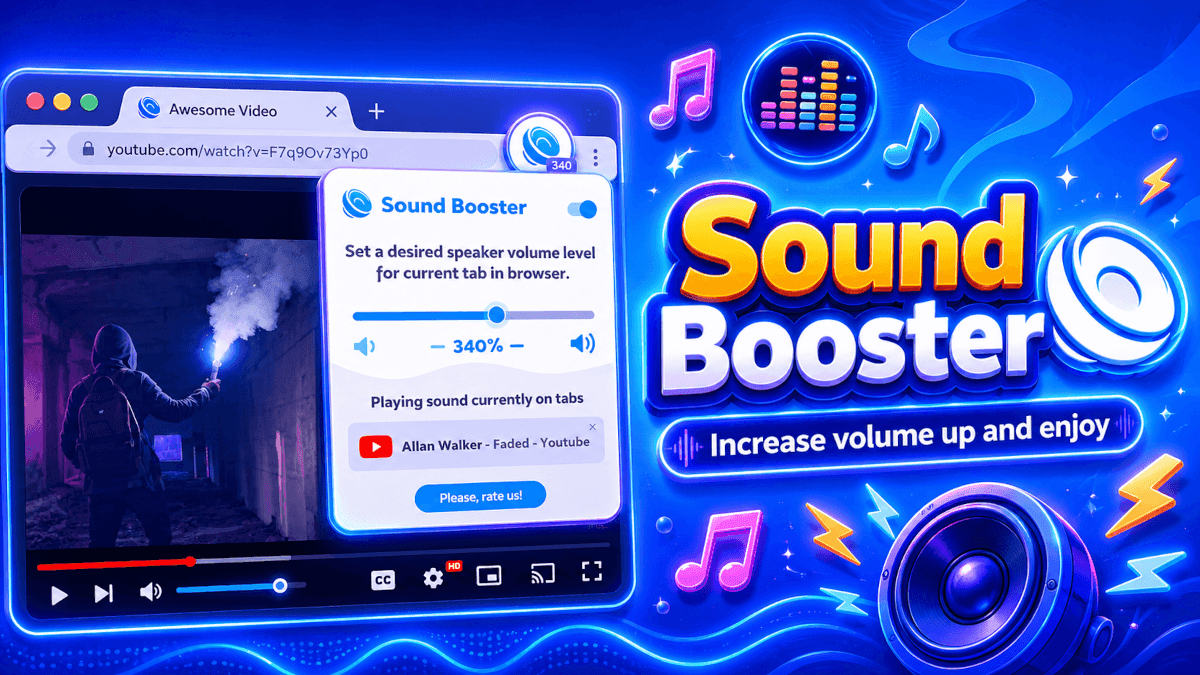

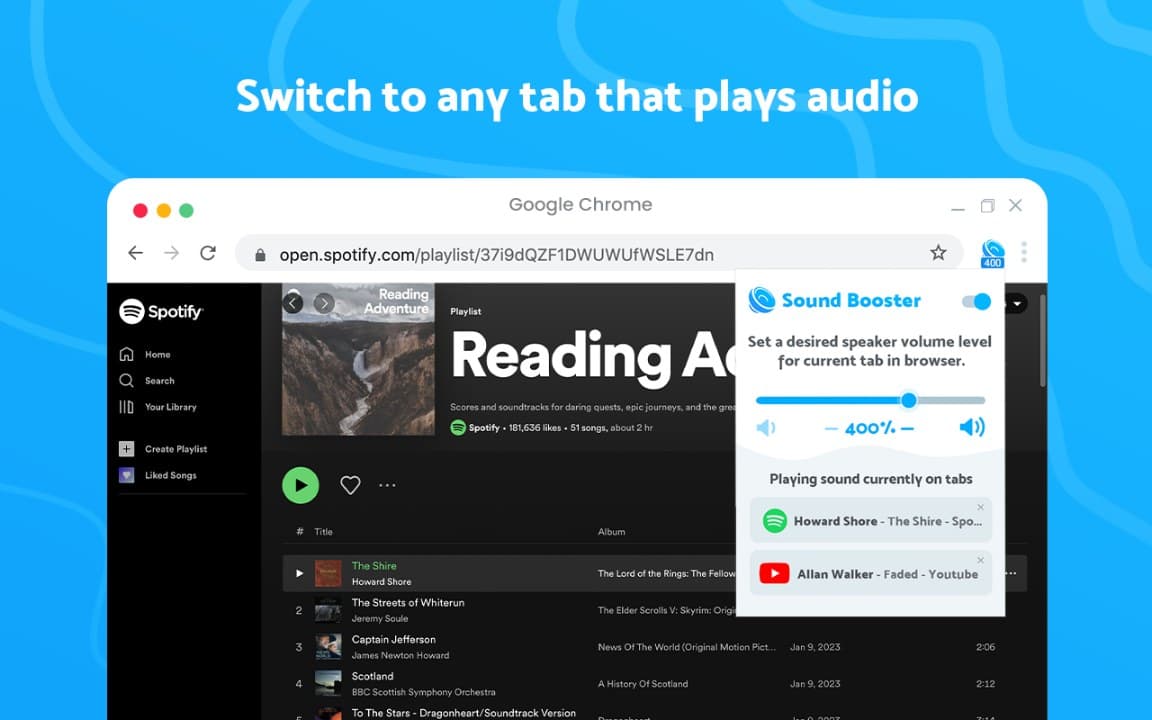
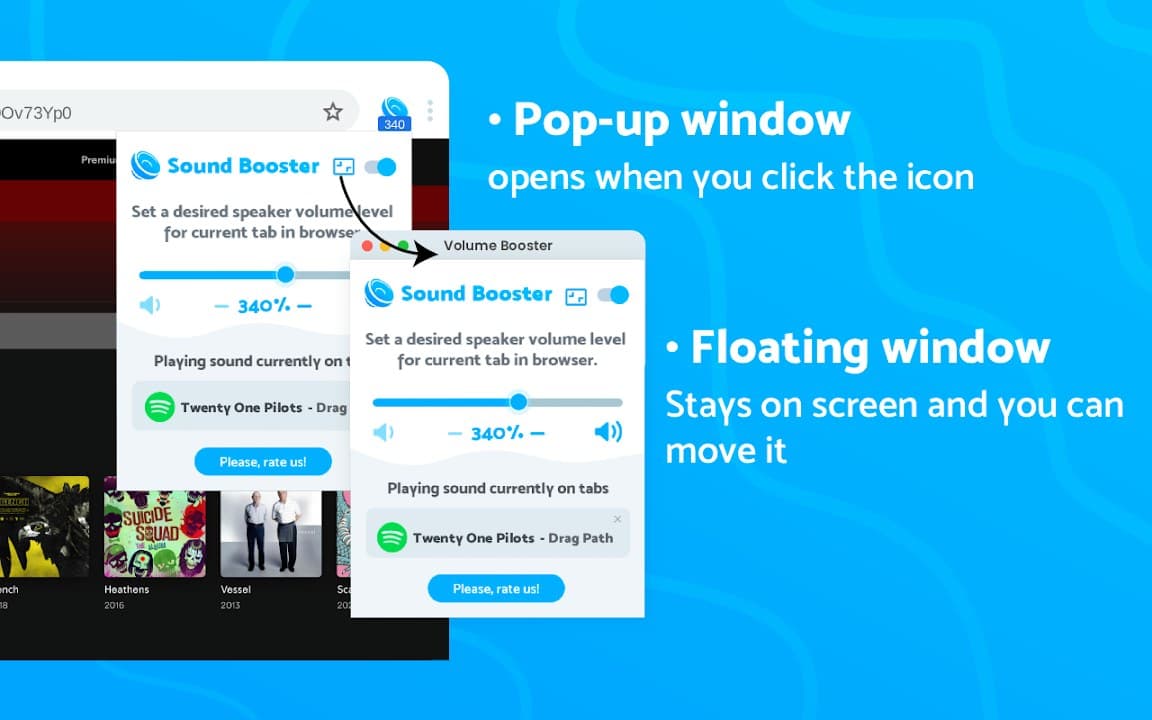
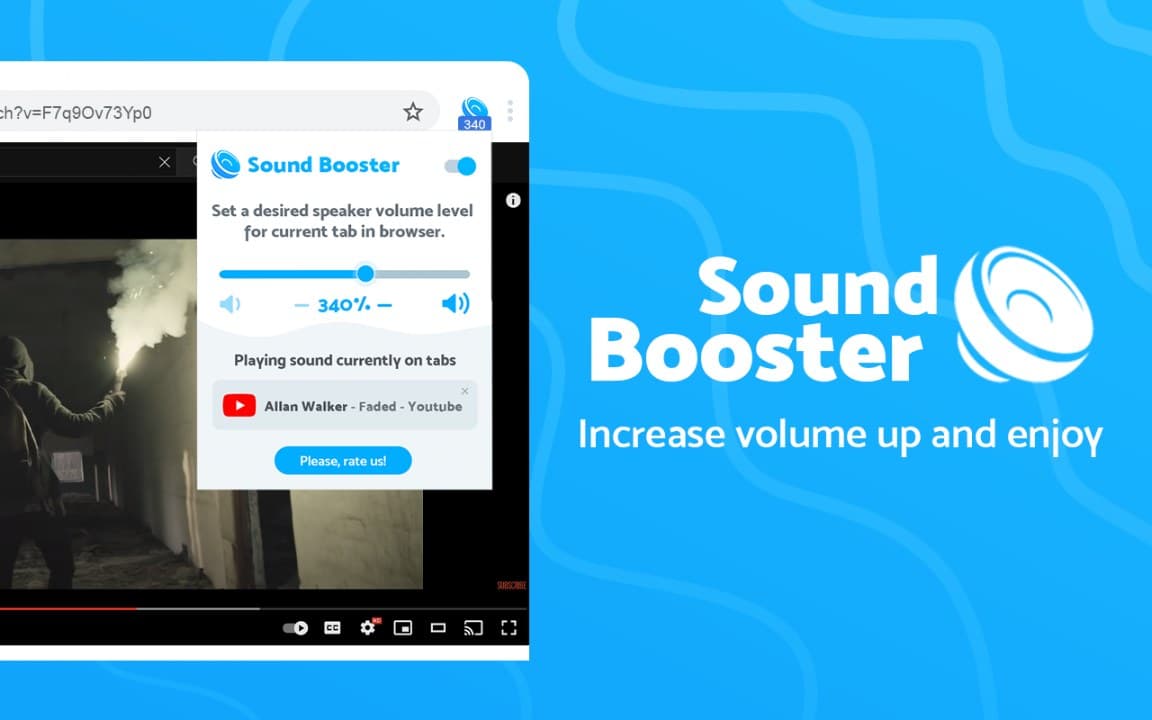
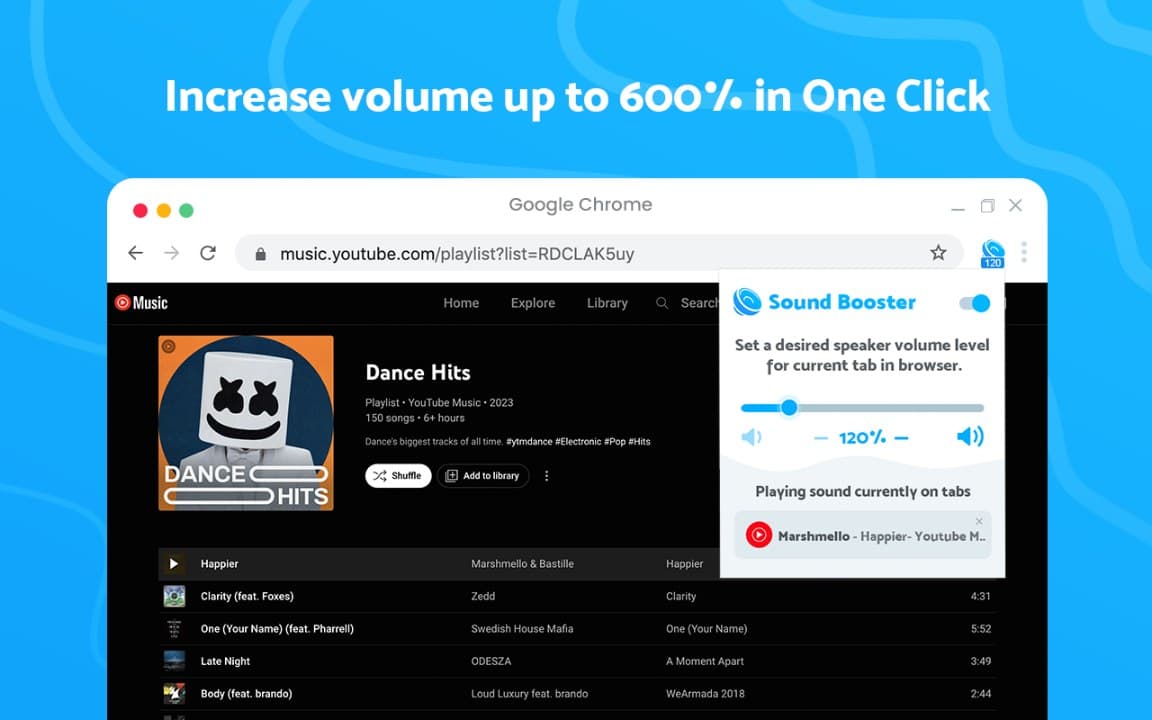
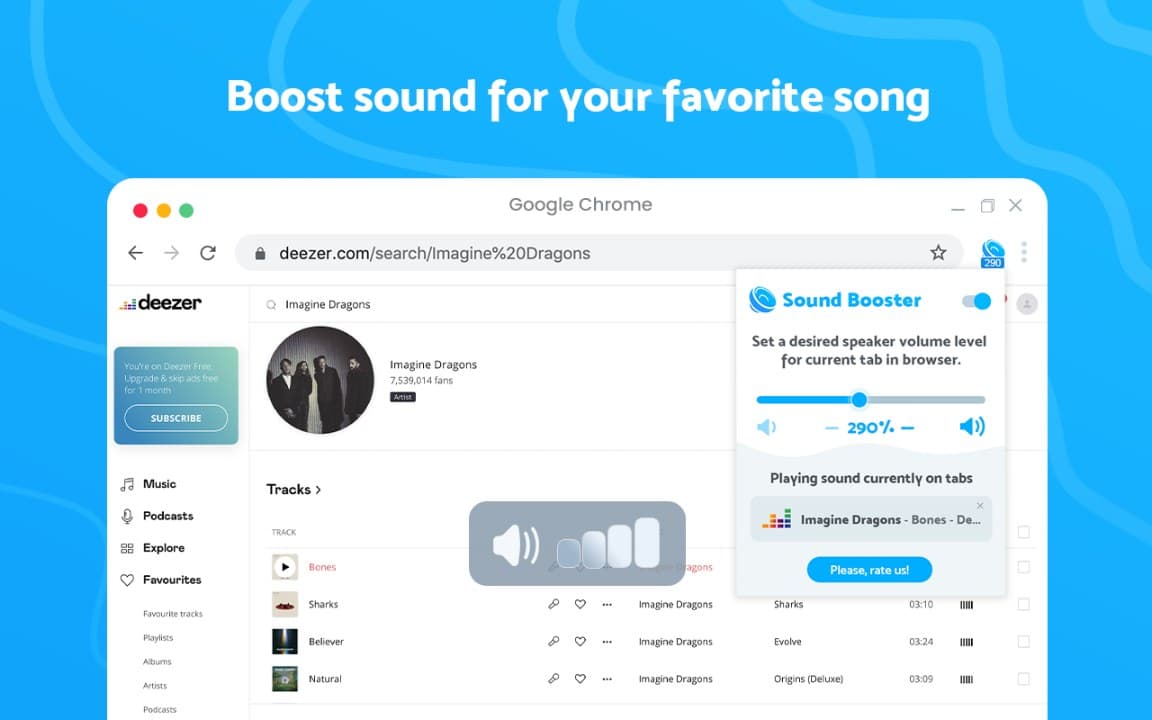
Screenshots from Chrome Web Store
See how Sound Booster looks in the browser - real images from the store listing.
Overview
Increase volume beyond system limits
A closer look at what Sound Booster does, who it is for, and how it fits into your browsing setup.
Controls are intentionally minimal-a slider and on/off behavior-so you can fix quiet content without learning a complex audio interface. It is useful for older videos, remote calls, and media recorded at low levels.
Everything runs locally in Chrome with no sign-up required. If you regularly max out your volume and still strain to hear, this free extension from the Chrome Web Store is worth keeping pinned in your toolbar.
audiovolumeboosterchrome extension
Key Features
- Boost browser tab volume
- Helpful for quiet content
- Simple slider control
- No account required
- Local-only preferences
Install in three steps
- 1
Open the Chrome Web Store listing and click Add to Chrome.
- 2
Confirm the install prompt in your browser.
- 3
Pin the extension and adjust settings from the toolbar menu.
More from Cusmize
Related Extensions
Other free browser extensions you might like.




Ready to try Sound Booster?
Free to install. No account required. Settings stay on your device.
Install from Chrome Web Store