
Tower Block is a casual stacking game built as a Chrome extension popup. Drop blocks on top of each other, keep the tower balanced, and try to beat your previous height before the structure collapses.
 Casual Chrome game
Tower Block
Can you build the tallest tower?
Tower Block is a free casual game extension for Chrome. Stack colorful blocks one on top of another, master realistic physics, and beat your high score in a lightweight popup - perfect for quick breaks.
- Free to play
- No sign-up
- Local high score
- 10,000+ players
- Featured on CWS
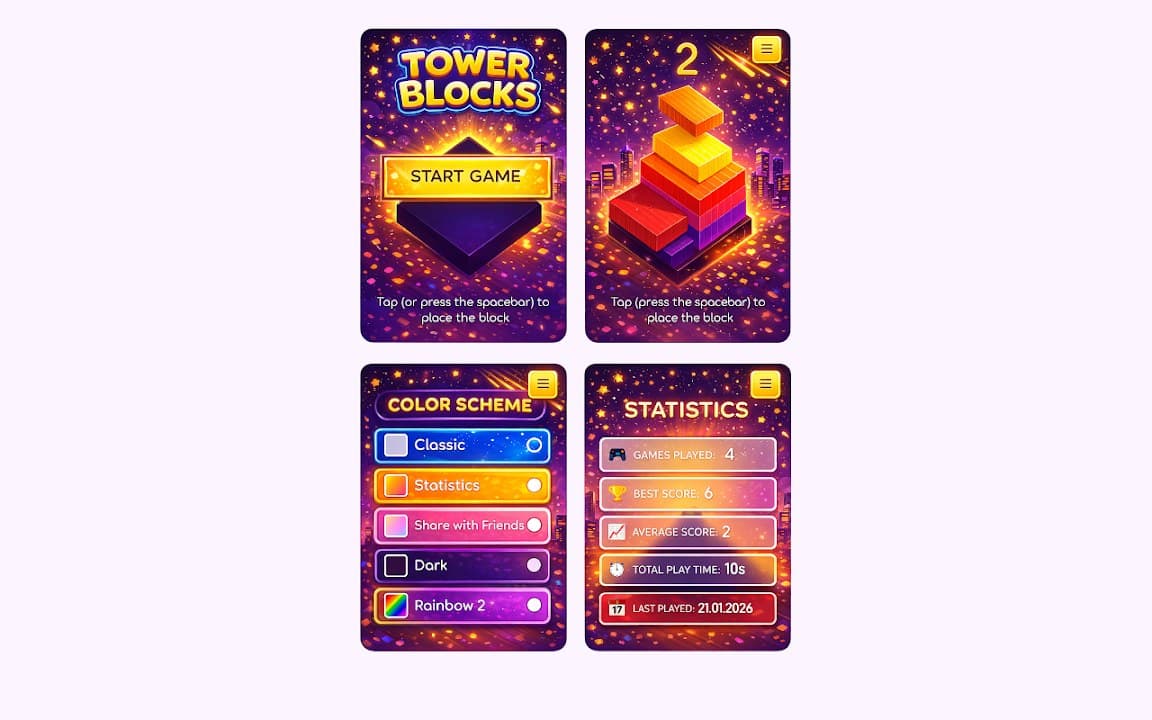
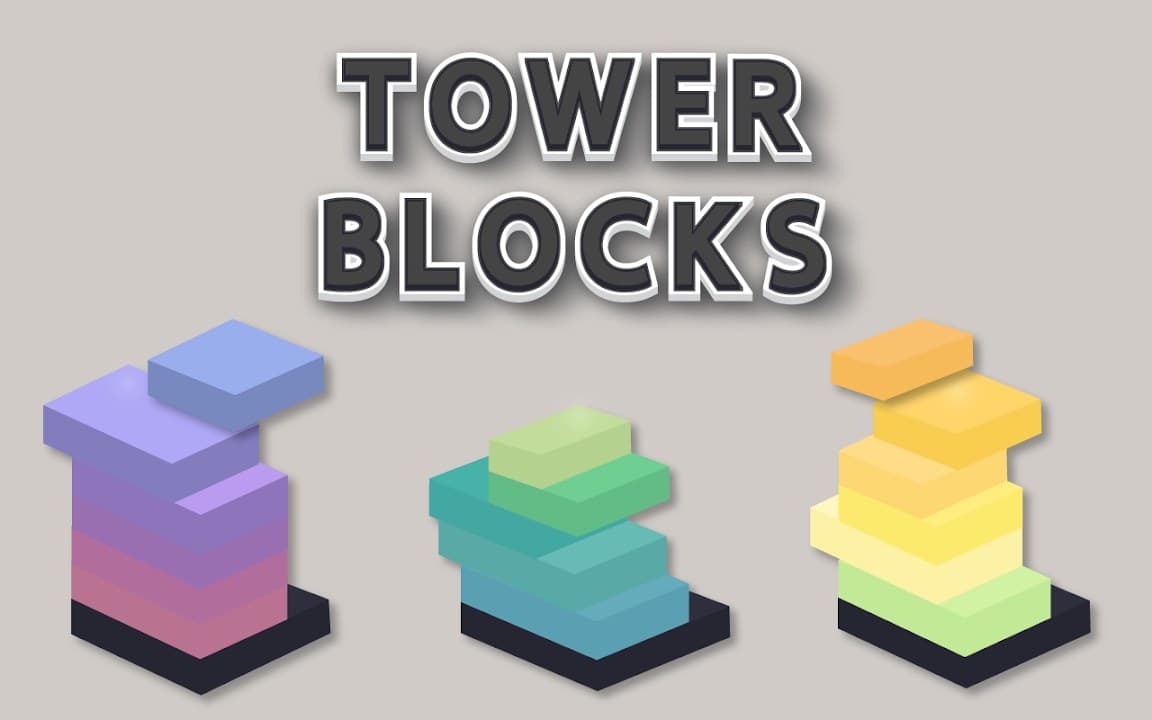
Screenshots from Chrome Web Store
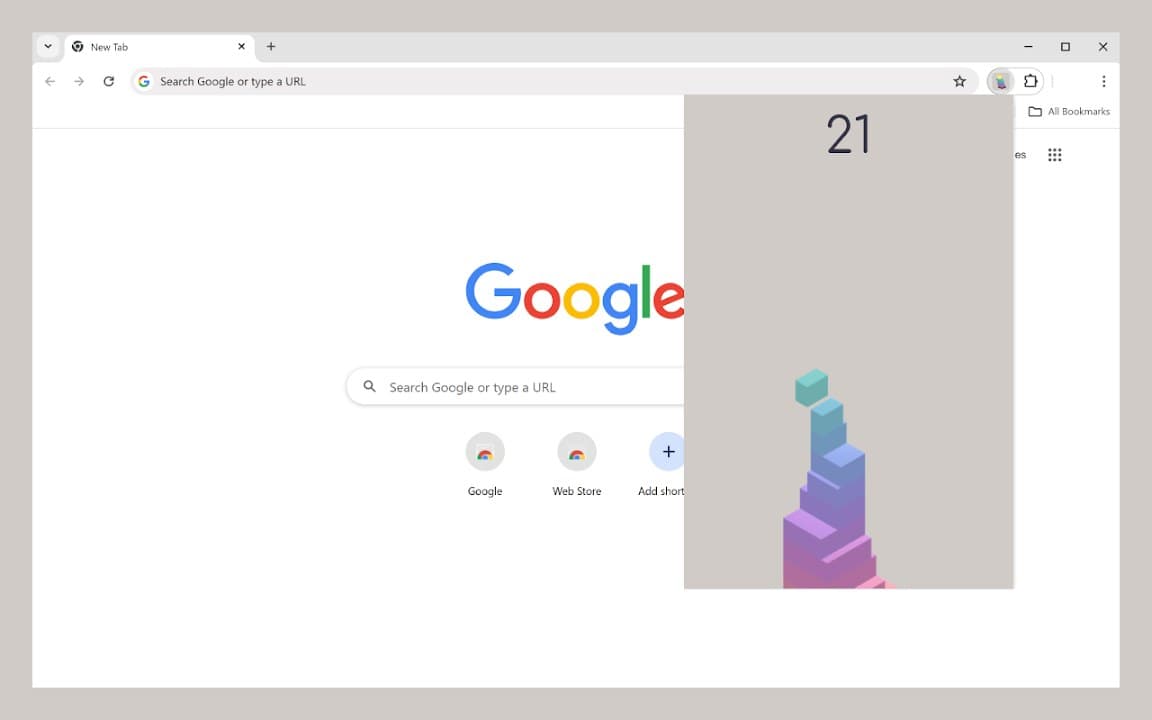
See how Tower Block looks in the browser - real images from the store listing.
Overview
Can you build the tallest tower?
A closer look at what Tower Block does, who it is for, and how it fits into your browsing setup.
Realistic physics make each placement matter: misaligned blocks wobble, lean, and can bring the whole run down. That keeps sessions tense even though rounds only take a minute or two-perfect for short breaks between tabs.
High scores save locally on your device with no sign-up required. Install free from the Chrome Web Store, pin the extension, and open it whenever you want a quick arcade-style challenge.
gamecasual gametowerarcadechrome extension
Why players love Tower Block
Exciting stack gameplay
Place each block carefully as your tower grows taller. Quick thinking and steady hands keep the structure standing.
Realistic physics
Every block has weight and character. Misaligned stacks wobble and fall, adding tension to every move.
Colorful visuals
Bright blocks, smooth animations, and a polished popup interface make every session feel lively and fun.
Beat your high score
Your best run is saved locally on your device. Replay anytime and try to build higher than before.
Perfect for short breaks
Open the popup, play a round in seconds, and get back to browsing. Great for kids and adults alike.
Privacy-first
No account required. Game progress stays on your device. See our privacy policy for full details.
Start stacking in four steps
- 1
Install from Chrome Web Store
Click Add to Chrome on the official listing and confirm the install prompt.
- 2
Open the game popup
Pin the extension and launch Tower Block from the toolbar whenever you want a quick round.
- 3
Stack blocks evenly
Drag and drop blocks on top of each other. Keep them centered so the tower stays balanced.
- 4
Chase a new record
Build as high as you can, beat your high score, and challenge friends to do better.
Frequently asked questions
- Is Tower Block free to play?
- Yes. Tower Block is free to install and play from the Chrome Web Store. There is no subscription and no account required.
- Where is my high score saved?
- Your high score is stored locally in the browser on your device. It is not uploaded to a server.
- Does Tower Block work in Edge or other Chromium browsers?
- The extension is built for Chrome. Many Chromium-based browsers can install extensions from the Chrome Web Store, but compatibility may vary.
- Is Tower Block suitable for children?
- Yes. Tower Block is a casual stacking game with colorful graphics and simple controls, designed to be enjoyable for players of all ages.
More details in our privacy policy and extension FAQ.
More from Cusmize
Related Extensions
Other free browser extensions you might like.




Ready to build the tallest tower?
Install Tower Block free from the Chrome Web Store and start stacking today.