
Lil Rooster Money Clicker lets you tap, upgrade, and grow your idle farm empire in a lightweight popup game. Progress saves locally on your device with no account required.
Browser Extension
Lil Rooster Money Clicker
Idle money clicker game for Chrome
Lil Rooster Money Clicker lets you tap, upgrade, and grow your idle farm empire in a lightweight popup game. Progress saves locally on your device with no account required.
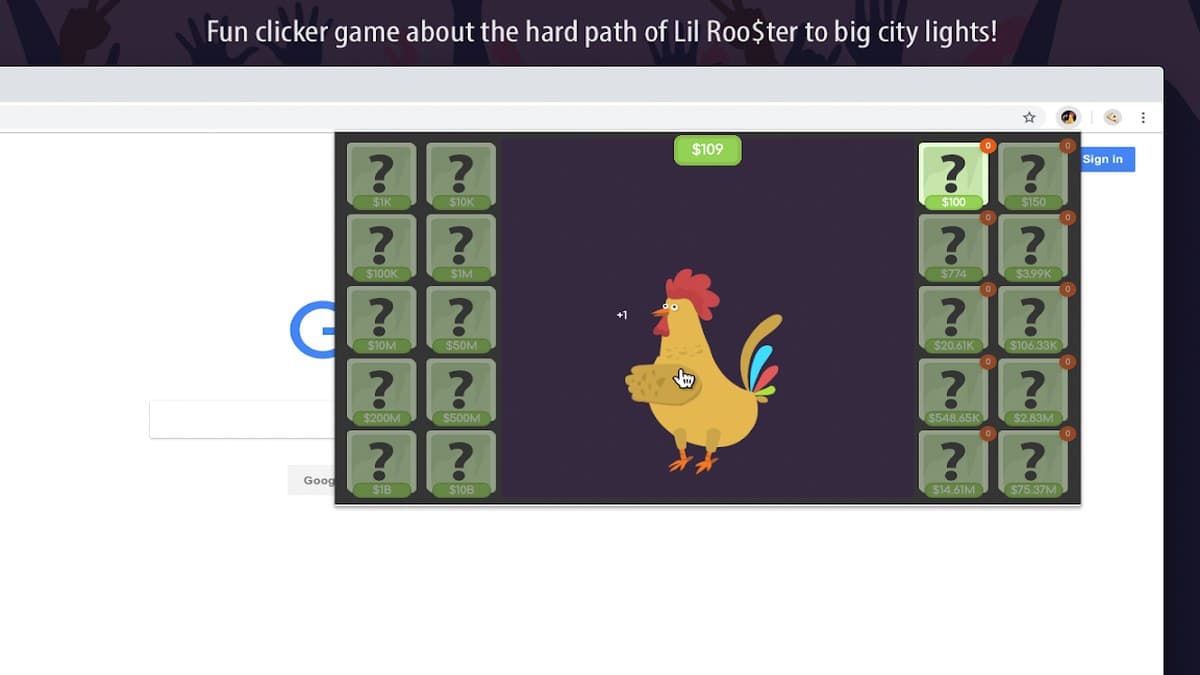

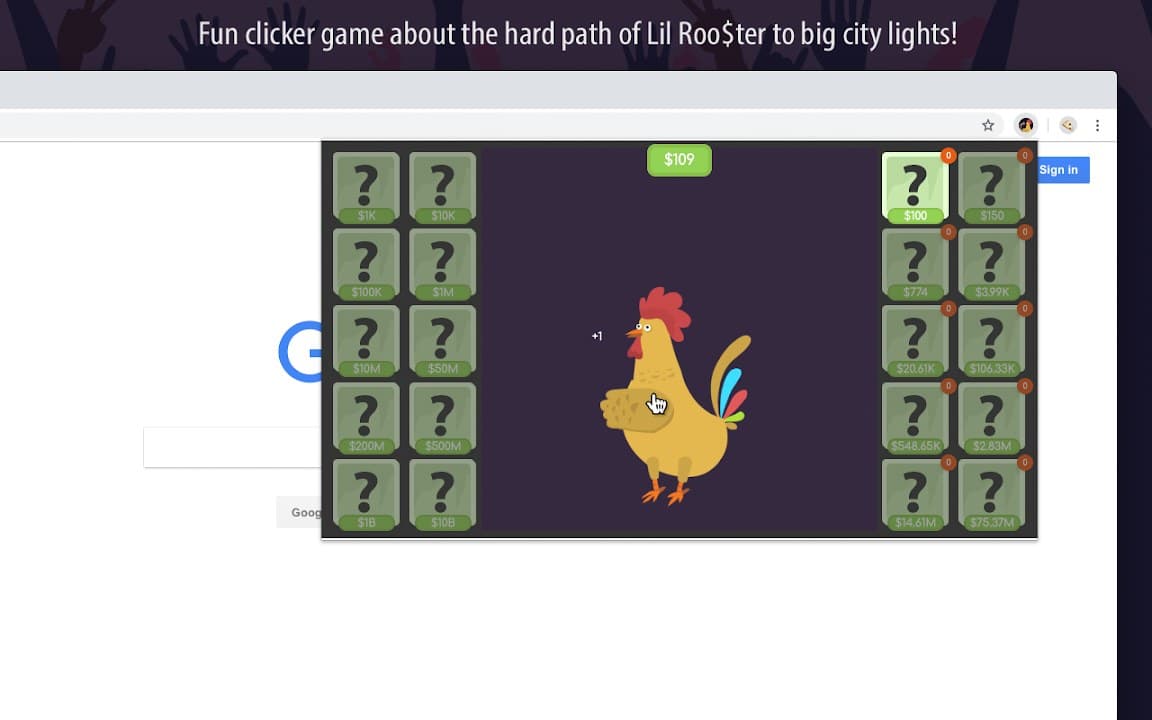
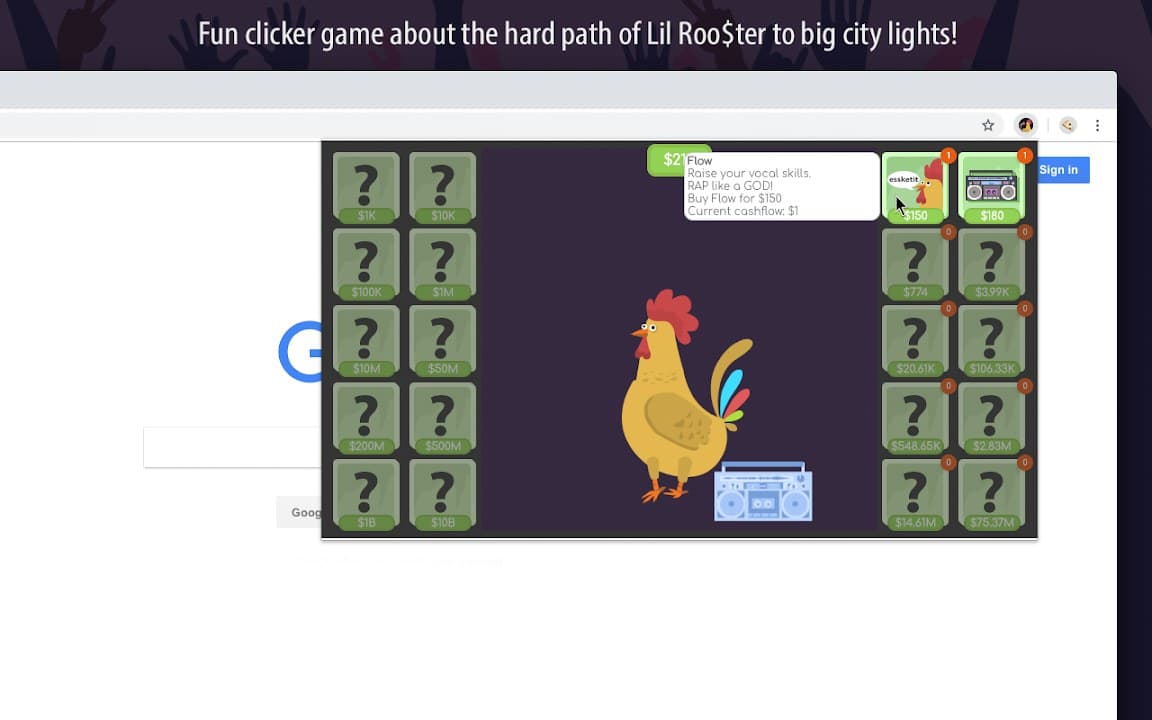
Screenshots from Chrome Web Store
See how Lil Rooster Money Clicker looks in the browser - real images from the store listing.

Overview
Idle money clicker game for Chrome
A closer look at what Lil Rooster Money Clicker does, who it is for, and how it fits into your browsing setup.
Lil Rooster Money Clicker is free to install from the Chrome Web Store. Idle money clicker game for Chrome. Settings and preferences stay on your device — no account required.
If you are looking for game tools in Chrome, Lil Rooster Money Clicker is a lightweight option worth trying. Review the privacy policy before install.
gameclickeridlecasualchrome extension
Key Features
- Idle clicker gameplay
- Upgrades and progression
- Popup game sessions
- Local save data
- Free to play
Install in three steps
- 1
Open the Chrome Web Store listing and click Add to Chrome.
- 2
Confirm the install prompt in your browser.
- 3
Pin the extension and adjust settings from the toolbar menu.
More from Cusmize
Related Extensions
Other free browser extensions you might like.




Ready to try Lil Rooster Money Clicker?
Free to install. No account required. Settings stay on your device.
Install from Chrome Web Store