
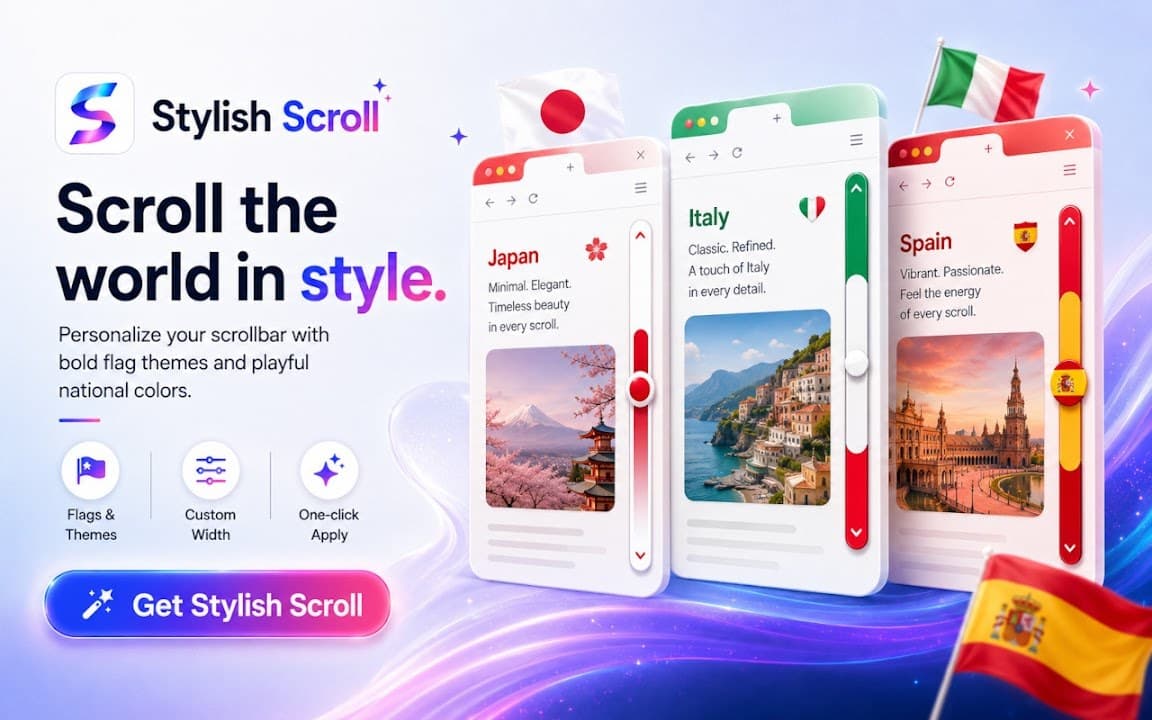
Stylish Scroll changes how scrollbars look on supported websites by applying curated visual themes. Pick minimal, neon, gradient, or other styles and swap them without editing CSS yourself.
Browser Extension
Stylish Scroll
Custom scrollbar themes for the web
Stylish Scroll lets you change how scrollbars look on supported pages. Choose from curated themes or fine-tune colors and shapes to match your desktop or browser aesthetic.
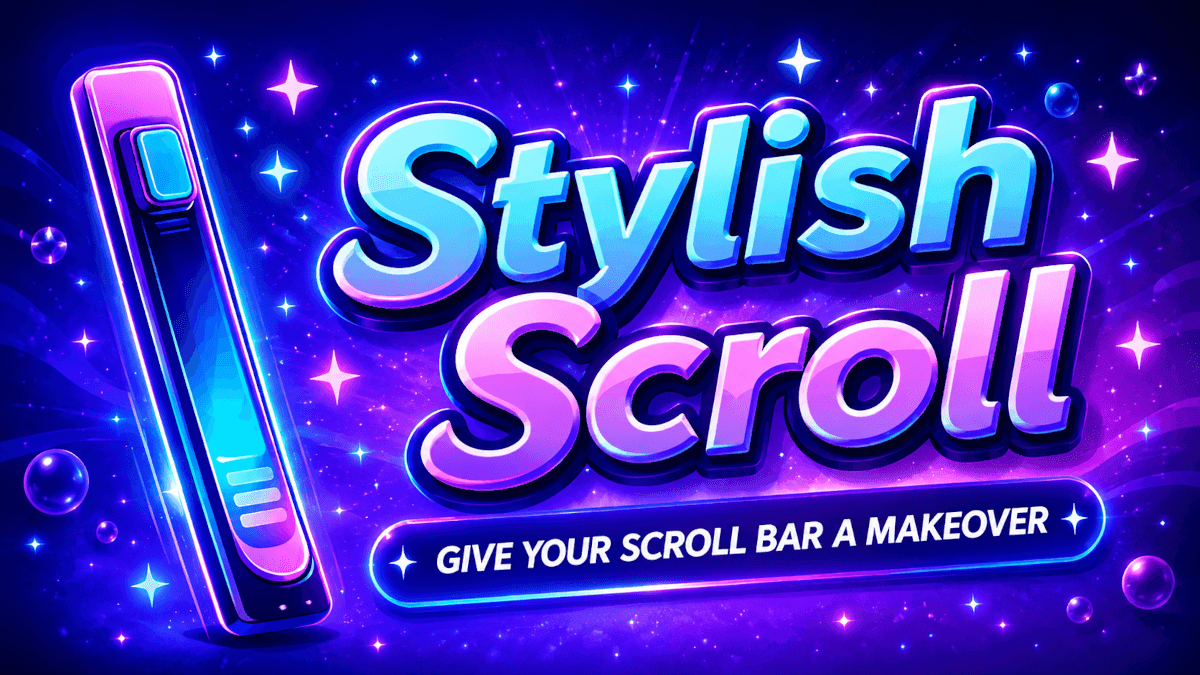

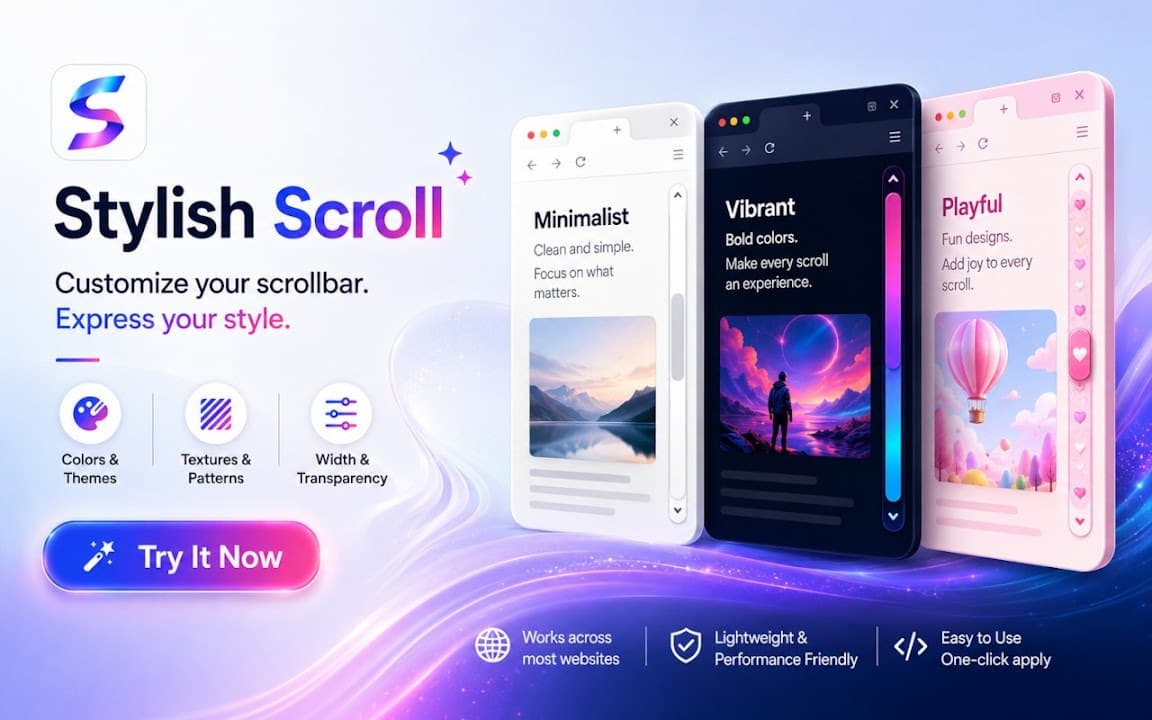
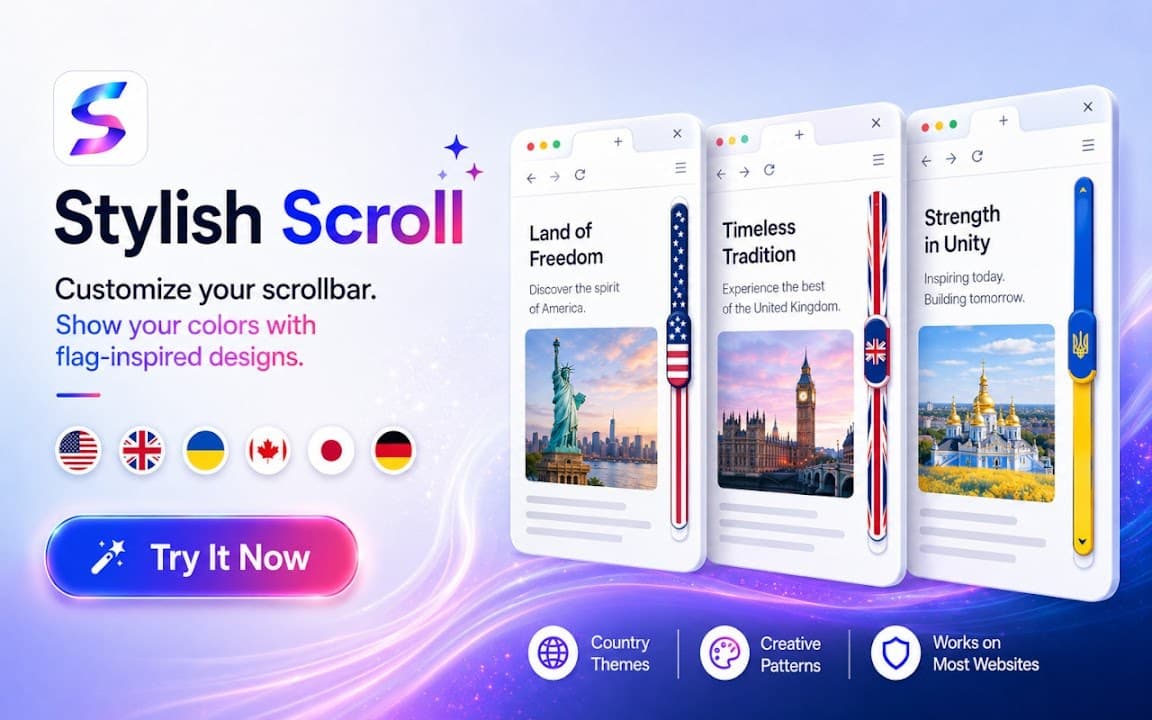
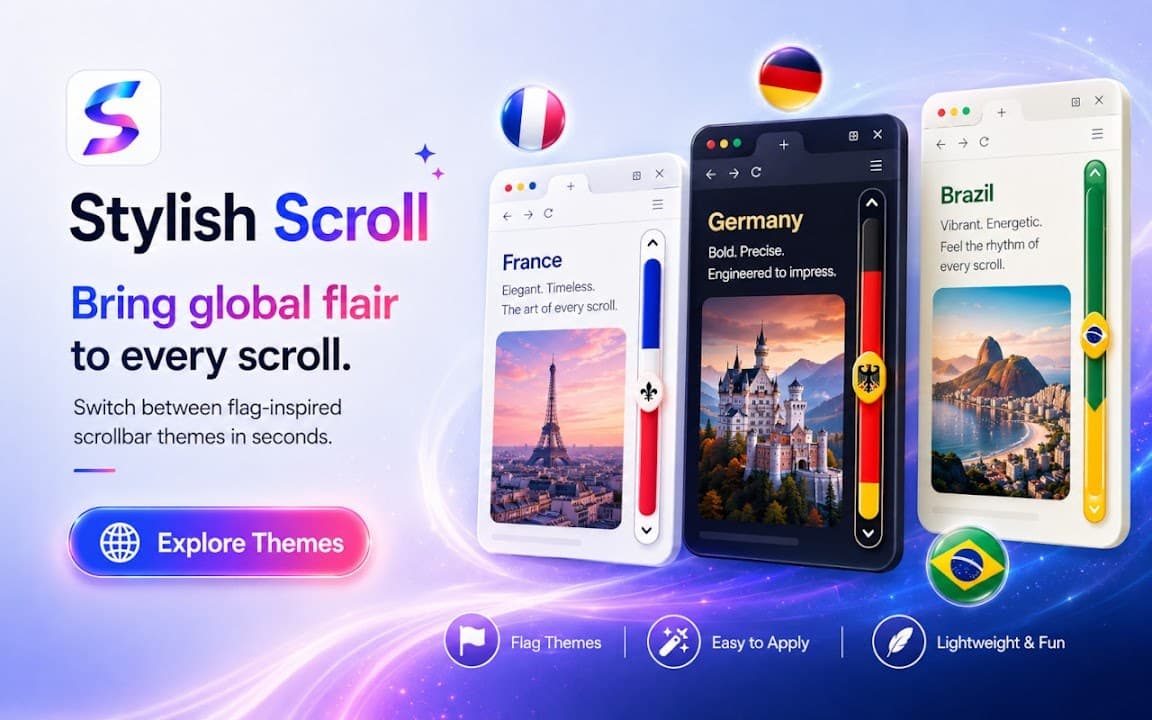
Screenshots from Chrome Web Store
See how Stylish Scroll looks in the browser - real images from the store listing.
Overview
Custom scrollbar themes for the web
A closer look at what Stylish Scroll does, who it is for, and how it fits into your browsing setup.
It pairs naturally with Cusmize's scrollbar ecosystem: if you want a polished look fast, Stylish Scroll is the quick theme switcher; if you need deeper control, see Customize Scrollbar for a constructor and larger preset gallery.
The extension injects lightweight styling and keeps preferences locally. Install free from the Chrome Web Store, choose a theme, and refresh the page if needed to see the new scrollbar design.
scrollbarcustomizationthemeschrome extension
Key Features
- Custom scrollbar themes
- Works on most websites
- Easy theme switching
- Pairs with Cusmize scrollbar gallery
- Lightweight CSS injection
Install in three steps
- 1
Open the Chrome Web Store listing and click Add to Chrome.
- 2
Confirm the install prompt in your browser.
- 3
Pin the extension and adjust settings from the toolbar menu.
More from Cusmize
Related Extensions
Other free browser extensions you might like.




Ready to try Stylish Scroll?
Free to install. No account required. Settings stay on your device.
Install from Chrome Web Store