
Custom Cursor Trails combines pointer personalization with animated trail effects. Pick trail styles, colors, and motion patterns so movement across the page feels more dynamic during presentations or everyday use.
Browser Extension
Custom Cursor Trails
Custom animated cursor trail effects
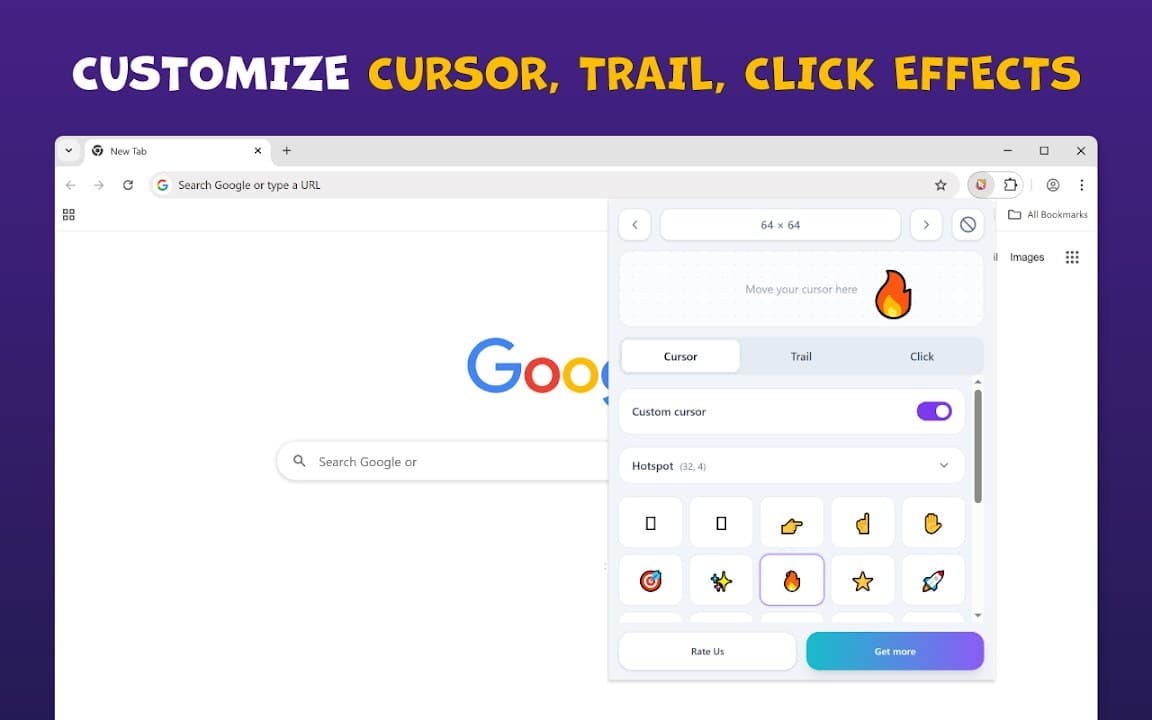
Custom Cursor Trails lets you add personalized trail effects behind your pointer. Switch between creative animations, adjust your look, and enjoy a more dynamic browsing experience with local-only storage.
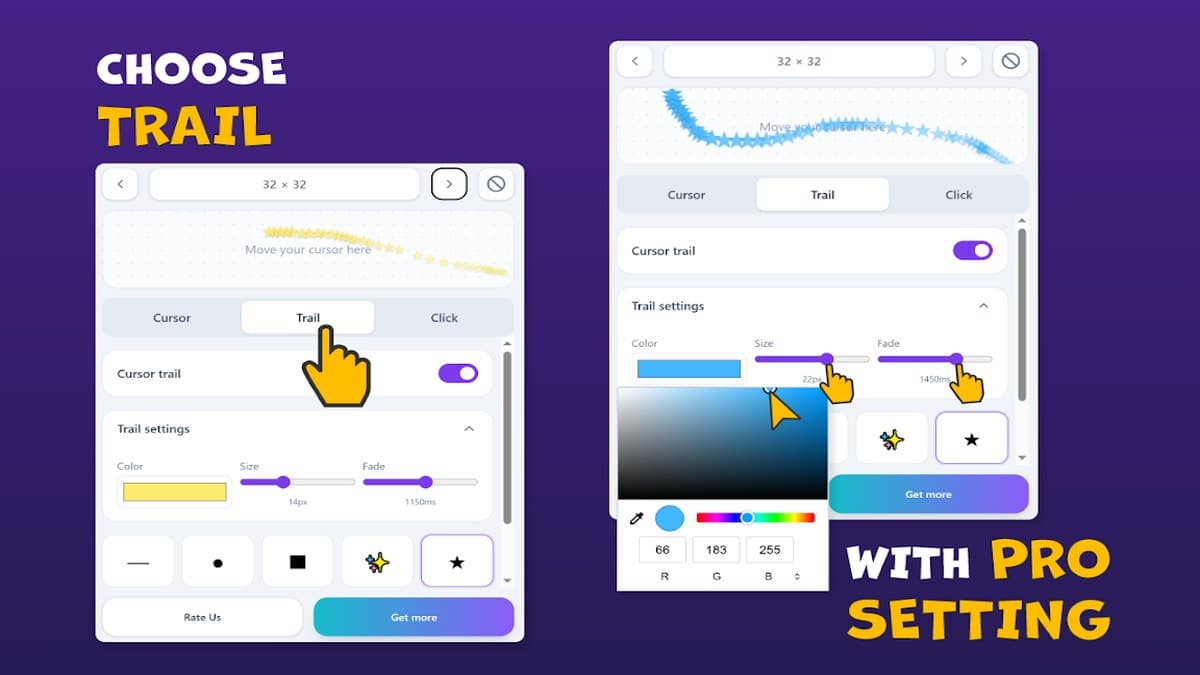

Screenshots from Chrome Web Store
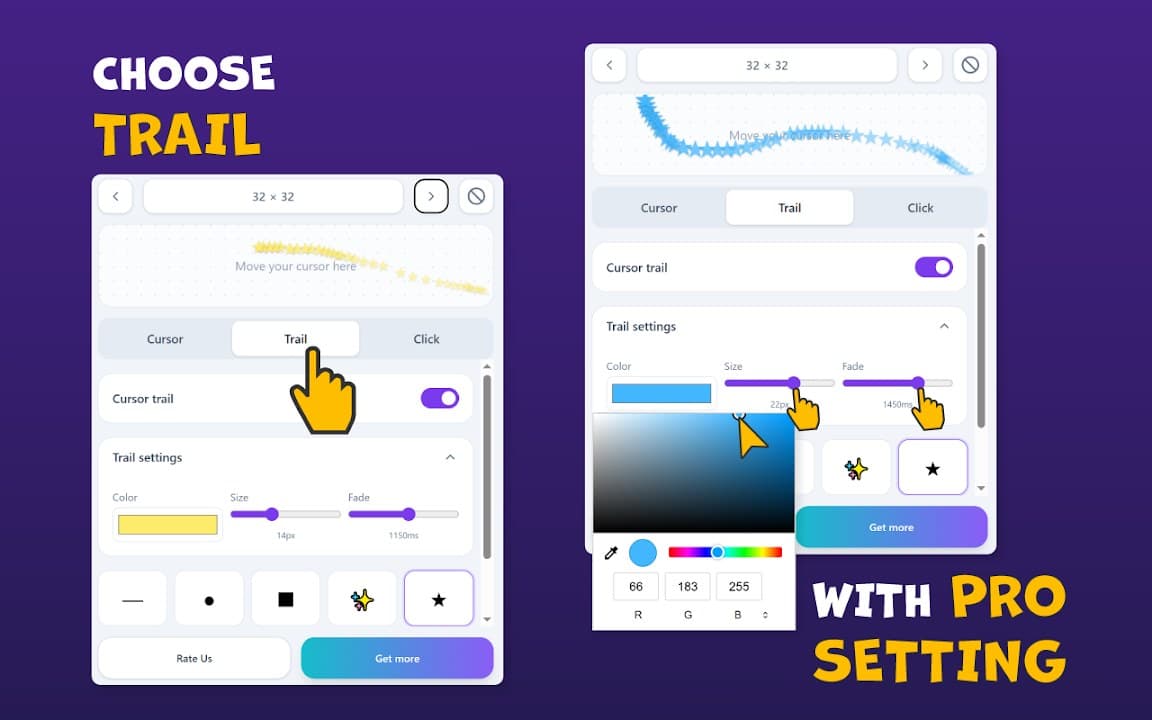
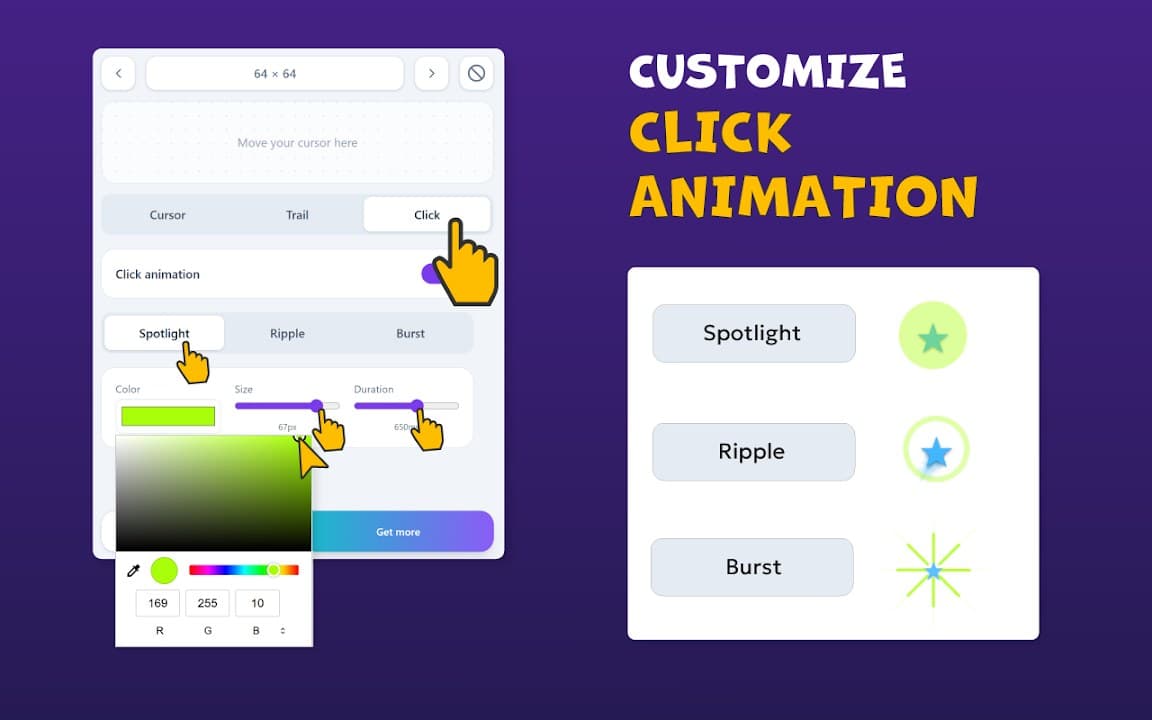
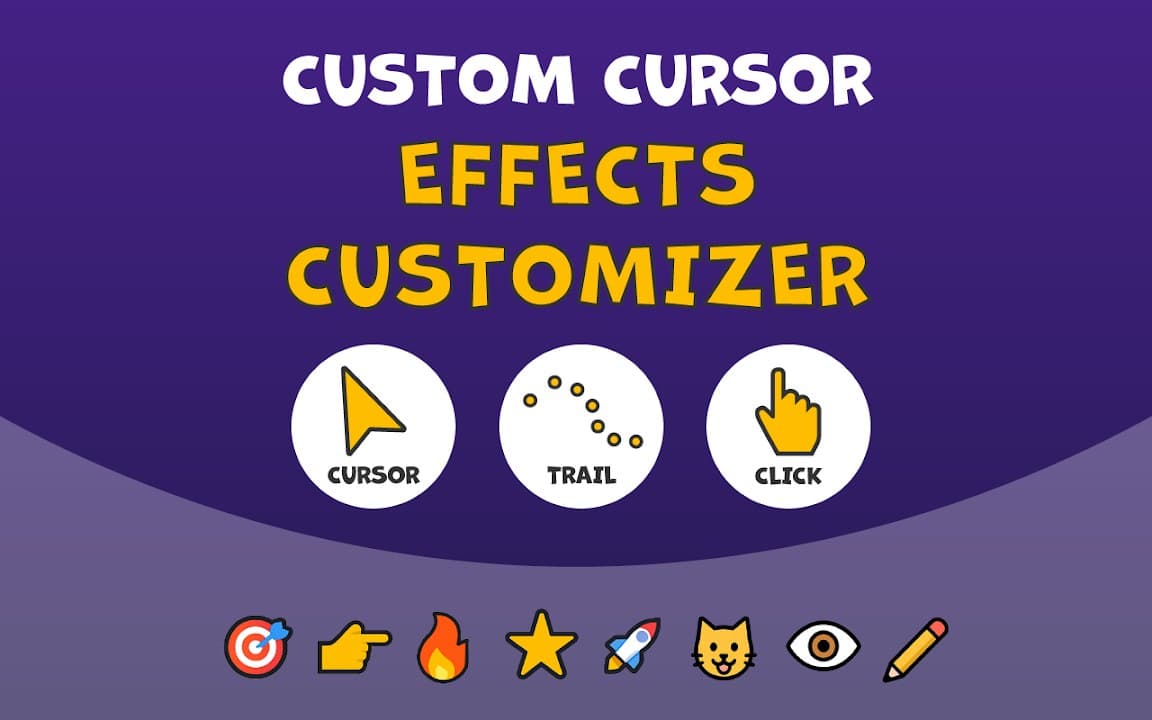
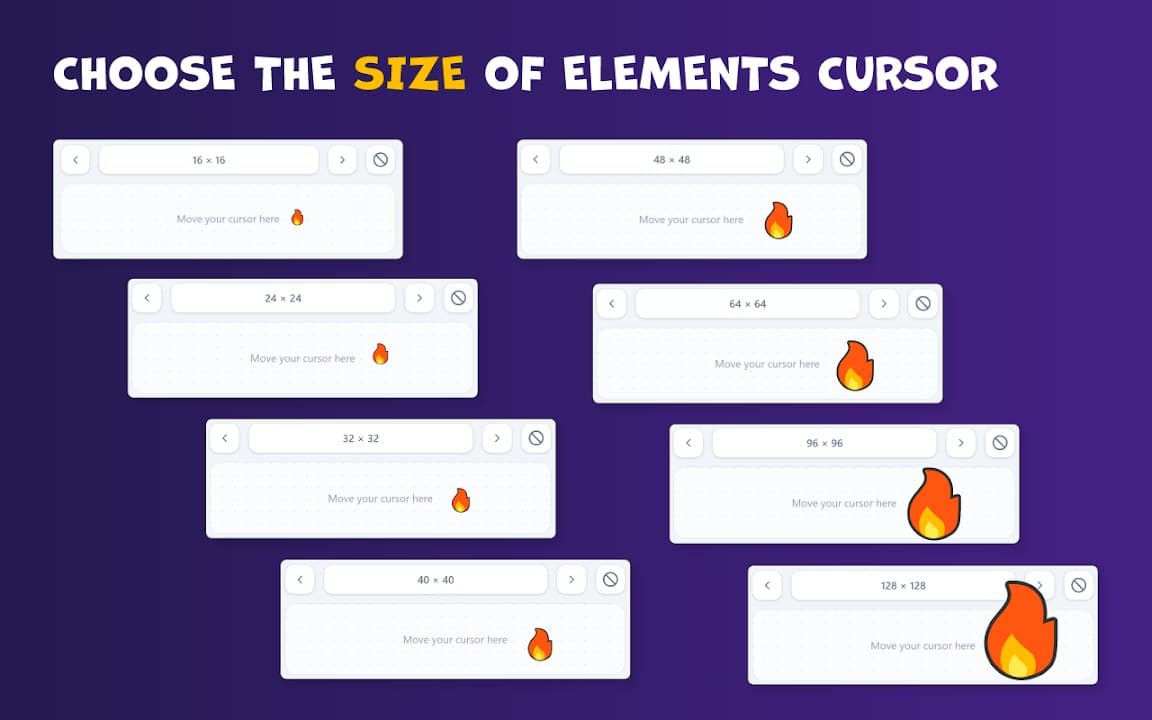
See how Custom Cursor Trails looks in the browser - real images from the store listing.
Overview
Custom animated cursor trail effects
A closer look at what Custom Cursor Trails does, who it is for, and how it fits into your browsing setup.
It sits between pure cursor pack extensions and single-effect trail tools: more customization for the path behind your mouse, not just the cursor image itself.
Free on the Chrome Web Store. Settings stay on your device, and you can disable trails instantly from the toolbar when you return to normal browsing.
cursortrailsanimationchrome extension
Key Features
- Custom trail animations
- Multiple effect styles
- Simple controls
- Local preferences
- Lightweight
Install in three steps
- 1
Open the Chrome Web Store listing and click Add to Chrome.
- 2
Confirm the install prompt in your browser.
- 3
Pin the extension and adjust settings from the toolbar menu.
More from Cusmize
Related Extensions
Other free browser extensions you might like.




Ready to try Custom Cursor Trails?
Free to install. No account required. Settings stay on your device.
Install from Chrome Web Store