
Volume Controller gives finer control over browser tab audio, including per-tab level adjustment and boost options when content is too quiet. It is useful if you keep many tabs open and want to balance sound between them.
Browser Extension
Volume Controller
Control tab volume in Chrome
Volume Controller gives you finer control over browser tab audio. Boost quiet videos, balance levels between tabs, and manage playback volume with simple sliders stored locally.
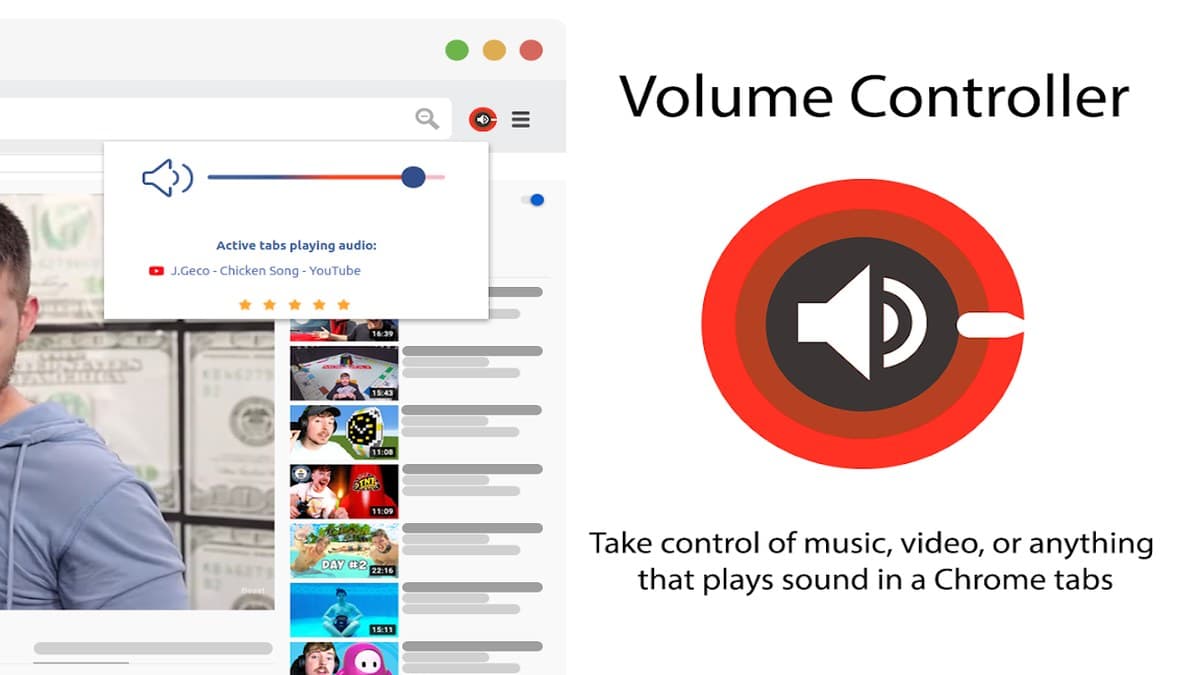

Screenshots from Chrome Web Store
See how Volume Controller looks in the browser - real images from the store listing.
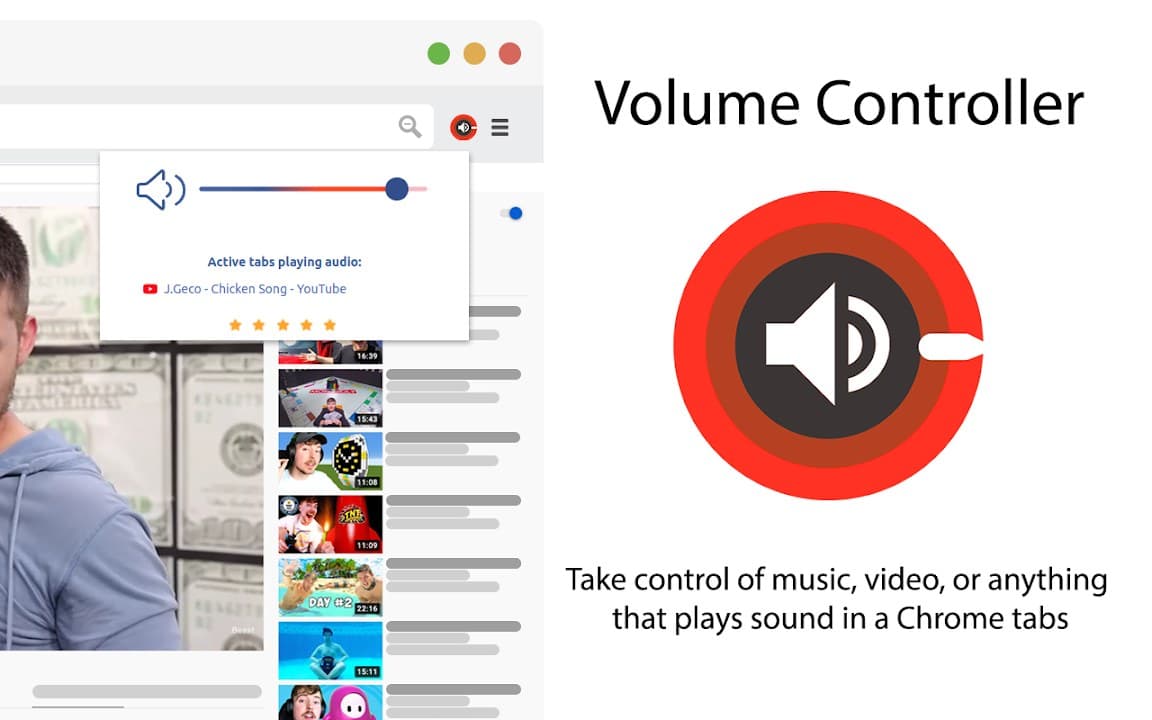
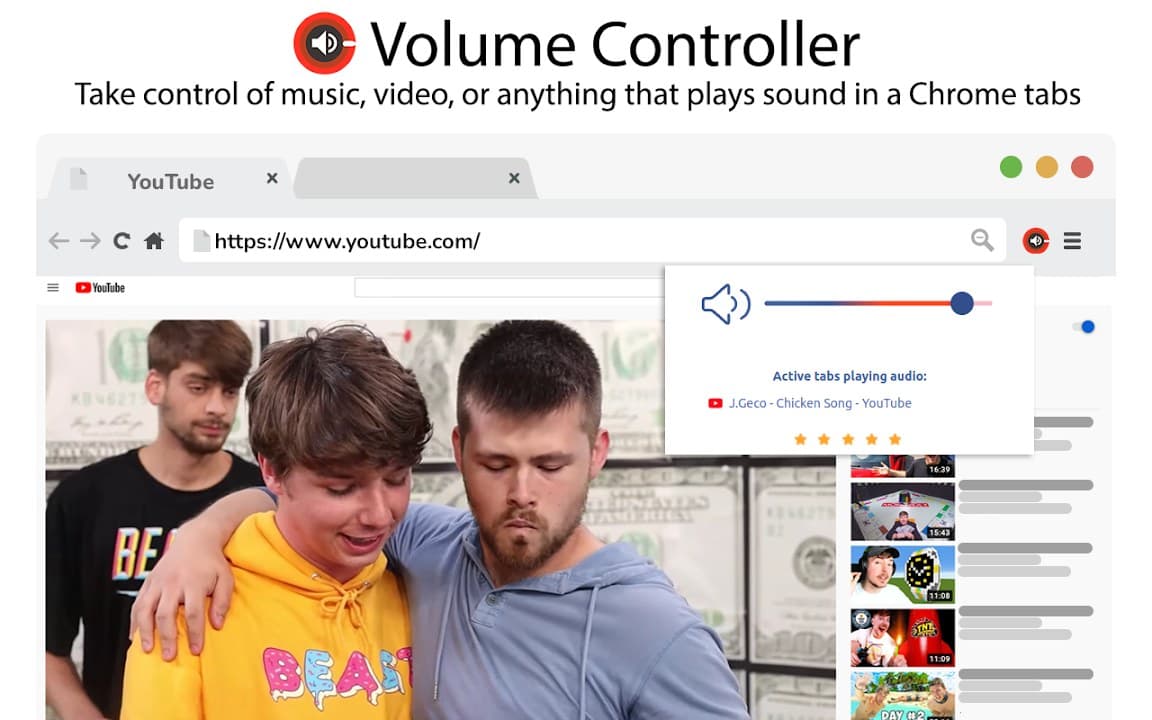
Overview
Control tab volume in Chrome
A closer look at what Volume Controller does, who it is for, and how it fits into your browsing setup.
Instead of raising system volume for one loud site, adjust individual tabs so videos, meetings, and background music coexist more comfortably.
Volume Controller is free from the Chrome Web Store, runs locally, and does not require an account.
audiovolumecontrollerchrome extension
Key Features
- Per-tab volume control
- Volume boost option
- Simple slider UI
- No account required
- Local preferences
Install in three steps
- 1
Open the Chrome Web Store listing and click Add to Chrome.
- 2
Confirm the install prompt in your browser.
- 3
Pin the extension and adjust settings from the toolbar menu.
More from Cusmize
Related Extensions
Other free browser extensions you might like.

Volume Controller & Booster
Control and boost tab volume in Chrome
View extension
Audio Booster Plus
Boost browser tab audio with extra clarity
View extension
Audio Booster Plus Pro
Advanced tab audio boost for Chrome
View extension
Equalizer for Browser
10-band audio equalizer and volume booster for Chrome
View extensionReady to try Volume Controller?
Free to install. No account required. Settings stay on your device.
Install from Chrome Web Store