
Custom Sound Mod is for users who want creative, customizable sound effects while browsing. Switch packs, adjust volume, and keep everything stored locally with no sign-up required.
Browser Extension
Custom Sound Mod
Mod-style custom sounds for Chrome
Custom Sound Mod is for users who want creative, customizable sound effects while browsing. Switch packs, adjust volume, and keep everything stored locally with no sign-up required.
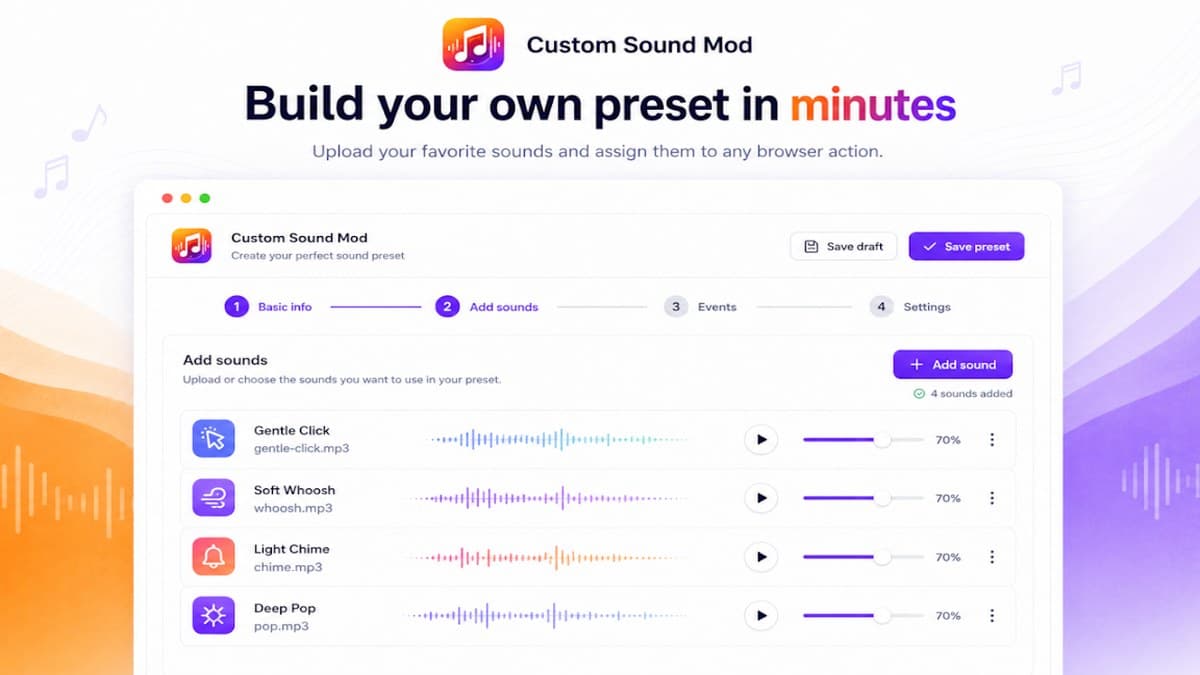

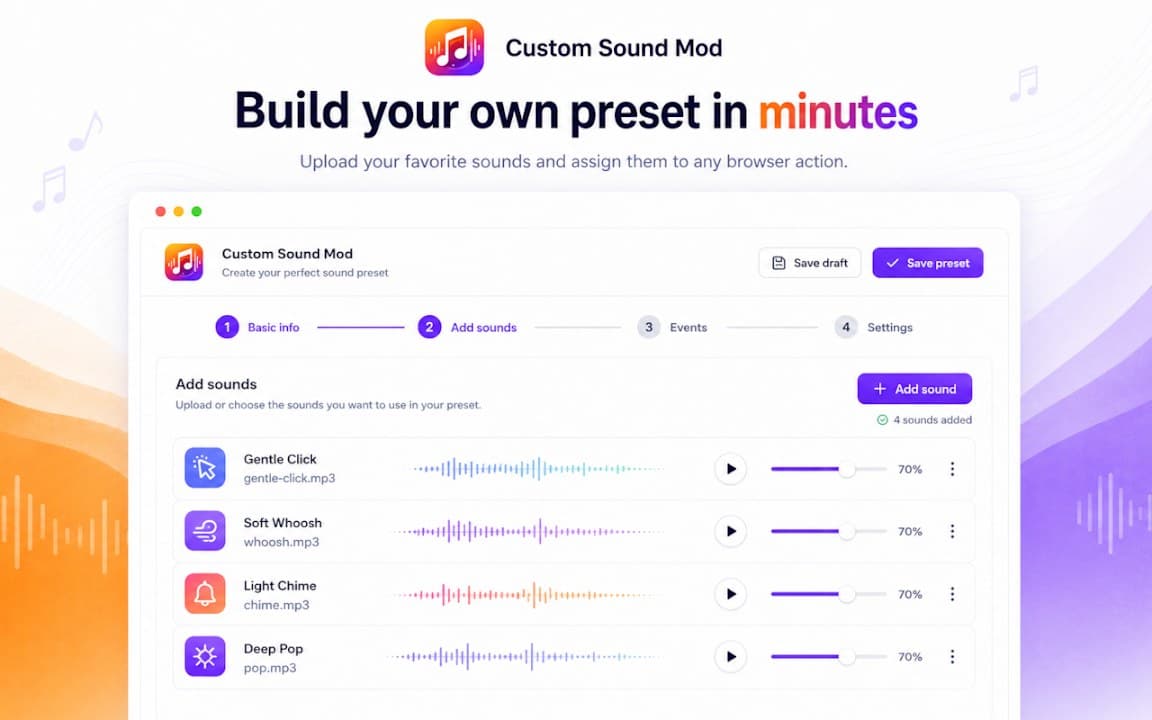
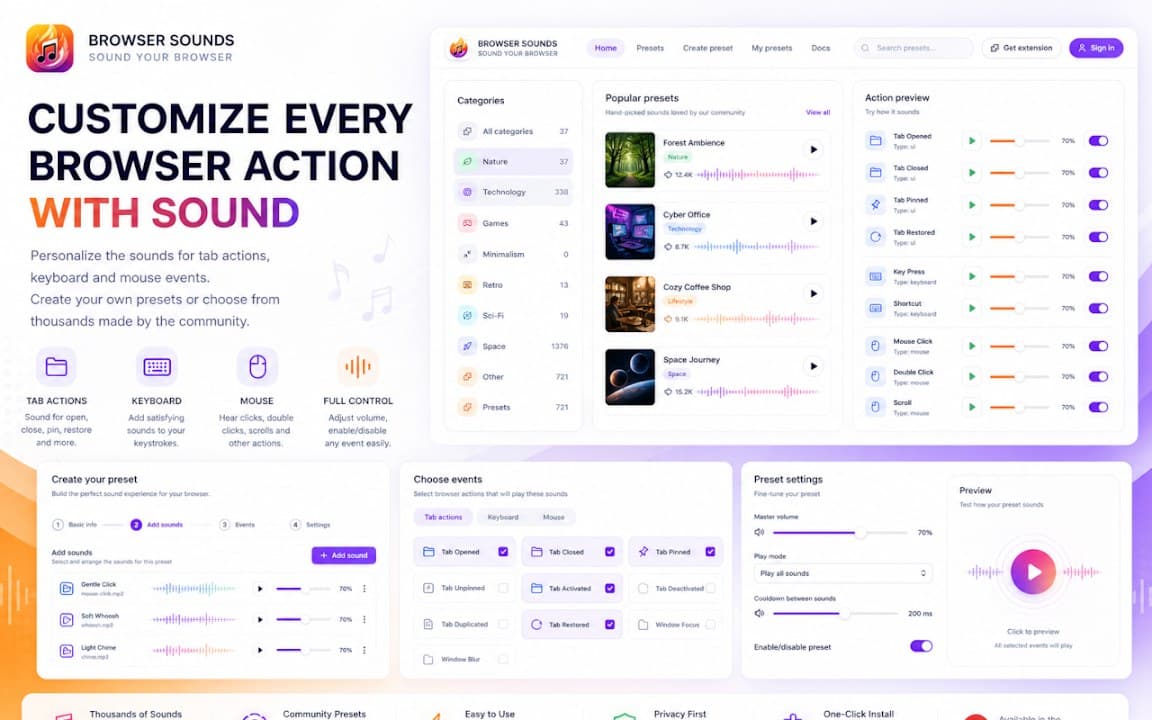
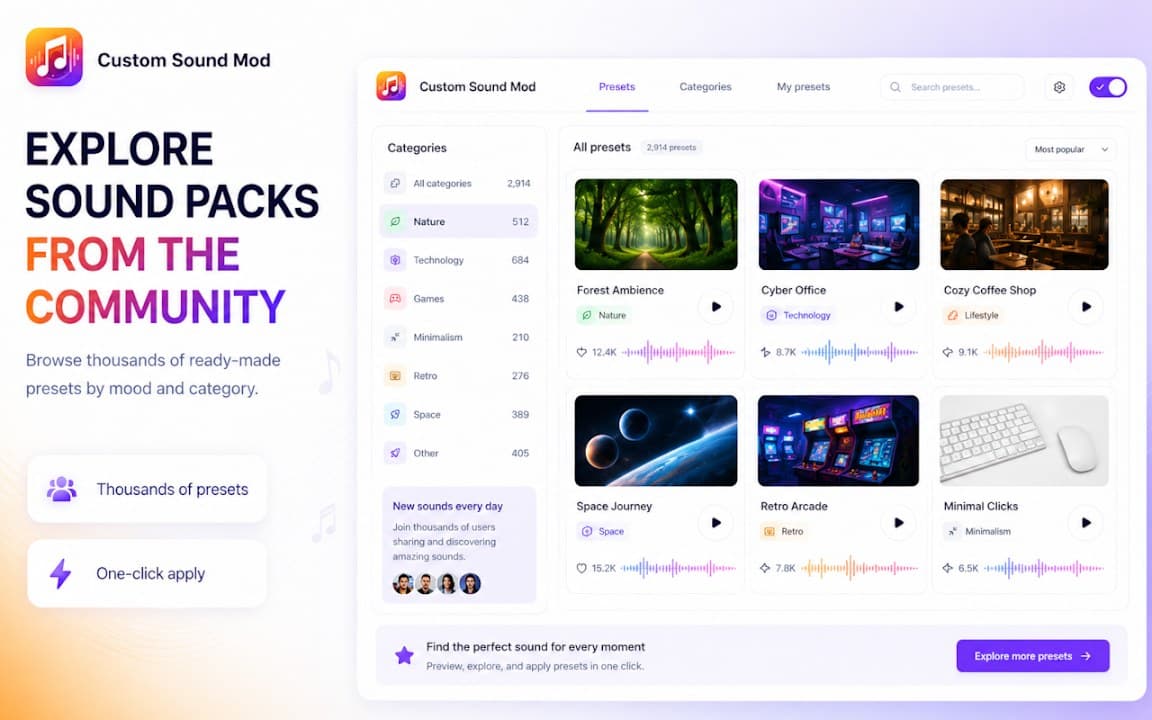
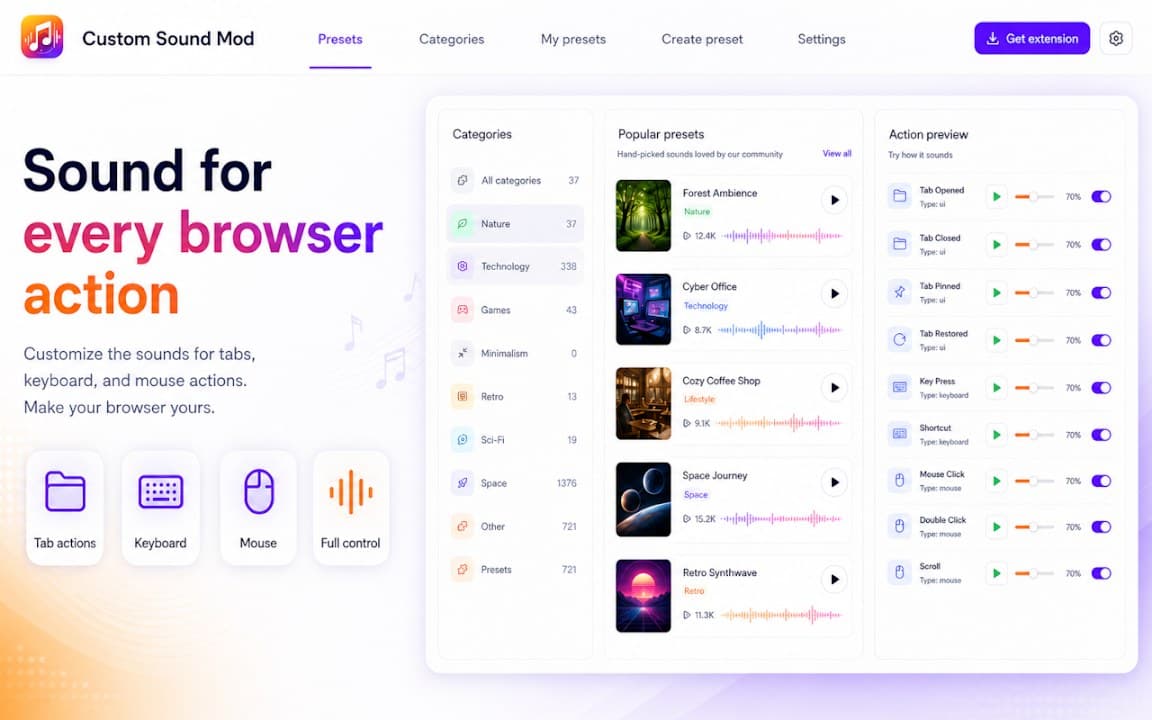
Screenshots from Chrome Web Store
See how Custom Sound Mod looks in the browser - real images from the store listing.
Overview
Mod-style custom sounds for Chrome
A closer look at what Custom Sound Mod does, who it is for, and how it fits into your browsing setup.
Custom Sound Mod is free to install from the Chrome Web Store. Mod-style custom sounds for Chrome. Settings and preferences stay on your device — no account required.
If you are looking for audio tools in Chrome, Custom Sound Mod is a lightweight option worth trying. Review the privacy policy before install.
audiosoundsmodchrome extension
Key Features
- Mod-style sound packs
- Quick sound switching
- Local preferences
- Lightweight
- Free extension
Install in three steps
- 1
Open the Chrome Web Store listing and click Add to Chrome.
- 2
Confirm the install prompt in your browser.
- 3
Pin the extension and adjust settings from the toolbar menu.
More from Cusmize
Related Extensions
Other free browser extensions you might like.

Browser Sound Effect
Fun sound effects while you browse
View extension
Custom Sound for Browser
Custom interaction sounds for the web
View extension
Custom Sound for Chrome
Personalized sounds for Chrome browsing
View extension
Keyboard Click Sounds
Mechanical keyboard click sounds while you type
View extensionReady to try Custom Sound Mod?
Free to install. No account required. Settings stay on your device.
Install from Chrome Web Store