Eglador Validation
by eglador.ce5.0
6 reviews
36
users
Published
December 15, 2022
Screenshots

Description
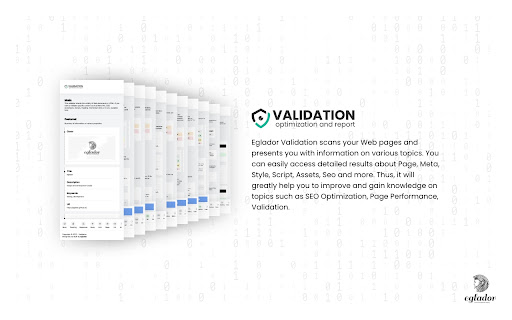
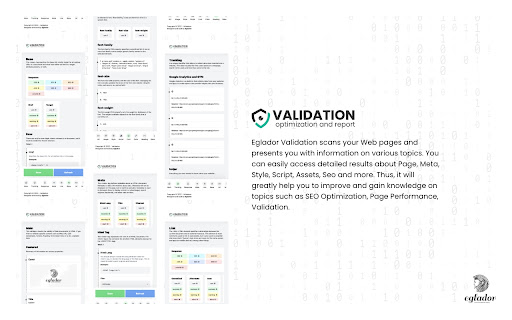
Eglador Validation scans your Web pages and presents you with information on various topics. You can easily access detailed results about Page, Meta, Style, Script, Assets, Seo and more. Thus, it will greatly help you to improve and gain knowledge on topics such as SEO Optimization, Page Performance, Validation.
(1) Tracking
It checks the tracking codes of platforms such as Google Analytics, Gemius, Hotjar on the page.
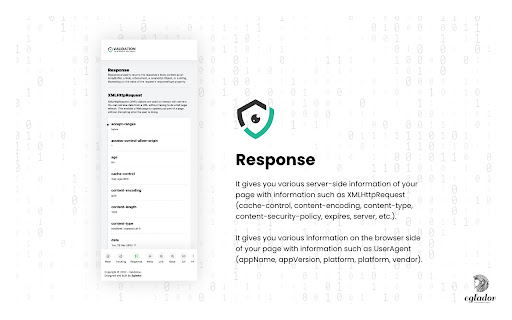
(2) Response
It gives you various server-side information of your page with information such as XMLHttpRequest (cache-control, content-encoding, content-type, content-security-policy, expires, server, etc.).
It gives you various information on the browser side of your page with information such as UserAgent (appName, appVersion, platform, platform, vendor).
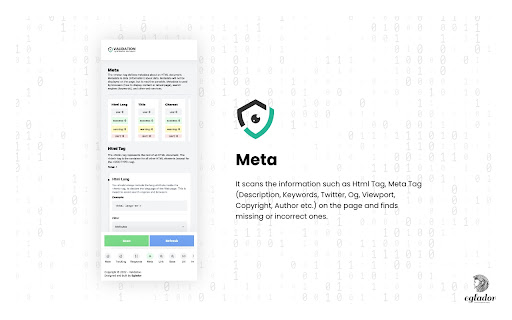
(3) Meta
It scans the information such as Html Tag, Meta Tag (Description, Keywords, Twitter, Og, Viewport, Copyright, Author etc.) on the page and finds missing or incorrect ones.
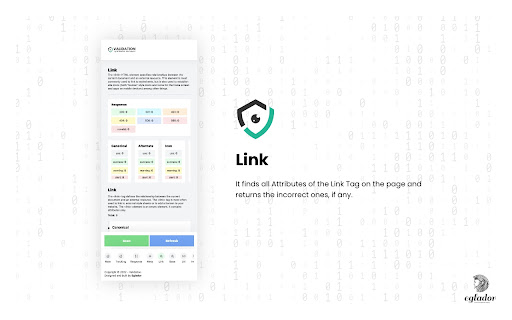
(4) Link
It finds all Attributes of the Link Tag on the page and returns the incorrect ones, if any.
(5) Base
It finds all Attributes of the Base Tag on the page and returns the incorrect ones, if any.
(6) Url
It gives attribute controls and response status by scanning all the URLs on the page and making a request.
(7) Image
It scans all the images on the page and sends a request, giving attribute controls and response statuses.
(8) Style
It scans all the Styles on the page and sends the request, giving the attribute controls and response statuses.
(9) Scripts
It scans all Scripts on the page and sends requests, giving attribute controls and response statuses.
(10) Fonts
It finds all the Fonts on the page and gives information such as font-family, font-size, font-weight.
(11) Color
Returns all the colors found on the page.
(12) Heading
It finds all Heading Tags on the page and shows how many of each are used.
(13) Robots Txt
Checks the Robots Txt File on the page.
(14) Structured Data
It scans the data structures on the page and checks the data.
You can view the change-log for every version update at https://eglador.github.io/validation