

Epic Screenshot
by Finga5.0
1 reviews
9
users
Published
September 16, 2022
Screenshots

Description
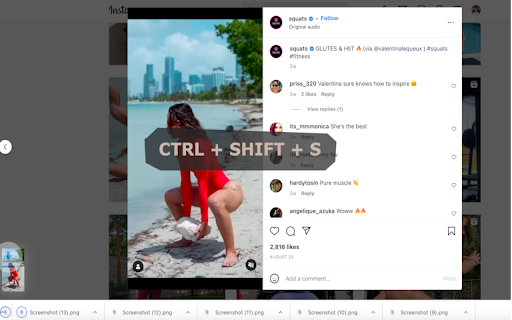
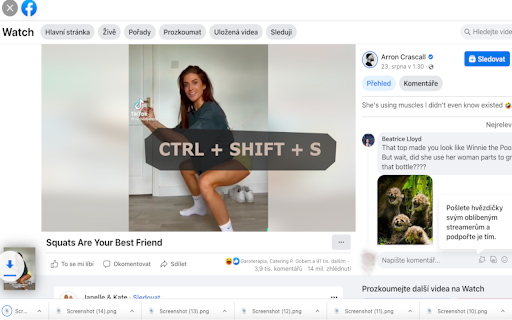
Take a screenshot of your favorite scene in a playing or paused video.
To take a screenshot, press: Ctrl+Shift+S or Cmd+Shift+S or Alt+Shift+S or Ctrl+Shift+. or Cmd+Shift+. or Alt+Shift+. or Ctrl+Shift+, or Cmd+Shift+, or Alt+Shift+,.
Works in full-screen. Quality of the screenshot is the same as of the video.
This extension is designed to work on any video streaming site. It has been tested on youtube.com, instagram.com, facebook.com, twitch.com, vimeo.com and many more.
Known issues:
It may not work on some sites such as Netflix.com or Tiktok.com due to security reasons.
Add to Chrome
Quick Info
- Version
- 1.0.0
- Size
- 26.31KiB
- Price
- Free
- Type
- Extension
Categories
Languages
English (United States)





