Localhost
by Nick Rivadeneira4.0
31 reviews
5.0K
users
Published
November 21, 2014
Screenshots
Description
This is a shortcut to Localhost with a port option. Nothing special...just something useful.
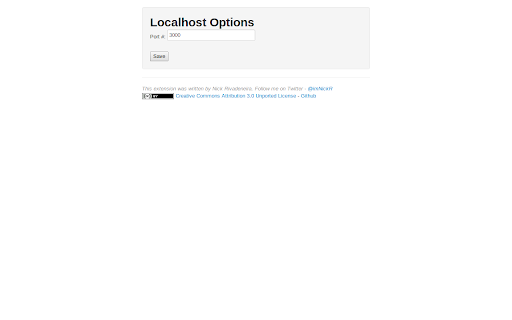
Once installed, the server icon will show up as an app on your New Tab apps page, making it easier and faster to access your local development environment. If you need to change the port, just go to the options from the Extensions page in Chrome.
v1.0.4 changes the default port from 3000 to 80. (thanks richard-parnaby-king)
Add to Chrome
Quick Info
- Version
- 1.0.4
- Size
- 40.08KiB
- Price
- Free
- Type
- Extension
Categories
Languages
English (United States)