
FONT Finder PRO
by Bayramoff56
users
Published
December 15, 2022
Screenshots

Description
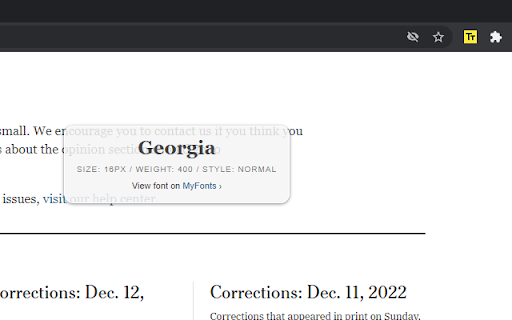
Font Finder RPO extension helps you detect/find fonts used on web pages.
Features:
Find fonts on a web page
Find text size on a web page
How to use:
1. Install "Font Finder PRO" chrome extension.
2. Open any website.
3. Open "Font Finder PRO" from "Extensions list".
Find the extension's icon using the puzzle icon.
4. Click "Start" button to activate Font Finder MODE.
5. Select or click to text on a web page.