XCG - Advanced Options
by vramosx4.7
3 reviews
703
users
Published
September 23, 2022
Screenshots



Description
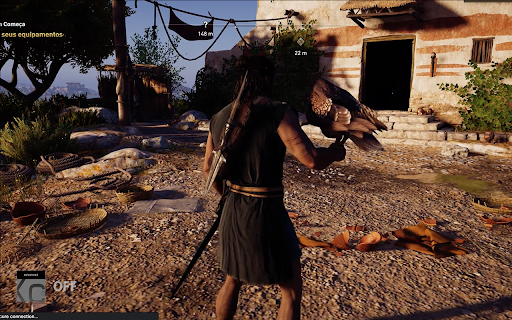
XCG Advanced Options allows you to improve you Xbox Cloud Gaming¹ streaming experience.
With XCG Advanced Options you can change the following settings:
1 - Screen Fit & Size
Change the way the screen is filled. Useful for wide monitors.
NOTE: The screen may be distorted, use the height and width parameters to configure it as you wish.
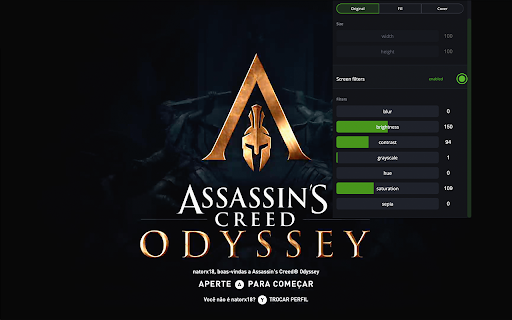
2 - Screen filters
Apply filters to get higher quality images and less distortion during gameplay.
Available filters:
- Blur
- Brightness
- Grayscale
- Hue color
- Saturation
- Sepia
¹ Xbox Cloud Gaming® is a registered trademark or trademarks of Microsoft Corporation in the U.S.A. and other countries.
XCG Advanced Options is not affiliated with Microsoft Corporation, Xbox, Xbox Cloud Gaming, or any of their brands.