Incognito This Tab For Chrome
by Brad5.0
3 reviews
820
users
Published
November 27, 2024
Screenshots

Description
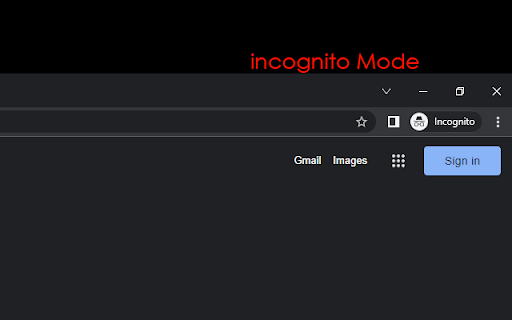
Open current tab in an Chrome incognito Mode. Press Alt+O Chrome hidden mode
Do you want to use the Internet privately? To make sure Google Chrome doesn't save your browsing history, use incognito mode.
Do you want to use the Internet privately? To make sure Google Chrome doesn't save your browsing history, use incognito mode. Start utilizing the incognito mode on Google Chrome right now.
To safeguard your privacy when using Google Chrome to browse the Internet, install Incognito This Tab For Chrome. To make sure your browser history isn't saved on the machine, use Google Chrome incognito.
It is simple to use; all you have to do is click the program icon to open the webpage in incognito mode. This guarantees that the webpage you are on will not appear in a list of websites you have visited.
To start Chrome incognito, use our app. This ensures your privacy is protected and lets you browse privately with Chrome.
Add to Chrome
Quick Info
- Version
- 1.0.1
- Size
- 107KiB
- Price
- Free
- Type
- Extension
Categories
Languages
DeutschEnglishEnglish (United Kingdom)English (United States)FilipinoIndonesiaKiswahiliMelayuNederlandsTiếng ViệtTürkçecatalàdanskeestiespañolespañol (Latinoamérica)françaishrvatskiitalianolatviešulietuviųmagyarnorskpolskiportuguês (Brasil)português (Portugal)românăslovenčinaslovenščinasuomisvenskačeštinaΕλληνικάбългарскирусскийсрпскиукраїнськаעבריתالعربيةفارسیमराठीहिन्दीবাংলাગુજરાતીதமிழ்తెలుగుಕನ್ನಡമലയാളംไทยአማርኛ中文(中国)中文(台灣)日本語한국어