
Audion
by Chrome Web Audio team3.1
39 reviews
3.0K
users
Published
August 18, 2023
Screenshots


Description
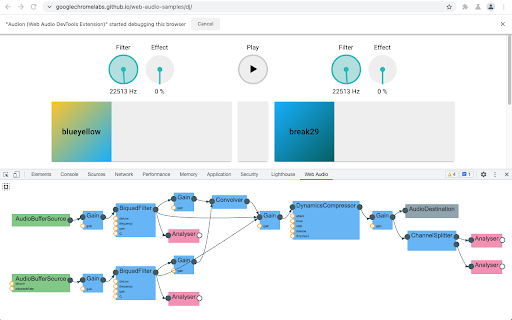
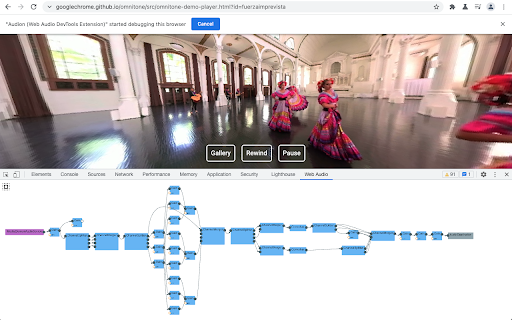
Audion is a Chrome extension that adds a Web Audio panel to Developer Tools. This panel visualizes the web audio graph in real-time.
How to use:
1. Install the extension from Chrome Web Store.
2. Open Chrome Developer Tools. You should be able to find “Web Audio” panel in the top. Select the panel.
3. Visit or reload a page that uses Web Audio API. If the page is loaded before opening Developer Tools, you need to reload the page for the extension to work correctly.
4. You can pan and zoom with the mouse and wheel. Click the “autofit” button to fit the graph within the panel.
Visit GitHub to follow this project, report issues, and contribute: https://github.com/GoogleChrome/audion