
CodeSyncer
by Mustafiz Kaifee5.0
3 reviews
91
users
Published
August 29, 2023
Screenshots
Description
Exciting news! 🤩
CodeSyncer has been integrated with GeeksForGeeks, enabling the ability to automatically push your GFG submissions to your GitHub repository.
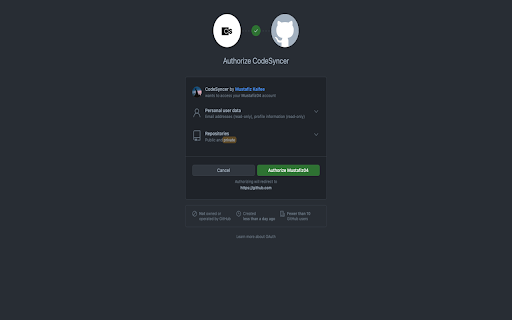
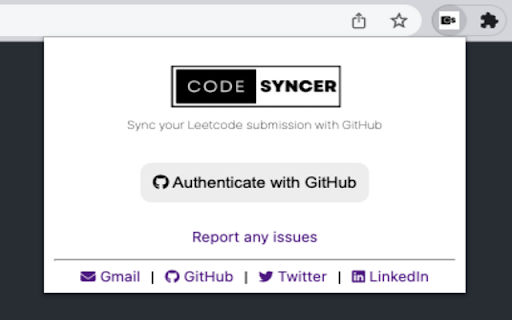
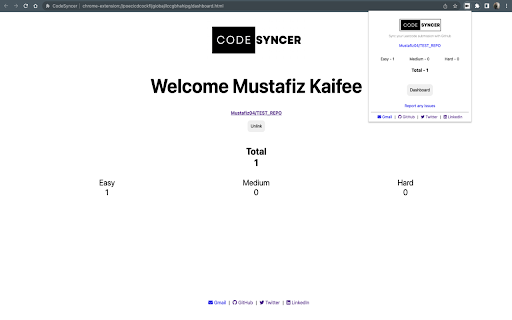
The CodeSyncer Chrome extension allows users to seamlessly sync their LeetCode submissions to their GitHub repository with just a few clicks. This extension eliminates the need for users to manually copy and paste their code from LeetCode to GitHub, saving them time and effort. With this extension, users can easily showcase their coding skills and build their portfolios on GitHub.
Steps to follow
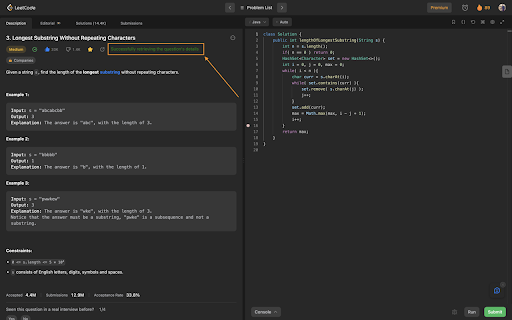
1. Go to the "Problem" tab in Leetcode and select a question from LeetCode.
2. Wait for the message "Successfully retrieved the question's details" to appear.
3. Choose your preferred programming language and write your code.
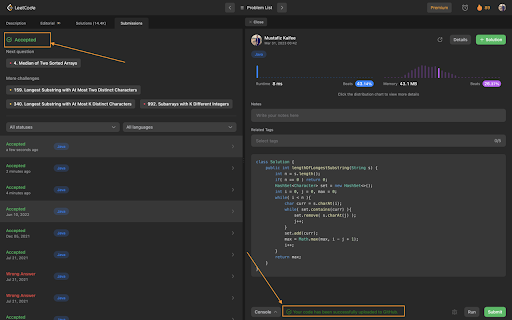
4. Click the "Submit" button and wait for the message "Your code has been successfully uploaded to GitHub" to appear next to the "Console" button.
NOTE:
To update your code, simply go to the "Description" tab, refresh the page, and follow the same steps as above.
Plus, stay tuned – I plan to expand CodeSyncer to other platforms like GFG, CodingNinja, and more!
Best of all, the code is open-source on GitHub, so if you have any ideas for new features, bug fixes, or other contributions, I'd love to hear from you.