
Clear Local Storage
by rimraf4.5
11 reviews
4.0K
users
Published
May 4, 2023
Screenshots


Description
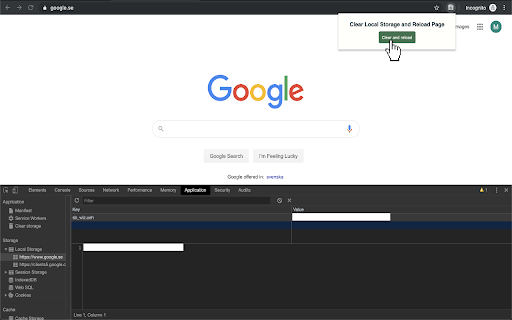
Press Alt + Shift + L or Cmd + Shift + L (Mac), to open the extension and then press Enter to clear local storage and reload the page! (Or click the button if u want :)
Tip: To change shortcut go to chrome://extensions/shortcuts in the address bar!
It's very useful when developing web applications where states are stored in local storage. I made this extension for myself because I couldn't find a good and simple one, so I thought why not release it for everyone to use!
It clears local storage without clearing cookies! Very handy!
Please let me know if something isn't working or if you have any features or suggestions!
Code on.
𐋉 = Rr = Rimraf