

Code Pad Text Editor
by Andrew Borg4.4
663 reviews
30.0K
users
Published
November 21, 2020
Screenshots
Description
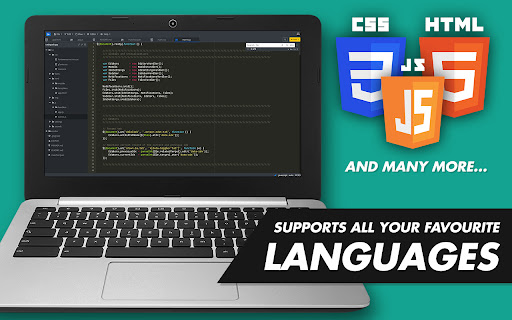
The editor supports a variety of programming languages!
# Currently supported:
Apache, Bash, C/C++, CoffeeScript, CSS3, Dockerfile, GitIgnore, GoLang, HTML5, Java, JavaScript, JSON, Less, Lua, Markdown, MS SQL, Perl, PHP, PHTML, Plain text, PostgreSQL SQL Python, Ruby, Rust, Sass, Scala, SQL, TypeScript, XML, XHTML, and a few more..
Code Pad Text Editor is a free, lightweight text editor for code crafted for Chrome OS. Code Pad allows you to write simple code snippets or build complete programming applications and projects easily, straight on your Chromebook.
P.S. You can also use Code Pad Text Editor as a simple text editor (notepad), if that's all you need (duh)...
# Some nifty features:
- Full project browsing & management
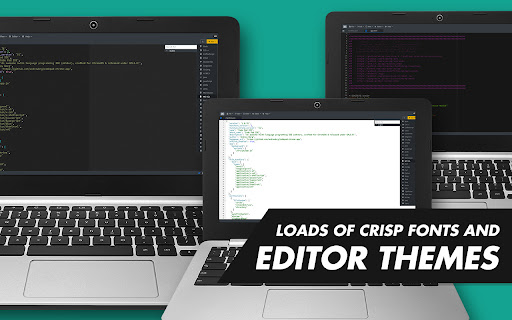
- Over 20 familiar themes (Monokai, etc...)
- Choice of crisp mono-spaced editor fonts
- Ready-made code snippets
- Syntax error & bug detection/alerts
- Syntax highlighting
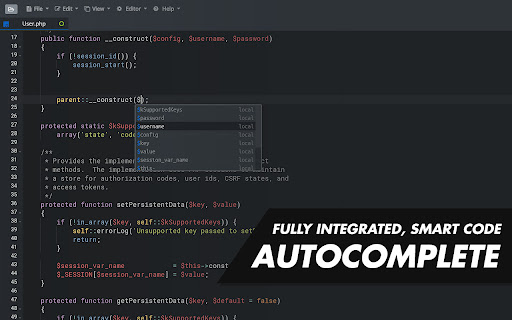
- Code auto-completion & hinting
- Code folding
- Works with Google Drive or Local storage
- Centralized clipboard with Chrome OS
- Automatic in-dent and out-dent
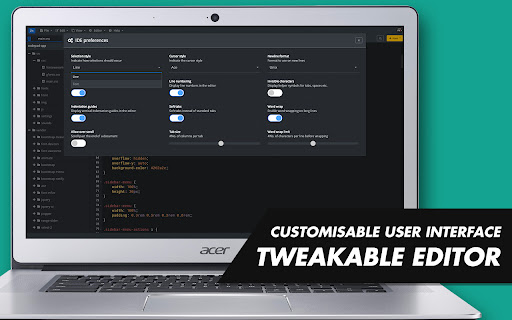
- Tweak-able interface
- Key bindings
- Drag & drop files with your mouse
- Toggle between soft tabs & real tabs
- Line wrapping
- Runs in full screen
- Cut, copy & paste functionality
Code Pad IDE matches the features and performance of native editors such as Sublime, Vim and TextMate.
# GitHub page:
https://github.com/andrewbrg/codepad-chrome-app
If you love Code Pad Text Editor; leave a rating!
Add to Chrome
Quick Info
- Version
- 1.0.96
- Size
- 2.83MiB
- Price
- Free
- Type
- Extension
Categories
Languages
English (United Kingdom)





