
Flowster Capture: screenshots, training, SOPs
by Flowster5.0
7 reviews
960
users
Published
August 7, 2025
Screenshots


Description
Note: this extension is currently in BETA. That means there could be some bugs, but there's an easy-to-use button to submit any questions or concerns to support :)
Are you looking for a super fast way to document your processes?
We have good news! With the Flowster Capture extension, creating your own fully-customized workflows has never been easier or faster.
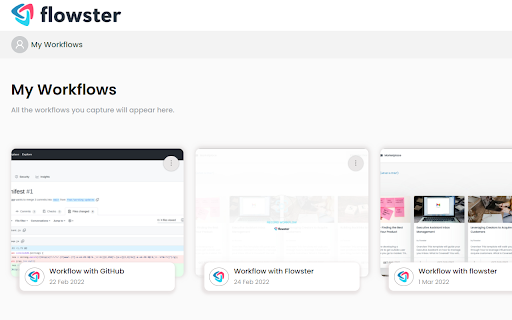
Flowster Capture generates screenshots each time you click your mouse or use your keyboard. These screen grabs are more easily-editable than screen recordings, plus if you pair Flowster Capture with Flowster.app (optional), you can build out fully-functional templates and SOPs.
The Flowster Capture Chrome Extension is way less time-consuming than recording yourself talking over video, or taking screenshots and manually annotating them. Plus, by avoiding video-based screen recordings and workflows, you will also avoid the painful process of having to re-shoot or edit all your videos to keep them up-to-date.
Ready to speed up your business process creation? Start using Flowster Capture today!
Note: Flowster Capture does not require you to have a separate account at Flowster.app; however, if you do decide to get a free account at Flowster.app, you will unlock even more functionality and get access to hundreds of pre-made (fully customizable) workflow templates.
Add to Chrome
Quick Info
- Version
- 3.1.9
- Size
- 195KiB
- Price
- Free
- Type
- Extension
Categories
Languages
English (United States)