
Selection to Markdown Link
by Denis Demchenko5.0
2 reviews
67
users
Published
December 28, 2023
Screenshots

Description
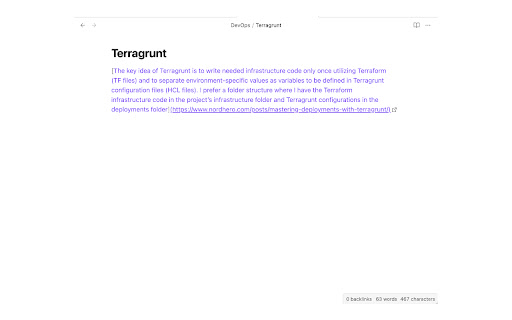
Chrome extension to copy selection and a link in Markdown. Click the extension icon or press the keyboard shortcut to copy link in Markdown format.
Select the text before copying to change the tab title in the link to the selected text instead.
The default keyboard shortcut is <kbd>Ctrl + Shift + C</kbd> (<kbd>Cmd + Shift + C</kbd> for macOS).
This can be changed from the browser's extension settings.