Scalc+
by tshpigel5.0
5 reviews
185
users
Published
November 17, 2024
Screenshots



Description
> User-friendly interface
> Equivalent keyboard shortcuts for every button
> Viewable and changeable caret position
> Additional functionality for a scientific calculator such as combinatorics and sequence functions
> Ability to create variables
> Automatically displays output in scientific notation for large values and values close to 0
> Different color themes
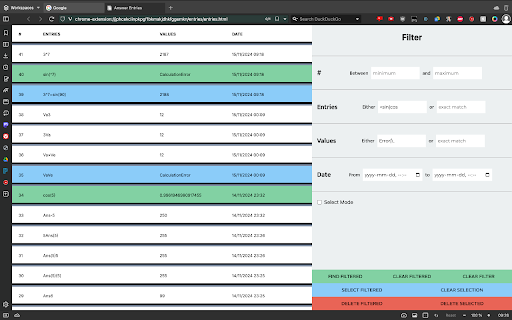
> Allows for extensive management of entry history
It is recommended to read over both pages of the legend (button in the top left of the extension) in order to discover all the functionality that the calculator has to offer as well as understanding all of its quirks.
There may be bugs in the calculator that are unaccounted or untested for, so it is encouraged to report any issues. On a similar note, feedback and suggestions for future updates are very much appreciated.
Link to GitHub repository --> https://github.com/tshpigel/Scalc