Blur Page
by Phuoc Nguyen1.0
3 reviews
452
users
Published
September 9, 2022
Screenshots

Description
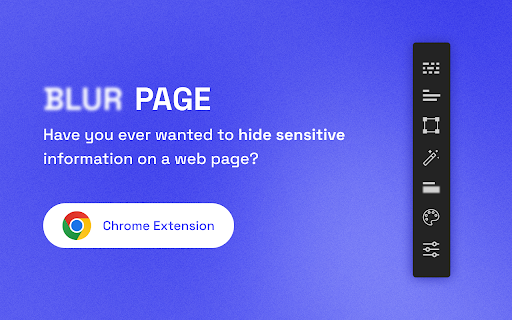
This BlurPage extension provides a different ways to hide any information on the page without leaving your Chrome.
It allows you to hide anything on your screen including:
1. Hide multiple words
You can hide multiple words in the same or different paragraphs
2. Hide multiple lines
It is easy to hide multiple lines at the same time
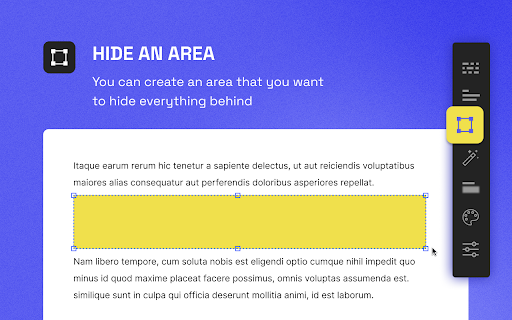
3. Hide an area
You can create an area that you want to hide everything behind
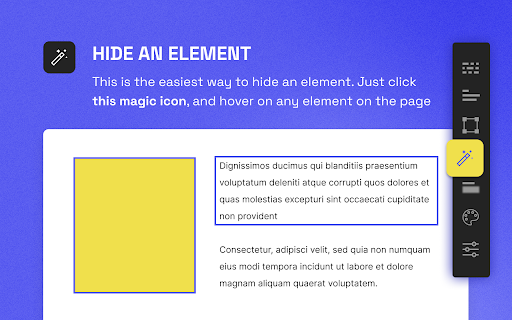
4. Hide an element
This is the easiest way to hide an element. Just click a magic icon in the toolbar, and hover on any element on the page
There are different effects that you can apply for an area or multiple areas:
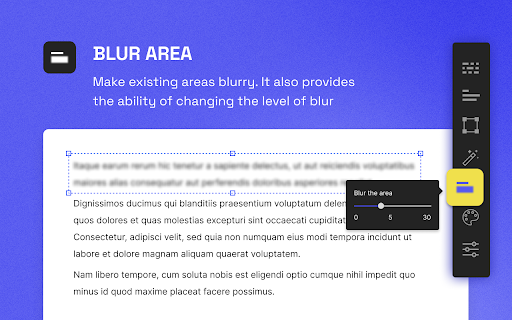
1. Blur
Make existing areas blurry. It also provides the ability of changing the level of blur
2. Redact
Redact areas with different colors
3. Mask
Replace text with asterisks
In addition to that, BlurPage provides a smart way to manage the areas.
1. Persists areas
Prepare areas and reload the browsers by accident! Don't worry, the areas are still there and ready to be blurred!
2. Do more
Apply an effect to multiple areas at the same time
For more information on the extension, you can visit its official website at https://blur.page