JetBrains Toolbox Extension
by JetBrains3.8
120 reviews
90.0K
users
Published
August 27, 2025
Screenshots

Description
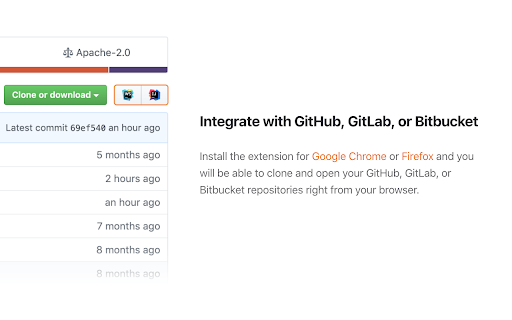
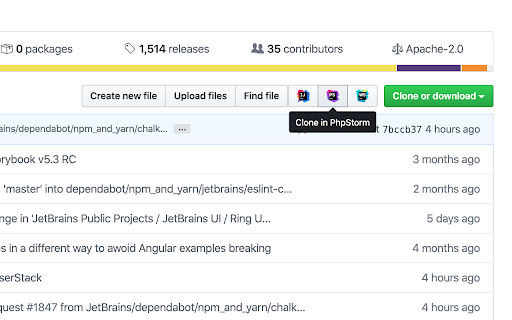
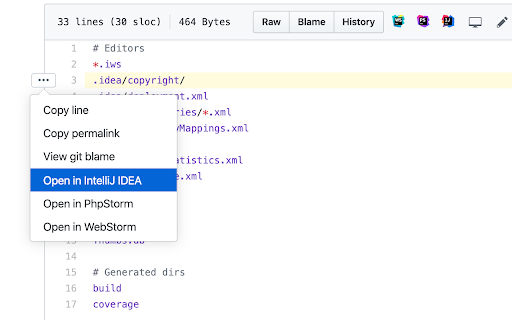
The extension adds buttons that allow you to clone and open projects from GitHub, GitLab, Gitee, and Bitbucket in IntelliJ-based IDEs.
Note: The Toolbox App must be installed on your computer to make the extension work. Download the Toolbox App from https://www.jetbrains.com/toolbox-app.
To open the projects from self-hosted GitHub, GitLab, and Bitbucket instances, make sure to enable the extension for your website by ticking “Enable on this domain” in the extension settings menu.
If you encounter any problem using the extension, please create an issue request at our tracker: https://youtrack.jetbrains.com/issues/TBX
Would you like to collaborate on the extension? Because you can! It's an open-source project. Here is the repository address: https://github.com/JetBrains/toolbox-browser-extension