
192.168.1.1 - Router Admin Login
by WiFi_IP3.0
6 reviews
10.0K
users
Published
June 11, 2025
Screenshots
Description
The Chrome extension allows getting access to 192.168.l.l with just one click.
✔️ What is 192.168.1.1?
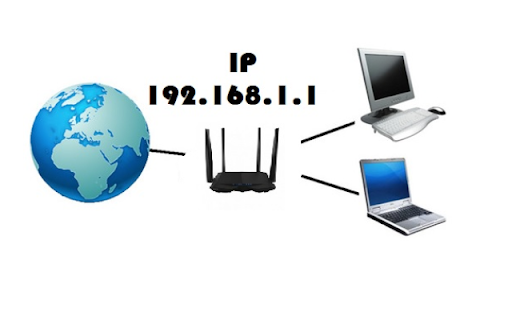
192 l.168.1.1 is the default IP address used by many router manufacturers to access the router's administrative interface.
To access the router admin interface, you can type 192.168.1.1 into the address bar of your web browser.
Once you are logged into the router admin interface, you can change a variety of settings, such as the router's SSID, password, and security settings. You can also view information about the devices connected to your network and troubleshoot any network problems.
✔️ How to login 192.168.1.1?
Follow these steps –
1. First install the extension and Pin it to your Chrome toolbar.
2. Then click the icon.
3. Now click on the "192.168.1.1 Admin" button.
4. Enter the username and password.
5. Then will appear the Admin Panel of the router.
6. Enjoy!