Speed dial 2.0 - New Tab, Bookmarks, History
by Cache Cleaner4.5
24 reviews
399
users
Published
November 11, 2022
Screenshots

Description
⬇️Easy to set up⬇️:
1. Install and add the extension to Chrome.
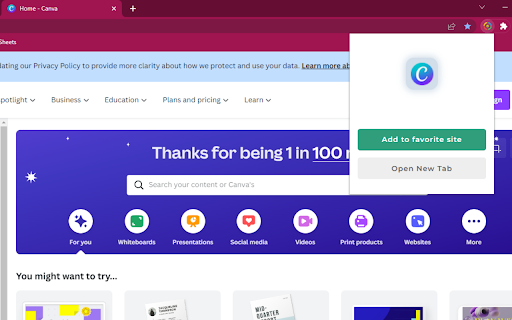
2. This extension takes over your new tab and lets you add shortcuts (speed-dials) in a fun way.
3. Add a speed dial and assign it an icon.
4. Arrange your speed dials in standard/fancy/list views.
✨Features ✨
1. Drag and drop your speed dials.
2. Edit the number of columns, size of the speed dials and customizable transparency.
3. The new tab will have your speed dials, recently visited and closed pages, and visual bookmarks 🔖to make it easy for you to go and forth between them.
4. Sync your dials between different browsers.
This extension is a New Tab replacement with syncable 3D Speed Dials, with which you can organize your bookmarks🔖, groups, and most visited pages.