Inteset Secure Lockdown Browser Helper
by Inteset Systems, LLC5.0
1 reviews
973
users
Published
August 3, 2022
Screenshots


Description
Chrome's ability display and represent your browser application is second to none. However, when running in Chrome's Kiosk Mode, the browser suffers from some drawbacks. For example, in kiosk mode, there is no browser navigation, tabs or menus available. This becomes a problem if your application tries to open a new window, tab, or leads to a website that is blocked. When in Kiosk Mode, if a new window or tab is open, the main application will be inaccessible as it will be covered by the new window or tab page. Also, if the user clicks to other websites that are black listed, Chrome will throw an error page, but will give no means to return to the main kiosk website causing the user to be stuck on the error page.
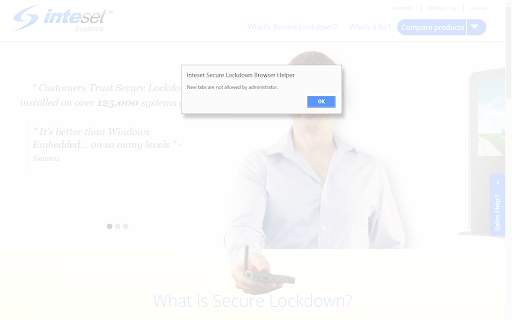
The Inteset Secure Lockdown Browser Helper alleviates these problems by trapping the above scenarios and offering the user an easy way to return to the main kiosk application. The Helper simply advises the user of the situation with a friendly dialog and gives them the opportunity to return to the previous page. It's as simple as That!