Block Site
by Jorvi3.9
256 reviews
90.0K
users
Published
July 22, 2025
Screenshots


Description
Block Site is a browser extension to help you block desired websites (domains).
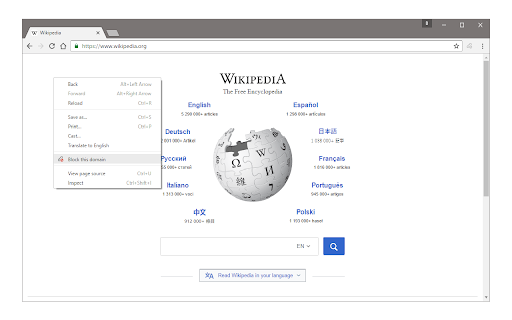
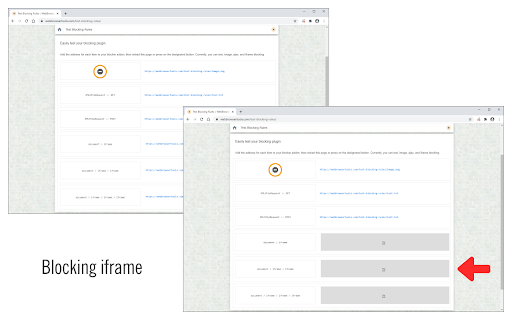
To work with this addon, simply right-click on any webpage and then click on the "Block this website" via the context-menu item. The website's domain address will be added to the block list (see options page). Please note, the whole domain will be added to the block list, not just a URL. To change this list, open the options page, remove the desired item, or add a new one. For any blocked domain, you can add a redirect URL on the options page. To do so, please first add a domain to the blocked list, and then add a redirect URL in the second column (as shown in the last screenshot). Now, instead of blocking a domain, the website will be redirected to the redirect URL. There is also an option to block desired iframes. To do so, please add the URL (for the iframe) in the designated area on the options page (top section).
To report bugs, please visit the addon's homepage (https://mybrowseraddon.com/block-site.html) and fill out the bug report form.