Easy Screen Shader
by WebTools9.0K
users
Published
August 31, 2025
Screenshots

Description
Looking for a way to protect your eyes from the harmful effects of blue light when using your computer at night? Check out this extension - a lightweight and user-friendly tool that can easily adjust your screen color to match the surroundings.
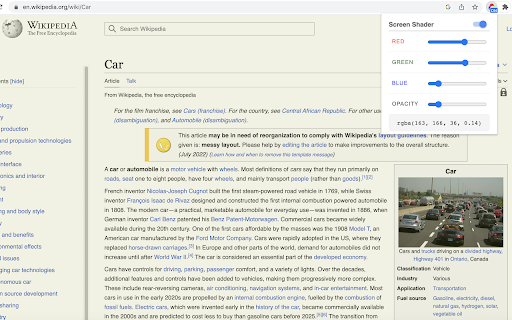
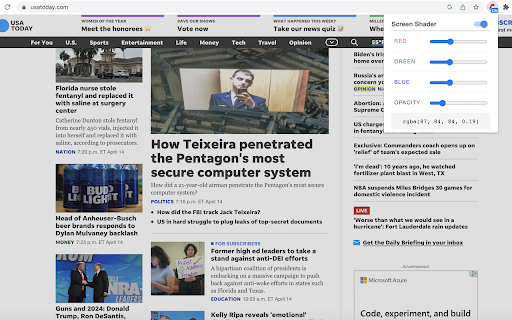
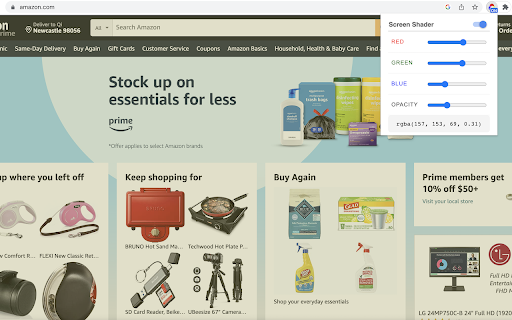
The extension helps reduce eye strain by putting a custom color overlay over web contents. It's a great way to avoid the excessive blue light emitted by computer screen particularly in low-light conditions.
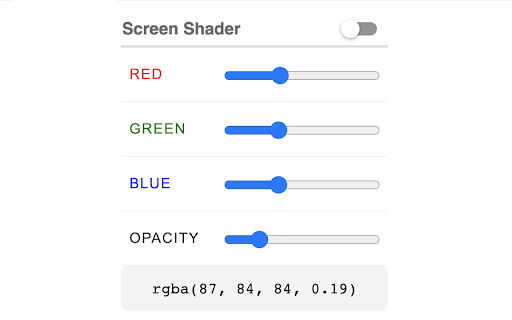
The tool is very easy to set up. The options page lets you customize color value in the format of RGBA to suit your preferences. An ON/OFF switch lets you easily enable or disable the overlay feature. Once enabled, color overlay will be put to all Chrome tabs based on the color you've set. You are free to disable overlay feature anytime.
Additionally, We’ve added some of our new extensions at the bottom for your convenience and enjoyment!