
SneakPeek
by Defendera3.5
6 reviews
42
users
Published
January 3, 2024
Screenshots
Description
SneakPeek is a better way to browse the internet.
Do you know how you're searching for something on the web and end up visiting like 1000 pages just to go back in a few seconds because it's clearly not what you're looking for? Yeah, painful, we know...
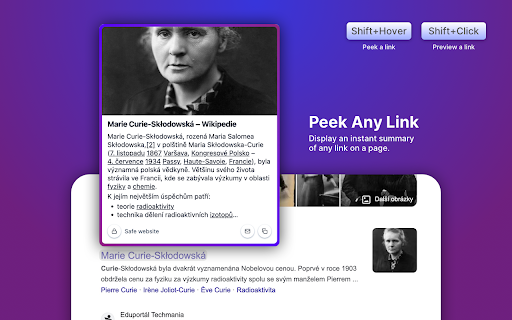
SneakPeek provides a simple way to Peek and Preview links without opening the page. You can:
• Trigger a Peek (by link hover + trigger key) to see the promo image, description, and the start of the page text.
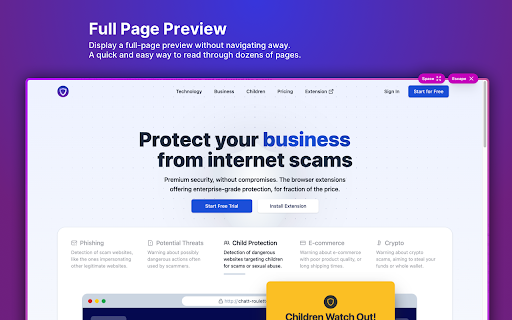
• Trigger a Preview (by link click + trigger key) to display the full page without navigating away from the current page.
SneakPeek also packs some power-user features and settings. Just to name a few:
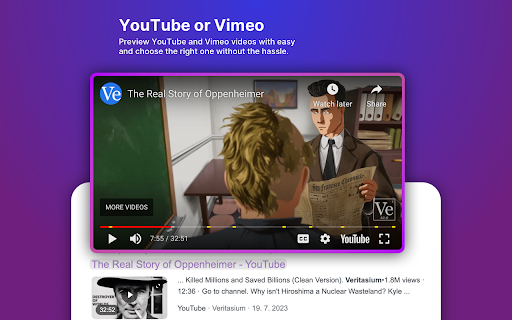
• It's ready for video pages like YouTube or Vimeo, displaying the little preview of the video.
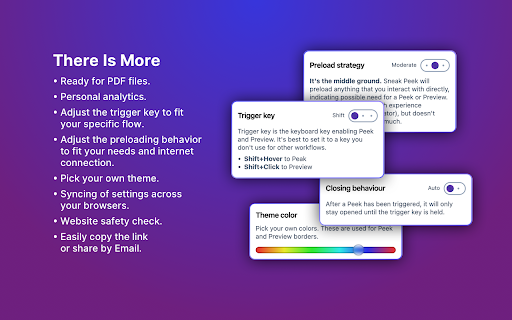
• It's ready for PDF files.
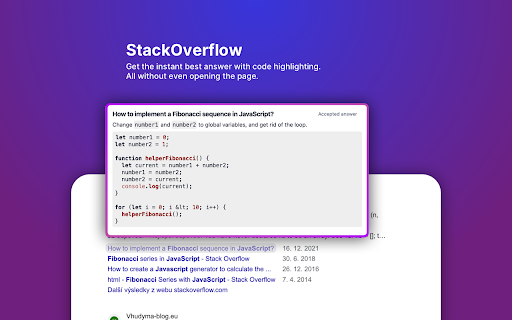
• It automatically detects and displays the best answer from the StackOverflow questions.
• It let's you adjust the trigger-key to fit your specific flow.
• It let's you adjust the preloading behaviour to fit your needs and internet connection.
• It has a theme editing.
Give it a go. You might love it!