ChatGPT File Uploader
by Shreyas Subramani5.0
1 reviews
600
users
Published
May 24, 2023
Screenshots
Description
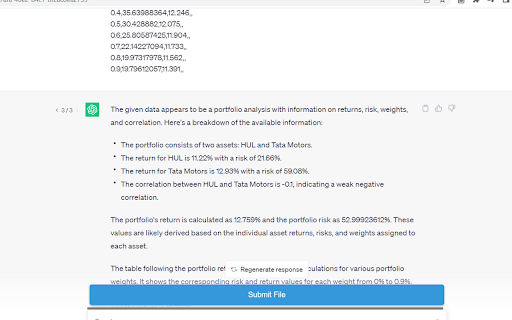
The "ChatGPT File Uploader" extension provides a convenient way to upload files into ChatGPT. With this extension, you can easily select and upload files to ChatGPT with just a few clicks.
How to Use:
1. Install the extension from the Chrome Web Store.
2. Once installed, the extension icon will appear in the Chrome toolbar.
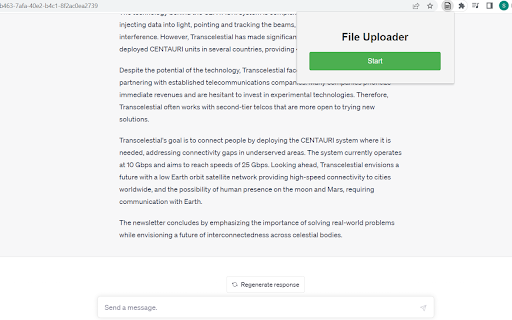
3. Click on the extension icon to open the popup window.
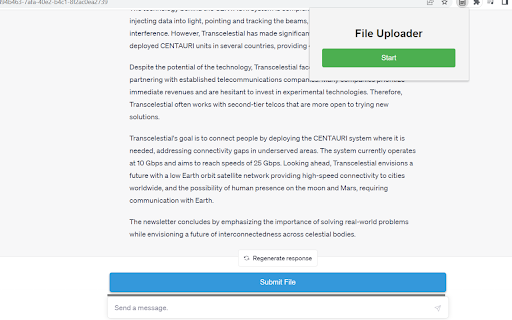
4. Use the start button to activate or deactivate the file upload functionality.
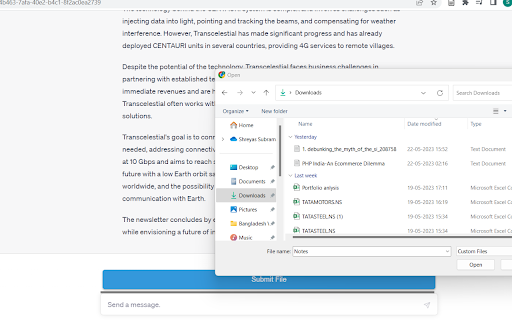
5. When the button is active, you can click on file upload fields on websites to select and upload files.
Enjoy a seamless file uploading experience without any hassle.