

Twitch Bottom Chat
by caecke.loan99
users
Published
July 6, 2022
Screenshots

Description
How to use :
1. Go to a twitch livestream
2. Reduce the windows width (works at it's best at ~700px).
3. Click on the extension icon. The chat will fit the remaining vertical space of the page.
4. GG
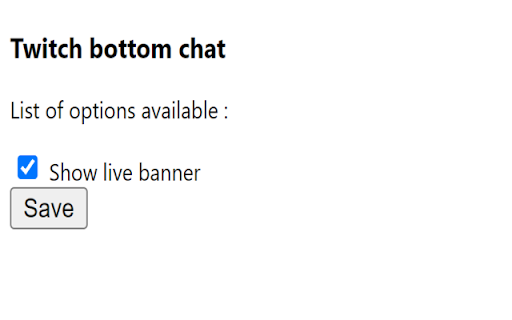
Optional : You can chose to hide the stream infos banner by navigating through the option page of the extension. Options will be automatically saved for your next visit.





