
Sherlock
by stan.massueras31
users
Published
February 8, 2023
Screenshots


Description
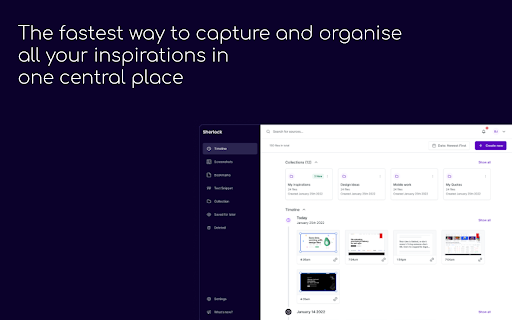
Sherlock's Chrome extension will help you to capture, tag and organise all your sources of inspiration in one tidy central place in the cloud:
- Visual inspirations: screenshots, images, and colour palettes etc...
- Links: URLs, your dashboards, white-papers, blogs, videos etc...
- Short form text content: Text-Snippets, short quotes and statistics
Problems Sherlock will help you solve:
1 - No more messy desktop:
Add structure to your thought process by mapping all your ideas and inspirations in one central organised place in the cloud.
2 - Add more brain power to your day to day:
Use technology to your advantage and never lose great ideas. Track and organise them at the speed of light.
3 - Stay in your Flow State:
Do not let tools interrupt your creative process. Reduce unnecessary distraction and extend the fluidity between your body and mind.
If you are a designer, writer, journalist, researcher, developer, Sherlock will bring calm and structure to your life so you can simply focus on what you do best, being creative!