
Jive Copilot
by jivesoftware5.0
2 reviews
92
users
Published
March 21, 2024
Screenshots
Description
Jive Copilot is an AI-powered browser extension that enriches your browsing experience by providing a new way of consuming content and exploring information on Jive Community.
Our solution offers two main capabilities :
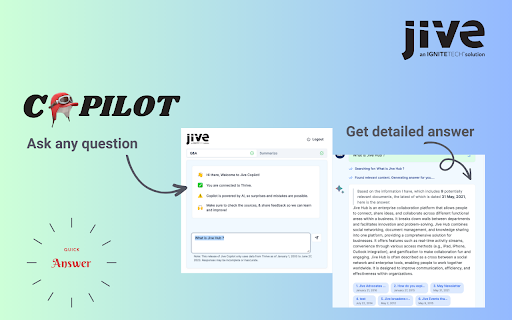
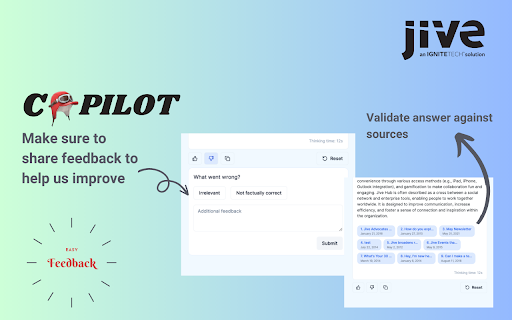
✅ Q & A : Helps you get detailed answer along with sources for any question.
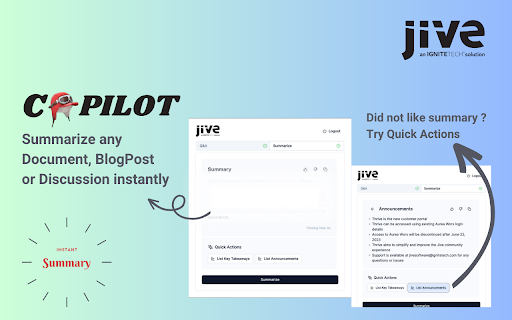
✅ Summarize : Helps you summarize any document, blog post or discussion on Jive. It also dynamically provides quick actions to get important ideas, key takeaways, announcements etc.
❓ FAQ
How can I Install Jive Copilot?
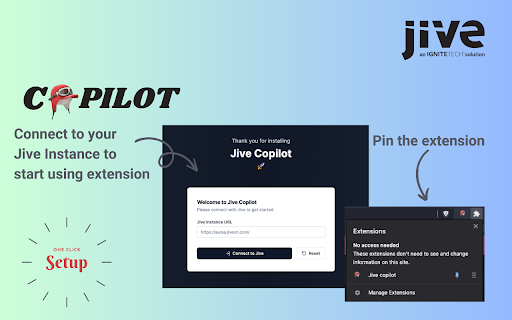
To install Jive Copilot, simply click the "Add on Chrome" button, install the extension, and login with your Jive Account. That's it!
What web browser are supported?
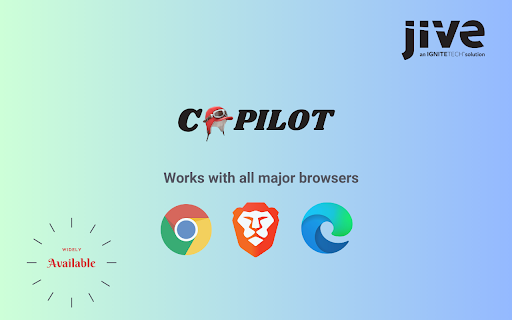
Currently, Jive Copilot supports Google Chrome, Microsoft Edge and Brave browsers.
Can I use Jive Copilot on any Jive Community ?
Jive Copilot can only be used with communities that are onboarded on Jive Copilot. Connect with your community manager for more information.
Does Jive Copilot Summary work on all websites?
No, it only works on Jive Community you are logged in with. Also, right now, it only summarizes document, blog posts and discussions on Jive (not other kind of pages).
What content does Jive Copilot consider while answering my question ?
Jive Copilot answers your question based on content you have access to.
What languages Jive Copilot operates with?
For now, Jive Copilot only works in English.
Note : Only authenticated jive users can use this extension.